in advance for guidance
As activity on your access token becomes concerning an email is sent to the email address of the Primary Contact on your vendor account. If the activity exceeds the limits in under an hour period, the access token will be suspended and a shut-off message sent to the Primary email address. Messages regarding behavior will also appear on your MLS Grid timeline. If your API access has been suspended your client will receive an HTTP 429 error in response to any requests. This error will include details of the concerning behavior.
In the emails you receive will be details of the concerning behavior or the reason your access token was suspended. A link in the email will take you to the Usage tab of your MLS Grid data subscription where a more detailed breakdown of the activity can be viewed. We encourage you to click on the Take Me To The MLS Grid button in the email in order to view the usage tab of your MLS Grid account for a more detailed breakdown of what the concerning behavior may be.
When your access token has been suspended for concerning behavior the permissions for the token will be automatically reinstated once enough time has passed that the number of requests submitted or amount of data consumed falls back within these limits.
You can view your hourly summary of your usage by clicking on the Usage tab in your data subscription and see the 24 hour breakdown by clicking on the Usage Logs button at the bottom of the page.
1. Log in to your MLS Grid account
2. Click on Manage Subscriptions in the left side navigation menu
3. Click on the Edit Data Subscription Details button
4. Locate the Usage tab
# API Version 2.0
This page contains the information about how to use version 2.0 of the API.
### API Access
To get data, target the odata based Web API like so:
```
https://api.mlsgrid.com/v2/Property?$filter=OriginatingSystemName%20eq%20%27actris%27%20and%20ModificationTimestamp%20gt%202020-12-30T23:59:59.99Z&$expand=Media,Rooms,UnitTypes
```
With the following header
| Header | Value |
| ------------- | -------------------- |
| Authorization | Bearer access\_token |
**Explanation of the URL segments**
The URL shown above has the following segments (with explanations)
| Segment | Description |
| ----------------------------- | ------------------------------------------------------------------------------------ |
| | The main location of the API Service for now and the future |
| Property | The resource name for the data that you want to download |
| $filter | Using an odata query. This is limited for replication purposes. |
| $expand | Contains the list of expanded resource types you want included in the returned data. |
All data is compressed using gzip compression to shrink the overall payload size.
#### Limitations of Replication API
At this writing there are several limitations imposed on the Web API for the purpose of replication. These limitations are imposed to make the generally heavy odata faster for this specific use case.
Here are limitations imposed:
| Limitation | Description |
| --------------------------------------------------------------------------------- | ---------------------------------------------------------------------------------------------------------------------------------------------------------------------------------------------------------------------------------------------------------------------------------------------------------------------------------------------------------------------------------------------------------------------------------------------------------------------------------------------------------------------- |
| [OriginatingSystemName](/api-documentation/api-version-2.0#originatingsystemname) | Each request must contain a single OriginatingSystemName specified in the filter criteria of the request. |
| [Searchable Fields](broken://pages/-MRW-5WVnEWJPqpYQtOc#searchable-fields) | There are only a few fields you can query the service with. This includes timestamp and status fields. See below for a list of all fields. |
| $expand calls | $expand is limited to specific resources and types due to the custom nature of our API service. Please see the Expanded Resources section of the docs for more information. We do not support $select or $orderby on the $expand resources.
NOTE: If you use expand in the request, the records per request limit reduces to 1000 at most per request. If you set $top=2000 or 5000 for example you will receive an error.
|
| 5000 records per request | You can receive at most 5000 records per request. If you set $top=6000, for example, you will receive an error. The application will default to 500 records per request if not specified. |
| or operator | The query must include no more than 5 'or' operators per query.
NOTE: It is preferred to use the in operator instead which is new in version 2.0.
|
Otherwise, users can select for specific fields as expected using the $select param in the URL.
### Replication
Here are some examples of how you will use this API for replication. All examples assume the use of the headers being set properly for authentication purposes.
**Initial Import**
This is what the initial import request will look like:
```
https://api.mlsgrid.com/v2/Property?$filter=OriginatingSystemName%20eq%20%27actris%27%20and%20MlgCanView%20eq%20true
```
The initial import would grab the first "page" of data. We don't want any deleted records so we set MlgCanView to being "equal" to true.
#### Next Link
To get the next page of data from the request, as part of the response body you will find a field called @odata.nextLink which contains a url. You can use this url as the next request to page through the data. You would continue to use the next link to get the next page of data until the response no longer contains a next link. Here is a snippet that shows what the next link looks like in the json.
```
"MlgCanView": true,
"ModificationTimestamp": "2019-02-01T00:55:41.516Z",
"OriginatingSystemName": "actris"
}
],
"@odata.nextLink": "https://api.mlsgrid.com/v2/Property?$filter=OriginatingSystemName%20eq%20'actris'%20and%20MlgCanView%20eq%20true&$expand=Media%2CRooms%2CUnitTypes&$top=1000&$skip=4000"
}
```
**Errors during import**
If you encounter an error during your initial import you can avoid re-downloading any records that you already received and continue where you left off by adding the ModificationTimestamp that you last received to the initial import query:
```
https://api.mlsgrid.com/v2/Property?$filter=OriginatingSystemName%20eq%20%27actris%27%20and%20MlgCanView%20eq%20true%20and%20ModificationTimestamp%20gt%202020-12-12T00:00:00.000Z&$expand=Media,Rooms,UnitTypes
```
We order our requests by ModificationTimestamp by default so that you do not miss changes that occur during your download and so that you can pick up where you left off in this manner.
**After Initial Import**
After you have the initial data fully downloaded, you would switch to using replication queries which do not contain an MlgCanView filter in them. This allows you to get all changes to the data including changes to MlgCanView=false so that you know when data is removed from the feed and needs to be deleted from your local data store. If you choose to store only a subset of the data in your local data store, your replication queries need to contain the greatest ModificationTimestamp you have received in the data from the api regardless of whether or not you choose to store the records you receive. This avoids repulling the same data over and over again.
Here is an example replication query:
```
https://api.mlsgrid.com/v2/Property?$filter=OriginatingSystemName%20eq%20%27actris%27%20and%20ModificationTimestamp%20gt%202019-02-04T23:59:59.99Z&$expand=Media,Rooms,UnitTypes
```
This should be very familiar to anyone who has used RETS before and needed to replicate over that service.
### Signal Fields
The following fields when they have changed indicate that action must be taken by the consumer with regard to their local data store.
| Resource or Expanded Resource | Field | Action to Take |
| ----------------------------- | -------------------------- | ---------------------------------------------------------------------------------------------------------------------------------------------------------------------------------------------------------------------------------------------------------------------------------------------------------------------------------------------------------------------------------------------------------------------------------------------------- |
| ALL | ModificationTimestamp | The record data has changed, replace the contents of your local copy of the record with the updated copy received during replication. |
| ALL | MlgCanView | When changed to false, the record is no longer valid for the feed type you consume and must be removed from your local data store. |
| Property, Member, Office | PhotosChangeTimestamp | This value will not change without also having the ModificationTimestamp change. If this timestamp changes, it means that the media records have changed. Replace the contents of your local copy of any media records with the updated copies received during replication. Pay attention to any MediaModificationTimestamp updates as noted below. |
| Media | MediaModificationTimestamp | This value exists on the Media subdocuments of a Property, Member, or Office record. None of these values will change without also having the ModificationTimestamp of the Property, Member, or Office record change. During regular replication, if the MediaModificationTimestamp of a media record is new or different from what you had before, the image file has changed and needs to be re-downloaded using the MediaURL of the media record. |
Here is an example of a typical sequence of events for how to use these signal fields when receiving updates to records.
1. Query the API for updates using the greatest ModificationTimestamp from your local database for this resource.
2. While saving each record received, take the following steps:
3. Look to see if the MlgCanView field is false. If it is, delete or mark your local data copy to be deleted from your data set.
4. Look to see if the PhotosChangeTimestamp has changed since the last time you received this record. If it has changed, then replace your local media records with the ones you've received in the update.
5. The key of the Media record is the MediaKey. Match up your records by the MediaKey. If you received a new MediaKey, or a MediaKey you did not previously have, download that image using the MediaURL.
6. If the MediaKey no longer exists mark that record deleted.
7. After taking all needed action, save off the ModificationTimestamp as the greatest ModificationTimestamp you have received back from the API for this resource and then repeat for the next record.
### Metadata
Use this endpoint to access the metadata for the API.
```
https://api.mlsgrid.com/v2/$metadata?$filter=OriginatingSystemName%20eq%20%27actris%27
```
### Resource Naming
The following is a list of the resource names (or entity sets) to use in the request URL.
| Resource Endpoint | Expandable Resources | Description |
| ----------------- | ------------------------------------------ | ------------------------------------------------------------------------- |
| Property | Media,
Rooms,
UnitTypes
| Property Resource. This resource contains all listings for sale or lease. |
| Member | Media | Member Resource |
| Office | Media | Office Resource |
| OpenHouse | - | OpenHouse Resource |
| Lookup | - | Lookup Resource |
### Expanded Resources
The expanded resources are a sub document of the resource that they belong to. For example the Media records exist as an array of records called Media on the Property Record and are given through the api as part of the Property record. If the ModificationTimestamp of the Property record changes, the contents of the Media sub document should be replaced by whatever is returned in the updated record.
The following is a list of the expandable resources and their corresponding [Resource Names](/api-documentation/api-version-2.0#resource-naming) that have the ability to expand them. This is basically the same list as above but inverted:
| Expanded Resource Name | Resources that can expand this resource | Description |
| ---------------------- | ------------------------------------------- | ---------------------------------------------------------------------------------------------------------- |
| Media | Property,
Member,
Office
| Media expandable resource. These are the media files associated with a Property, Member, or Office record. |
| Rooms | Property | Rooms expandable resource. These are the Room records associated with a Property record. |
| UnitTypes | Property | UnitTypes expandable resource. These are the UnitType records associated with a Property record. |
### Rooms and UnitTypes
RESO expects these expanded collections to be named differently on the records they are expanded onto. These collections are referenced in the nav links in the resource metadata. This is how the requests and data look:
#### Metadata
The field name of the data in the Property or other resource record will match the name in the nav link located in the resource it expands from. The Type of the nav link will indicate what EntityType that field name corresponds to so that you can find the definition for that expanded type in the metadata.
Example Metadata Nav Links:
```
```
#### Example Expand Request:
```
https://api-demo.mlsgrid.com/v2/Property?$expand=Rooms,UnitTypes,Media&$filter=OriginatingSystemName eq 'actris'
```
#### Example Rooms Expanded Data:
```
"Rooms": [
{
"RoomDimensions": "13X14",
"RoomType": "Bedroom 1",
"RoomFeatures": "Full Bath",
"RoomKey": "RTC1733786Group_1"
},
{
"RoomDimensions": "12X11",
"RoomType": "Bedroom 2",
"RoomKey": "RTC1733786Group_2"
}
],
```
#### Example UnitTypes Expanded Data:
```
"UnitTypes": [
{
"UnitTypeActualRent": 1,
"UnitTypeType": "Unit 1",
"UnitTypeBathsTotal": 1,
"UnitTypeBedsTotal": 2,
"UnitTypeKey": "RTC2405117Group_1"
},
{
"UnitTypeActualRent": 1,
"UnitTypeType": "Unit 2",
"UnitTypeBathsTotal": 1,
"UnitTypeBedsTotal": 2,
"UnitTypeKey": "RTC2405117Group_2"
}
]
```
### Deleted Records
**MlgCanView - Deleted Listings, Off Market Listings, Etc**
Each record in the system has a field called MlgCanView which is a boolean field and indicates whether the record should be kept in your database or not. This is how we have implemented our delete mechanism. When you receive an updated record during replication, you should first check this flag to see what action to take with your local copy of the record.
* IF **true**, then save or update the existing record in your db.
* IF **false**, then remove the record from your database (or never save it in the first place).
This value can be changed to false based on a number of different reasons. \
The following are a few example reasons:
* The property was deleted.
* The property listing office decided that they don't want to feed out any of their listings.
* The property changed status and made it unavailable in IDX
* Etc.
***PLEASE NOTE: After 7 days records marked MlgCanView false will be removed from the data feed entirely.***
The MlgCanView field is a specific field to the MLS Grid that tells you whether the record should be kept in your database. (note that any field with the prefix "Mlg" is specific to the Grid)
### Deleted Expanded Resource Records
There is no delete flag for expanded resources as they exist as a part of the record they come with. As is the case with all other fields on the record, if you get records or values that are different than what you currently have, replace it with the new records and values you've received. If some of the data in your local data store no longer exists in the updated data that you received, remove it.
### MlgCanUse Field
Each record in the system has a field called MlgCanUse which is an array that helps indicate which of the Use Cases defined in the MLS Grid Master Data License Agreement the record qualifies for.
Each of the values in this field correspond to the data subscription types where the record may be found, and the possible Use Cases for each data subscription type are detailed below.
#### IDX Data Subscriptions
Records marked for IDX can be used in the Internet Data Exchange Program for public display on IDX websites AND in Customer Relationship Management and Transaction management tools.
#### Example MlgCanUse Field Output for IDX
```
"MlgCanUse": [
"IDX"
]
```
#### VOW Data Subscriptions
Records marked for VOW can be used in the Virtual Office Website Program whereby a Internet website or a feature of a website is capable of providing real estate brokerage services to consumers where there exists a broker-consumer relationship. Additionally if the MlgCanUse field contains the IDX value, the records can also be used for the IDX Use Cases detailed above. Records that contain ONLY the VOW value can not be used for IDX Use Cases.
#### Example MlgCanUse Field Output for VOW
```
"MlgCanUse": [
"VOW"
]
```
```
"MlgCanUse": [
"IDX",
"VOW"
]
```
#### Back Office (BO) Data Subscriptions
Records marked for Back Office (BO) can be used in Agent Production Analytics, Comparative Market Analysis, Real Estate Market Analytics, and Participant Listings Use (as each is defined in the MLS Grid Master Data License Agreement). Additionally if the MlgCanUse field contains the IDX and VOW values, the records can also be used for the IDX and VOW Use Cases detailed above. Records that contain ONLY the BO value can not be used for IDX or VOW Use Cases.
#### Example MlgCanUse Field Output for Back Office (BO)
```
"MlgCanUse": [
"BO"
]
```
```
"MlgCanUse": [
"VOW",
"BO"
]
```
```
"MlgCanUse": [
"IDX",
"VOW",
"BO"
]
```
#### Broker Only / Participant Data Access (PT) Data Subscriptions
Records marked for Broker Only / Participant Data Access (PT) can be used solely for Participant Listings Use (as defined in the MLS Grid Master Data License Agreement).
#### Example MlgCanUse Field Output for Broker Only / Participant Data Access (PT)
```
"MlgCanUse": [
"PT"
]
```
#### Example MlgCanUse Field Metadata
The MlgCanUse field can be found in the MLS Grid Metadata for each MLS.
```
```
### Media
The expanded media contains data describing photos (and in limited cases documents) associated with Properties, Members, and Offices.
The primary identifier of the media records is the MediaKey field. This is the field that uniquely identifies a record.
In order to retrieve the photo associated with the media record, you will need to use the URL provided in the MediaURL field to download the image. The URL is for the highest resolution photo that the MLS provides to us.The URLs contained in the Media resource are to be used **ONLY** for the purpose of downloading a local copy of the image file. **DO NOT** use these URLs on your website or in your application.
**ALL** requests to download the expanded media using the Media URL **MUST** include the HTTP header User-Agent. The User-Agent value **MUST** be the Oauth 2 access token you are provided by MLS Grid that is used to access our Web API. Any User-Agent that is not your Oauth 2 access token will be blocked by our service.
The media never updates and retains the original Media URL. If there are **ANY** changes to the media a new Media URL is issued. There is **NEVER** a reason to download the same media more than once.\
\
**Media URL format (effective September 8, 2026)**
Starting September 8, 2026, MLS Grid will serve Media from media.mlsgrid.com rather than Amazon AWS. A Media URL will look like this:
```
https://media.mlsgrid.com/token=OlQCGcw0eHIb7_yVPb0oNQwLxSS-WV2BniUX0TuI5tw&expires=1785214585&id=6a5fd94b01ecf70f22bafd26/images/MFR781897278/763177d0-e06c-4672-a48e-2801be622702.jpeg
```
The token, expiration, and id values are unique to each Media item and are provided for you in the MediaURL field returned by the API — there is no need to construct these URLs yourself.
**Signed, single-use, and time-limited**
Each Media URL is:
• **Signed** — the token, expires, and id parameters are cryptographically tied to that specific URL. Any modification to the URL — reformatting, re-encoding, or editing any part of it — will invalidate it.
• **Single-use** — the URL may be used to download its image only once. A second request using the same URL will fail.
• **Time-limited** — the URL expires one hour after it is generated. If it isn't used within that window, it will no longer work and a new URL must be retrieved via the API.
As before, the media content itself never updates in place — if there are any changes to the media, a new MediaKey and Media URL are issued, and there is never a reason to download the same media more than once. Because Media URLs now also expire and are single-use, do not store or cache a Media URL for later use — retrieve it from the API and download the image promptly.
**S3 bucket-to-bucket transfer is no longer supported**
As of September 8, 2026, direct S3 bucket-to-bucket transfer of Media is no longer supported. If your integration currently uses this method, you will need to move to the standard download-and-store workflow described above.
**Amazon CloudFront access**
If your integration currently accesses Media via Amazon CloudFront, it will need to be reconfigured to point to the CDN operated by MLS Grid. Contact so we can get you set up on the new CDN ahead of the transition.
### Lookups
This resource contains all of the lookup values for an mls. We recommend using the following queries to replicate and keep your Lookup data up to date:
#### Initial Data Import Request
```
https://api.mlsgrid.com/v2/Lookup?$filter=OriginatingSystemName eq ‘actris’ and MlgCanView eq true
```
#### Regular Replication Requests
```
https://api.mlsgrid.com/v2/Lookup?$filter=OriginatingSystemName eq ‘actris’ and ModificationTimestamp gt [GREATEST ModificationTimestamp FROM YOUR DATABASE FOR THIS RESOURCE]
```
Replicate from this resource the same way you would replicate from any of the resources using the Greatest ModificationTimestamp from the records you've received so far when querying for the latest changes.
Please do not pull from this resource more frequently than once a day as this resource will not likely change more than once a day. Pulling this resource with the same frequency as the rest of the resources may result in interruption of service for inefficient usage practices.
If you receive an update to MlgCanView: false on any of your lookup records, you should remove it from the list of possible values for that LookupName for the OriginatingSystemName on the record.
#### Example Lookup Record
The LookupKey is the primary identifier for this resource. Each record indicates that a lookup exists and is being used or not used by a particular mls depending on the value of the MlgCanView flag. The ModificationTimestamp will update whenever the Lookup record has changed.
```
{
"@odata.id": "https://api-demo.mlsgrid.com/v2/Lookup('ACT61bb678f24b9e68b94c1734e')",
"LookupKey": "ACT61bb678f24b9e68b94c1734e",
"LookupName": "AreaUnits",
"LookupValue": "Square Meters",
"ModificationTimestamp": "2021-12-16T16:21:35.529Z",
"OriginatingSystemName": "actris",
"StandardLookupValue": "Square Meters",
"MlgCanView": true
}
```
#### Example Field Metadata with a Lookup:
Fields that have a lookup collection associated to it will appear like this in the metadata. In these 2 cases, the BodyType field uses a Lookup with the LookupName of BodyType in the Lookups collection. Possible values for this field can be found by looking in your local copy of the Lookups data for values assocated to the BodyType lookup. Same For StandardStatus. Lookup values for StandardStatus have a LookupName of StandardStatus in the lookups collection and you can search your local copy of the lookups collection for values associated with the StandardStatus Lookup.
```
...
```
#### Example of These 2 Lookups from the Lookups Resource:
BodyType
```
https://api-demo.mlsgrid.com/v2/Lookup?$filter=LookupName eq 'BodyType' and OriginatingSystemName eq 'mfrmls'
{
"@odata.context": "https://api-demo.mlsgrid.com/v2/$metadata#Lookup",
"value": [
{
"@odata.id": "https://api-demo.mlsgrid.com/v2/Lookup('MFR61bb678f24b9e68b94c1768e')",
"LookupKey": "MFR61bb678f24b9e68b94c1768e",
"LookupName": "BodyType",
"LookupValue": "Double Wide",
"ModificationTimestamp": "2021-12-16T16:21:35.843Z",
"OriginatingSystemName": "mfrmls",
"StandardLookupValue": "Double Wide",
"MlgCanView": true
},
{
"@odata.id": "https://api-demo.mlsgrid.com/v2/Lookup('MFR61bb679024b9e68b94c178dd')",
"LookupKey": "MFR61bb679024b9e68b94c178dd",
"LookupName": "BodyType",
"LookupValue": "Single Wide",
"ModificationTimestamp": "2021-12-16T16:21:36.083Z",
"OriginatingSystemName": "mfrmls",
"StandardLookupValue": "Single Wide",
"MlgCanView": true
},
{
"@odata.id": "https://api-demo.mlsgrid.com/v2/Lookup('MFR61bb679024b9e68b94c179c3')",
"LookupKey": "MFR61bb679024b9e68b94c179c3",
"LookupName": "BodyType",
"LookupValue": "Triple Wide",
"ModificationTimestamp": "2021-12-16T16:21:36.163Z",
"OriginatingSystemName": "mfrmls",
"StandardLookupValue": "Triple Wide",
"MlgCanView": true
}
]
}
```
StandardStatus
```
https://api-demo.mlsgrid.com/v2/Lookup?$filter=LookupName eq 'StandardStatus' and OriginatingSystemName eq 'actris'
{
"@odata.context": "https://api-demo.mlsgrid.com/v2/$metadata#Lookup",
"value": [
{
"@odata.id": "https://api-demo.mlsgrid.com/v2/Lookup('ACT61bb679024b9e68b94c17bf8')",
"LookupKey": "ACT61bb679024b9e68b94c17bf8",
"LookupName": "StandardStatus",
"LookupValue": "Canceled",
"ModificationTimestamp": "2021-12-16T16:21:36.393Z",
"OriginatingSystemName": "actris",
"StandardLookupValue": "Canceled",
"MlgCanView": true
},
{
"@odata.id": "https://api-demo.mlsgrid.com/v2/Lookup('ACT61bb679124b9e68b94c180c1')",
"LookupKey": "ACT61bb679124b9e68b94c180c1",
"LookupName": "StandardStatus",
"LookupValue": "Expired",
"ModificationTimestamp": "2021-12-16T16:21:37.056Z",
"OriginatingSystemName": "actris",
"StandardLookupValue": "Expired",
"MlgCanView": true
},
{
"@odata.id": "https://api-demo.mlsgrid.com/v2/Lookup('ACT61bb679124b9e68b94c181b8')",
"LookupKey": "ACT61bb679124b9e68b94c181b8",
"LookupName": "StandardStatus",
"LookupValue": "Delete",
"ModificationTimestamp": "2021-12-16T16:21:37.135Z",
"OriginatingSystemName": "actris",
"StandardLookupValue": "Delete",
"MlgCanView": true
},
{
"@odata.id": "https://api-demo.mlsgrid.com/v2/Lookup('ACT61bb679124b9e68b94c181bf')",
"LookupKey": "ACT61bb679124b9e68b94c181bf",
"LookupName": "StandardStatus",
"LookupValue": "Withdrawn",
"ModificationTimestamp": "2021-12-16T16:21:37.135Z",
"OriginatingSystemName": "actris",
"StandardLookupValue": "Withdrawn",
"MlgCanView": true
},
{
"@odata.id": "https://api-demo.mlsgrid.com/v2/Lookup('ACT61bb679124b9e68b94c18331')",
"LookupKey": "ACT61bb679124b9e68b94c18331",
"LookupName": "StandardStatus",
"LookupValue": "Pending",
"ModificationTimestamp": "2021-12-16T16:21:37.286Z",
"OriginatingSystemName": "actris",
"StandardLookupValue": "Pending",
"MlgCanView": true
},
{
"@odata.id": "https://api-demo.mlsgrid.com/v2/Lookup('ACT61bb679124b9e68b94c1869e')",
"LookupKey": "ACT61bb679124b9e68b94c1869e",
"LookupName": "StandardStatus",
"LookupValue": "Incomplete",
"ModificationTimestamp": "2021-12-16T16:21:37.588Z",
"OriginatingSystemName": "actris",
"StandardLookupValue": "Incomplete",
"MlgCanView": true
},
{
"@odata.id": "https://api-demo.mlsgrid.com/v2/Lookup('ACT61bb679124b9e68b94c187ef')",
"LookupKey": "ACT61bb679124b9e68b94c187ef",
"LookupName": "StandardStatus",
"LookupValue": "Active",
"ModificationTimestamp": "2021-12-16T16:21:37.738Z",
"OriginatingSystemName": "actris",
"StandardLookupValue": "Active",
"MlgCanView": true
},
{
"@odata.id": "https://api-demo.mlsgrid.com/v2/Lookup('ACT61bb679124b9e68b94c18a63')",
"LookupKey": "ACT61bb679124b9e68b94c18a63",
"LookupName": "StandardStatus",
"LookupValue": "Coming Soon",
"ModificationTimestamp": "2021-12-16T16:21:37.965Z",
"OriginatingSystemName": "actris",
"StandardLookupValue": "Coming Soon",
"MlgCanView": true
},
{
"@odata.id": "https://api-demo.mlsgrid.com/v2/Lookup('ACT61bb679224b9e68b94c18c1d')",
"LookupKey": "ACT61bb679224b9e68b94c18c1d",
"LookupName": "StandardStatus",
"LookupValue": "Active Under Contract",
"ModificationTimestamp": "2021-12-16T16:21:38.122Z",
"OriginatingSystemName": "actris",
"StandardLookupValue": "Active Under Contract",
"MlgCanView": true
},
{
"@odata.id": "https://api-demo.mlsgrid.com/v2/Lookup('ACT61bb679924b9e68b94c1c8c1')",
"LookupKey": "ACT61bb679924b9e68b94c1c8c1",
"LookupName": "StandardStatus",
"LookupValue": "Hold",
"ModificationTimestamp": "2021-12-16T16:21:45.259Z",
"OriginatingSystemName": "actris",
"StandardLookupValue": "Hold",
"MlgCanView": true
},
{
"@odata.id": "https://api-demo.mlsgrid.com/v2/Lookup('ACT61bb679924b9e68b94c1ca2d')",
"LookupKey": "ACT61bb679924b9e68b94c1ca2d",
"LookupName": "StandardStatus",
"LookupValue": "Closed",
"ModificationTimestamp": "2021-12-16T16:21:45.412Z",
"OriginatingSystemName": "actris",
"StandardLookupValue": "Closed",
"MlgCanView": true
}
]
}
```
### Searchable Fields
To keep performance as optimal as possible, we restrict searching on our replication odata server to the fields that are required for replication consumers. The tables below detail those fields.
#### Property
| Searchable Property Field | Description |
|---|
| Searchable Property Field | Description |
| OriginatingSystemName | This field is a required search field on every request in version 2.0 of the API. This field is the MLS Grid name for the Originating System. |
| ModificationTimestamp | The timestamp that the record was last modified by the MLS Grid. |
| StandardStatus | The standard status field (values are 'active', 'closed', etc) |
| PropertyType | The property type field (values are 'Residential','CommercialSale', etc) |
| ListingId | The prefixed MLS id of the listing record. |
| MlgCanView | Whether or not the record is allowed to be included in the feed type you are requesting. |
| ListOfficeMlsId | The prefixed MLS id of the office record that the record was listed by. |
#### Member
| Searchable Member Field | Description |
|---|
| Searchable Member Field | Description |
| OriginatingSystemName | This field is a required search field on every request in version 2.0 of the API. This field is the MLS Grid name for the Originating System. |
| ModificationTimestamp | The timestamp that the record was last modified by the MLS Grid. |
| MemberMlsId | The prefixed MLS id of the member record. |
| MlgCanView | Whether or not the record is allowed to be included in the feed type you are requesting. |
#### Office
| Searchable Office Field | Description |
| --------------------------------------------------------------------------------- | --------------------------------------------------------------------------------------------------------------------------------------------- |
| [OriginatingSystemName](/api-documentation/api-version-2.0#originatingsystemname) | This field is a required search field on every request in version 2.0 of the API. This field is the MLS Grid name for the Originating System. |
| ModificationTimestamp | The timestamp that the record was last modified by the MLS Grid. |
| OfficeMlsId | The [prefixed MLS id](/api-documentation/api-version-2.0#prefixed-keyfield-values) of the office record. |
| [MlgCanView](/api-documentation/api-version-2.0#deleted-records) | Whether or not the record is allowed to be included in the feed type you are requesting. |
#### OpenHouse
| Searchable OpenHouse Field | Description |
| --------------------------------------------------------------------------------- | ------------------------------------------------------------------------------------------------------------------------------------------------ |
| [OriginatingSystemName](/api-documentation/api-version-2.0#originatingsystemname) | This field is a required search field on every request in version 2.0 of the API. This field is the MLS Grid name for the Originating System. |
| ModificationTimestamp | The timestamp that the record was last modified by the MLS Grid. |
| OpenHouseKey | The [prefixed MLS key](/api-documentation/api-version-2.0#prefixed-keyfield-values) of the open house record. |
| ListingId | The [prefixed MLS id](/api-documentation/api-version-2.0#prefixed-keyfield-values) of the property record associated with the open house record. |
| MlgCanView | Whether or not the record is allowed to be included in the feed type you are requesting. |
| OpenHouseDate | The date that the open house will take place. |
#### Lookup
| Searchable Lookup Field | Description |
|---|
| Searchable Lookup Field | Description |
| OriginatingSystemName | This field is a required search field on every request in version 2.0 of the API. This field is the MLS Grid name for the Originating System. |
| ModificationTimestamp | The timestamp that the record was last modified by the MLS Grid. |
| LookupName | The name of the Lookup you want to get the records for. |
| MlgCanView | Whether or not the record is still being used by the OriginatingSystem. |
### Broker Only Searchable Fields
Broker Only Export feed has a more restricted set of fields that can be searched. The following fields are minimal for the purposes of replicating the records for this feed type.
#### Property
| Searchable Property Field | Description |
| --------------------------------------------------------------------------------- | --------------------------------------------------------------------------------------------------------------------------------------------- |
| [OriginatingSystemName](/api-documentation/api-version-2.0#originatingsystemname) | This field is a required search field on every request in version 2.0 of the API. This field is the MLS Grid name for the Originating System. |
| ModificationTimestamp | The timestamp that the record was last modified by the MLS Grid. |
| ListOfficeMlsId | The [prefixed MLS id](/api-documentation/api-version-2.0#prefixed-keyfield-values) of the office record that the record was listed by. |
| [MlgCanView](/api-documentation/api-version-2.0#deleted-records) | Whether or not the record is allowed to be included in the feed type you are requesting. |
#### Member
| Searchable Member Field | Description |
| --------------------------------------------------------------------------------- | --------------------------------------------------------------------------------------------------------------------------------------------- |
| [OriginatingSystemName](/api-documentation/api-version-2.0#originatingsystemname) | This field is a required search field on every request in version 2.0 of the API. This field is the MLS Grid name for the Originating System. |
| ModificationTimestamp | The timestamp that the record was last modified by the MLS Grid. |
| OfficeMlsId | The [prefixed MLS id](/api-documentation/api-version-2.0#prefixed-keyfield-values) of the office associated with the member record. |
| [MlgCanView](/api-documentation/api-version-2.0#deleted-records) | Whether or not the record is allowed to be included in the feed type you are requesting. |
#### Office
| Searchable Office Field | Description |
| --------------------------------------------------------------------------------- | --------------------------------------------------------------------------------------------------------------------------------------------- |
| [OriginatingSystemName](/api-documentation/api-version-2.0#originatingsystemname) | This field is a required search field on every request in version 2.0 of the API. This field is the MLS Grid name for the Originating System. |
| ModificationTimestamp | The timestamp that the record was last modified by the MLS Grid. |
| OfficeMlsId | The [prefixed MLS id](/api-documentation/api-version-2.0#prefixed-keyfield-values) of the office record. |
| [MlgCanView](/api-documentation/api-version-2.0#deleted-records) | Whether or not the record is allowed to be included in the feed type you are requesting. |
#### OpenHouse
| Searchable OpenHouse Field | Description |
| --------------------------------------------------------------------------------- | -------------------------------------------------------------------------------------------------------------------------------------------------------------------- |
| [OriginatingSystemName](/api-documentation/api-version-2.0#originatingsystemname) | This field is a required search field on every request in version 2.0 of the API. This field is the MLS Grid name for the Originating System. |
| ModificationTimestamp | The timestamp that the record was last modified by the MLS Grid. |
| ListOfficeMlsId | The [prefixed MLS id](/api-documentation/api-version-2.0#prefixed-keyfield-values) of the office record of the listing record associated with the open house record. |
| MlgCanView | Whether or not the record is allowed to be included in the feed type you are requesting. |
### OriginatingSystemName
The OriginatingSystemField is a field we use to indicate which system a record has originated from. The values in this field are case sensitive and usually all lowercase. The possible values for OriginatingSystemName are as follows:
| OriginatingSystemName | Originating System |
| --------------------- | -------------------------------------------------------- |
| actris | ACTRIS MLS |
| carolina | Canopy MLS |
| eciar | East Central Iowa Multiple Listing Service Inc. |
| flinthills | Flint Hills MLS |
| scranton | Greater Scranton Board of REALTORS® |
| nira | Northwest Indiana REALTORS® Association (formerly GNIAR) |
| hmls | Heartland Multiple Listing Service, Inc. |
| highland | Highland Lakes Association of REALTORS® |
| ires | IRES MLS |
| irmls | Indiana Regional MLS |
| lbor | Lawrence Board of REALTORS® |
| lsar | Lake Superior Area REALTORS® |
| lascruces | Southern New Mexico MLS |
| maris2 | MARIS MLS (NEW) |
| mfrmls | My Florida Regional MLS DBA Stellar MLS |
| mibor | MIBOR REALTOR® Association |
| mlsok | MLSOK |
| mred | MRED Midwest Real Estate Data |
| neirbr | Northeast Iowa Regional Board of REALTORS® |
| nocoast | NoCoast MLS |
| northstar | NorthstarMLS® |
| nwmls | Northwest MLS |
| onekey2 | OneKey® MLS |
| paar | Prescott Area Association of REALTORS® |
| pacmls | PACMLS |
| pikewayne | Pike/Wayne Association of REALTORS® |
| prairie | Mid-Kansas MLS (Prairie Land REALTORS®) |
| ranw | REALTOR® Association Northeast Wisconsin |
| realtrac | RT RealTracs |
| recolorado | REcolorado |
| rmlsa | RMLS Alliance |
| rrar | Reelfoot Regional Association of REALTORS® |
| sarmls | Spokane Association of REALTORS® |
| sckansas | South Central Kansas MLS |
| somo | Southern Missouri Regional MLS (SOMO) |
| spartanburg | Spartanburg Board of REALTORS® |
| sunflower | Sunflower MLS |
### Searchable Fields with Lookups
The PropertyType and StandardStatus fields are defined in the Lookups collection. You can search by the lookup value for these fields when performing a request.
Example Query by StandardStatus Request:
```
https://api-demo.mlsgrid.com/v2/Property?$filter=StandardStatus eq 'Active Under Contract' and OriginatingSystemName eq 'actris'
```
### StandardStatus
Querying by the StandardStatus field is a special case because it is enumerated. The following example shows the syntax needed.
To get all of the records that have an Active Under Contract StandardStatus, you must use the name of the status in order to query for it. (Note that in the table below the name is 'ActiveUnderContract' without spaces. These names are also contained in the StandardStatus enumeration metadata in the API but are provided here for convenience).
This is the syntax for a request for all records with an Active Under Contract StandardStatus value:
```
// Query by the name
https://api.mlsgrid.com/v2/Property?$filter=OriginatingSystemName%20eq%20%27actris%27%20and%20StandardStatus+eq+%27Active%20Under%20Contract%27
```
The following are the RESO Standard Status values we provide:
| Name | Value | Standard Name |
| ------------------- | ----- | --------------------- |
| Active | 1 | Active |
| ActiveUnderContract | 2 | Active Under Contract |
| Canceled | 3 | Canceled |
| Closed | 4 | Closed |
| ComingSoon | 5 | Coming Soon |
| Delete | 6 | Delete |
| Expired | 7 | Expired |
| Hold | 8 | Hold |
| Incomplete | 9 | Incomplete |
| Pending | 10 | Pending |
| Withdrawn | 11 | Withdrawn |
### PropertyType
Querying by the PropertyType field is a special case because it is enumerated. The following example shows the syntax needed.
To get all of the records that have a PropertyType value of 'Commercial Sale', you must use the name of the PropertyType in order to query for it. (Note that in the table below the name is 'CommercialSale' without spaces. These names are also contained in the PropertyType enumeration metadata in the API but are provided here for convenience).
This is the syntax for a request for all records with a Commercial Sale PropertyType value:
```
// Query by the name
https://api.mlsgrid.com/v2/Property?$filter=OriginatingSystemName%20eq%20%27actris%27%20and%20PropertyType+eq+%27Commercial%20Sale%27
```
The following are the RESO Property Type values we provide:
| Name | Value | Standard Name |
| ------------------- | ----- | -------------------- |
| BusinessOpportunity | 1 | Business Opportunity |
| CommercialLease | 2 | Commercial Lease |
| Commercial Sale | 3 | Commercial Sale |
| Farm | 4 | Farm |
| Land | 5 | Land |
| ManufacturedInPark | 6 | Manufactured In Park |
| Residential | 7 | Residential |
| ResidentialIncome | 8 | Residential Income |
| ResidentialLease | 9 | Residential Lease |
### Local Fields Prefix
Local fields specific to an MLS have been prefixed to identify which MLS they originate from. The local field prefixes are:
| Local Field Prefix | Originating System |
| ------------------ | -------------------------------------------------------- |
| ACT\_ | ACTRIS MLS |
| CAR\_ | Canopy MLS |
| ECR\_ | East Central Iowa Multiple Listing Service Inc. |
| FHR\_ | Flint Hills MLS |
| GSB\_ | Greater Scranton Board of REALTORS® |
| NRA\_ | Northwest Indiana REALTORS® Association (formerly GNIAR) |
| HMS\_ | Heartland Multiple Listing Service, Inc. |
| HLM\_ | Highland Lakes Association of REALTORS® |
| IRE\_ | IRES MLS |
| IRM\_ | Indiana Regional MLS |
| LCN\_ | Southern New Mexico MLS |
| LBR\_ | Lawrence Board of REALTORS® |
| LSA\_ | Lake Superior Area REALTORS® |
| MIS\_ | MARIS MLS (NEW) |
| MBR\_ | MIBOR REALTOR® Association |
| MFR\_ | My Florida Regional MLS DBA Stellar MLS |
| MRD\_ | MRED Midwest Real Estate Data |
| NBR\_ | Northeast Iowa Regional Board of REALTORS® |
| NOC\_ | NoCoast MLS |
| NST\_ | NorthstarMLS® |
| NWM\_ | Northwest MLS |
| OKC\_ | MLSOK |
| KEY\_ | OneKey® MLS |
| PAR\_ | Prescott Area Association of REALTORS® |
| PAC\_ | PACMLS |
| PWB\_ | Pike/Wayne Association of REALTORS® |
| PRA\_ | Mid-Kansas MLS (Prairie Land REALTORS®) |
| RAN\_ | REALTOR® Association Northeast Wisconsin |
| REC\_ | REcolorado |
| RMA\_ | RMLS Alliance |
| RRA\_ | Reelfoot Regional Association of REALTORS® |
| RTC\_ | RT RealTracs |
| SAR\_ | Spokane Association of REALTORS® |
| SCK\_ | South Central Kansas MLS |
| SOM\_ | Southern Missouri Regional MLS (SOMO) |
| SPN\_ | Spartanburg Board of REALTORS® |
| SUN\_ | Sunflower MLS |
### Prefixed KeyField Values
In order to maintain uniqueness across IDs, it is necessary to prefix our Key and MlsId fields throughout the data. Any field that is a Key or an MlsId field or is a reference to a Key or MlsId field in one of our other resources will be prefixed with an MLS specific prefix. This prefix **should** be removed from the data prior to displaying externally but must be added back whenever requesting records within the MLS Grid.
Here are a few examples:
If my ListingKey for a record in the MLS system was '123456' and my MLS's prefix was 'ACT', I would search in the MLS Grid for a record with a ListingKey equal to 'ACT123456'. If I wanted to display this record on my website, I would display '123456' as the key on my website.
If I have a problem with the OpenHouse records for one of my properties and I need to troubleshoot this specific record I might search for OpenHouse records by the MlsId of the property record. To find open house records for a property record, if the MlsId for the MLS's property record was '456789' and the MLS's prefix was 'ACT', I would search the OpenHouse resource for records where the ListingId is equal to 'ACT456789'.
Finally, if I wanted to find the Member record in the MLS Grid for an MLS's property record with a ListAgentMlsId of 'A10001', I would search the Member resource for the MemberMlsId equal to 'ACTA10001'. If I also search for the Property record from the MLS Grid, I can expect that the ListAgentMlsId in the data would be equal to 'ACTA10001' which would match the MemberMlsId of the Member resource record I received.
***PLEASE NOTE: Non-Alphanumeric characters can create issues with oData and the RESO Web API. For this purpose special characters must be stripped from the values provided in key fields.***
The following are the Key and MlsId prefixes for each MLS source:
| KeyField Prefix | Originating System |
| --------------- | -------------------------------------------------------- |
| ACT | ACTRIS MLS |
| CAR | Canopy MLS |
| ECR | East Central Iowa Multiple Listing Service Inc. |
| FHR | Flint Hills MLS |
| GSB | Greater Scranton Board of REALTORS® |
| NRA | Northwest Indiana REALTORS® Association (formerly GNIAR) |
| HMS | Heartland Multiple Listing Service, Inc. |
| HLM | Highland Lakes Association of REALTORS® |
| IRE | IRES MLS |
| IRM | Indiana Regional MLS |
| LCN | Southern New Mexico MLS |
| LBR | Lawrence Board of REALTORS® |
| LSA | Lake Superior Area REALTORS® |
| MIS | MARIS MLS (NEW) |
| MBR | MIBOR REALTOR® Association |
| MFR | My Florida Regional MLS DBA Stellar MLS |
| MRD | MRED Midwest Real Estate Data |
| NBR | Northeast Iowa Regional Board of REALTORS® |
| NOC | NoCoast MLS |
| NST | NorthstarMLS® |
| NWM | Northwest MLS |
| OKC | MLSOK |
| KEY | OneKey® MLS |
| PAR | Prescott Area Association of REALTORS® |
| PAC | PACMLS |
| PWB | Pike/Wayne Association of REALTORS® |
| PRA | Mid-Kansas MLS (Prairie Land REALTORS®) |
| RAN | REALTOR® Association Northeast Wisconsin |
| REC | REcolorado |
| RMA | RMLS Alliance |
| RRA | Reelfoot Regional Association of REALTORS® |
| RTC | RT RealTracs |
| SAR | Spokane Association of REALTORS® |
| SCK | South Central Kansas MLS |
| SOM | Southern Missouri Regional MLS (SOMO) |
| SPN | Spartanburg Board of REALTORS® |
| SUN | Sunflower MLS |
### Array of Strings
RESO expects fields defined as type 'String List, Multi' to be returned as an array of strings. We output these fields as an array of multiple string values.
Example field output
```
"Appliances": [
"Washer Dryer Hookup",
"Dishwasher",
"Oven",
"Refrigerator"
],
```
At the time of this documentation, these are the fields that we have in our data that are of type 'String List, Multi'. To get a complete list, please use [RESO's documentation](https://docs.google.com/spreadsheets/d/1SZ0b6T4_lz6ti6qB2Je7NSz_9iNOaV_v9dbfhPwWgXA/edit#gid=799978943).
#### Property
| AccessibilityFeatures |
| ----------------------------- |
| Appliances |
| ArchitecturalStyle |
| AssociationAmenities |
| AssociationFeeIncludes |
| Basement |
| BodyType |
| BuildingFeatures |
| BusinessType |
| BuyerAgentDesignation |
| BuyerFinancing |
| CoBuyerAgentDesignation |
| CoListAgentDesignation |
| CommonWalls |
| CommunityFeatures |
| ConstructionMaterials |
| Cooling |
| CurrentFinancing |
| CurrentUse |
| DevelopmentStatus |
| Disclosures |
| DocumentsAvailable |
| Electric |
| ExistingLeaseType |
| ExteriorFeatures |
| Fencing |
| FinancialDataSource |
| FireplaceFeatures |
| Flooring |
| FoundationDetails |
| FrontageType |
| GreenBuildingVerificationType |
| GreenEnergyEfficient |
| GreenEnergyGeneration |
| GreenIndoorAirQuality |
| GreenSustainability |
| GreenWaterConservation |
| Heating |
| HorseAmenities |
| HoursDaysOfOperation |
| InteriorFeatures |
| IrrigationSource |
| LaundryFeatures |
| Levels |
| ListAgentDesignation |
| ListingTerms |
| LockBoxType |
| LotFeatures |
| OperatingExpenseIncludes |
| OtherEquipment |
| OtherStructures |
| OwnerPays |
| ParkingFeatures |
| PatioAndPorchFeatures |
| PetsAllowed |
| PoolFeatures |
| Possession |
| PossibleUse |
| PowerProductionType |
| PropertyCondition |
| RentIncludes |
| RoadFrontageType |
| RoadResponsibility |
| RoadSurfaceType |
| Roof |
| RoomType |
| SecurityFeatures |
| Sewer |
| ShowingContactType |
| ShowingRequirements |
| Skirt |
| SpaFeatures |
| SpecialLicenses |
| SpecialListingConditions |
| StructureType |
| SyndicateTo |
| TenantPays |
| UnitTypeType |
| Utilities |
| Vegetation |
| View |
| WaterfrontFeatures |
| WaterSource |
| WindowFeatures |
#### Media
Permission
#### Rooms
RoomFeatures
#### Member
SyndicateTo
#### Office
SyndicateTo
## Appendix
This includes other information that might be important to better understand the MLS Grid service.
### Example Property Data
Here is an example of a single property record from Actris:
```javascript
{
"@odata.id": "https://api-demo.mlsgrid.com/v2/Property('ACT107472571')",
"AccessibilityFeatures": [
"Customized Wheelchair Accessible"
],
"ACT_ActiveOpenHouseCount": "0",
"AdditionalParcelsYN": false,
"Appliances": [
"Built-In Gas Oven",
"Built-In Gas Range",
"Dishwasher",
"Microwave"
],
"AssociationYN": false,
"BathroomsFull": 3,
"BathroomsHalf": 0,
"BathroomsTotalInteger": 3,
"BedroomsTotal": 4,
"BuyerAgencyCompensation": "3.000",
"BuyerAgencyCompensationType": "%",
"BuyerOfficeKey": "ACT1513635",
"CoBuyerOfficeKey": "ACT1513635",
"CommunityFeatures": [
"None"
],
"ConstructionMaterials": [
"HardiPlank Type"
],
"Cooling": [
"Ceiling Fan(s)",
"Central Air"
],
"CountyOrParish": "Williamson",
"CoveredSpaces": 0,
"DirectionFaces": "East",
"Disclosures": [
"Owner/Agent"
],
"ACT_ElementaryOther": "Gateway College Prep",
"ElementarySchool": "Jo Ann Ford",
"ACT_EstimatedTaxes": "4934.00",
"ACT_ETJExtraTerritorialJurdn": "No",
"ExteriorFeatures": [
"None"
],
"ACT_FEMAFloodPlain": "No",
"Fencing": [
"Back Yard",
"Front Yard"
],
"FireplacesTotal": 0,
"Flooring": [
"Vinyl"
],
"FoundationDetails": [
"Slab"
],
"GarageSpaces": 0,
"GreenEnergyEfficient": [
"None"
],
"GreenSustainability": [
"None"
],
"ACT_GuestAccommodatonDesc": "None",
"Heating": [
"Central"
],
"HighSchool": "East View",
"HorseAmenities": [
"None"
],
"HorseYN": false,
"ACT_IDXOptInYN": "1",
"InteriorFeatures": [
"Ceiling Fan(s)",
"Beamed Ceilings",
"Gas Dryer Hookup",
"Kitchen Island",
"Multiple Dining Areas",
"No Interior Steps",
"Open Floorplan",
"Primary Bedroom on Main",
"Washer Hookup"
],
"InternetAddressDisplayYN": true,
"InternetAutomatedValuationDisplayYN": false,
"InternetConsumerCommentYN": false,
"InternetEntireListingDisplayYN": true,
"ACT_LastChangeTimestamp": "2020-12-05T15:32:42.710",
"ACT_LastChangeType": "Price Decrease",
"ACT_LastHumanModificationTimestamp": "2020-12-05T15:41:31.400",
"ACT_LaundryLocation": "Main Level",
"Levels": [
"One"
],
"ListAgentAOR": "Austin Board Of Realtors",
"ListAgentDirectPhone": "(512) 400-0188",
"ListAgentEmail": "michael.villanueva@cbunited.com",
"ListAgentFullName": "Michael Villanueva",
"ListAgentKey": "ACT31371801",
"ListAgentMlsId": "ACT717866",
"ListAOR": "Austin Board Of Realtors",
"ListingContractDate": "2020-10-10",
"ListingId": "ACT1475089",
"ListingKey": "ACT107472571",
"ListOfficeKey": "ACT1513635",
"ListOfficeMlsId": "ACT024R11",
"ListOfficeName": "Coldwell Banker Realty",
"ListOfficePhone": "(512) 233-4868",
"ListPrice": 474800,
"LivingArea": 2400,
"LivingAreaSource": "Public Records",
"LotFeatures": [
"Back Yard",
"Trees-Moderate"
],
"LotSizeAcres": 0.223,
"LotSizeSquareFeet": 9713.88,
"MainLevelBedrooms": 4,
"MajorChangeTimestamp": "2020-12-05T21:32:42.000Z",
"MajorChangeType": "Price Decrease",
"MiddleOrJuniorSchool": "James Tippit",
"MLSAreaMajor": "GTE",
"MlsStatus": "Active",
"NewConstructionYN": false,
"ACT_NumDining": "1",
"ACT_NumLiving": "1",
"ACT_OpenHouseCount": "2",
"ACT_OpenHousePublicCount": "0",
"OriginalEntryTimestamp": "2020-10-10T16:11:01.000Z",
"OriginalListPrice": 490000,
"OriginatingSystemName": "actris",
"OtherStructures": [
"See Remarks"
],
"ParcelNumber": "20956500000001",
"ParkingFeatures": [
"Carport"
],
"ParkingTotal": 4,
"PatioAndPorchFeatures": [
"Front Porch"
],
"PoolFeatures": [
"None"
],
"PoolPrivateYN": false,
"PreviousListPrice": 479800,
"PropertyCondition": [
"Resale",
"Updated/Remodeled"
],
"PropertySubType": "Single Family Residence",
"PropertyType": "Residential",
"PublicRemarks": "Come see this gorgeous remodel in the heart of Georgetown. With so many modern updates, you're sure to feel right at home here. New chef's kitchen with custom maple cabinets and Calacatta quartz countertops. Vinyl plank flooring throughout living room, kitchen and bedrooms. Beautiful spa-like bathrooms. 36\" doorways in main spaces and master bedroom/bathroom. New HVAC and roof. Large curved driveway with a carport for plenty of parking. Extra 1100 sqft building could accommodate yoga studio, office or storage space. Schedule your in person showing today while its still available.",
"Roof": [
"Shingle"
],
"Sewer": [
"Public Sewer"
],
"SpaFeatures": [
"None"
],
"SpecialListingConditions": [
"Standard"
],
"StandardStatus": "Active",
"ACT_StatusContractualSearchDate": "2020-10-10",
"SubAgencyCompensation": "0.000",
"SubAgencyCompensationType": "%",
"SubdivisionName": "Santos Alfredo Add",
"SyndicateTo": [
"AustinHomeSearch.com",
"Homes.com",
"HomeSnap",
"ListHub",
"Realtor.com",
"Zillow/Trulia"
],
"SyndicationRemarks": "Come see this gorgeous remodel in the heart of Georgetown. With so many modern updates, you're sure to feel right at home here. New chef's kitchen with custom maple cabinets and Calacatta quartz countertops. Vinyl plank flooring throughout living room, kitchen and bedrooms. Beautiful spa-like bathrooms. 36\" doorways in main spaces and master bedroom/bathroom. New HVAC and roof. Large curved driveway with a carport for plenty of parking. Extra 1100 sqft building could accommodate yoga studio, office or storage space. Schedule your in person showing today while its still available.",
"TaxAssessedValue": 272970,
"ACT_TaxFilledSqftTotal": "2400",
"TaxLegalDescription": "S7204 - SANTOS ALFREDO ADDITION, LOT 1, ACRES 0.2228",
"TaxMapNumber": "1",
"TaxYear": 2020,
"ACT_UnitStyle": "Single level Floor Plan",
"Utilities": [
"Electricity Available",
"Natural Gas Available"
],
"View": [
"None"
],
"VirtualTourURLUnbranded": "https://urldefense.com/v3/__https://my.matterport.com/show/?m=cRYqFavkw8n__;!!CHCva4lQ!VDwYj-9CwLFe61gcSnd0SuHeBnOOVVy0t_uibk_rT6Eyw5Lz2b9tDvuCnAk2We0m8hAAU5hb$",
"WaterfrontFeatures": [
"None"
],
"WaterfrontYN": false,
"WaterSource": [
"Public"
],
"WindowFeatures": [
"Double Pane Windows"
],
"YearBuilt": 1999,
"YearBuiltSource": "Public Records",
"ModificationTimestamp": "2021-12-09T00:11:06.174Z",
"PhotosCount": 24,
"PhotosChangeTimestamp": "2021-01-13T23:00:11.562Z",
"City": "Georgetown",
"Country": "US",
"Directions": "From Austin, take N Interstate 35 Frontage Rd in Georgetown, Take exit 261 from I-35 N Continue on N Interstate 35 Frontage Rd, Take TX-29 E/W University Ave to Timber St",
"Latitude": 30.630497,
"Longitude": -97.680934,
"PostalCode": "78626",
"StateOrProvince": "TX",
"StreetName": "Timber",
"StreetNumber": "1506",
"StreetNumberNumeric": 1506,
"StreetSuffix": "ST",
"UnparsedAddress": "1506 Timber St ",
"MlgCanView": true
}
```
# Upcoming Changes to Media Delivery — Migration Away from Amazon AWS
Hi everyone,
We want to give you advance notice of a change coming to how MLS Grid delivers Media (photos and other listing media). MLS Grid is migrating our Media hosting and delivery infrastructure off of Amazon Web Services (AWS). As part of this move, the URLs your systems use to retrieve Media will change.
This notice explains what's changing, why it matters to you, and what action — if any — you'll need to take depending on how your system currently consumes Media from MLS Grid.
## What’s Changing
MLS Grid will no longer serve Media directly from Amazon AWS. Going forward, Media will be delivered from a new MLS Grid domain. New Media URLs will follow this format:
```
https://media.mlsgrid.com/token=OlQCGcw0eHIb7_yVPb0oNQwLxSS-WV2BniUX0TuI5tw&expires=1785214585&id=6a5fd94b01ecf70f22bafd26/images/MFR781897278/763177d0-e06c-4672-a48e-2801be622702.jpeg
```
*This is an example only — the token, expiration, and file identifiers will be unique to each Media item and will be provided through the normal RESO Web API resources, exactly as they are today.*
**Important — these URLs are signed, single-use, and time-limited:**
* **Signed:** The token, expiration, and id parameters are cryptographically tied to the URL. Any modification to the URL — including reformatting, re-encoding, or editing any part of it — will invalidate it.
* **Single-use:** Each URL can be used to download its image only once. A second request using the same URL will fail.
* **Time-limited:** Each URL expires one hour after it is generated. If it isn’t used within that window, it will no longer work and a new URL will need to be retrieved via the API.
## What You Need to Do
Your required action depends on how your system currently accesses Media from MLS Grid:
\
**1. You download Media and store it on your own servers**
Your download-and-store workflow itself doesn't need to change, but because the new URLs are single-use and expire after one hour, one thing does matter: retrieve each URL from the API and download the image promptly, rather than storing the URL itself for later use or re-downloading. Do not cache, share, or re-request an already-used Media URL — it will not work a second time.
\
**2. You access Media via S3 bucket-to-bucket transfer**\
\
This method will no longer be available once we complete the migration off of AWS. Vendors using bucket-to-bucket transfer will need to move to a traditional download-and-store workflow — retrieving each signed Media URL via the API and downloading the image to your own storage — as described in the MLS Grid technical documentation ().
\
**3. You access Media via Amazon CloudFront**\
\
Your current CloudFront-based access will need to be reconfigured to point to the CDN that MLS Grid will operate going forward. Please contact MLS Grid so we can get you set up on the new CDN ahead of the transition.
## Timeline
This transition will take place on September 8, 2026, starting at 12:00 PM (noon) Mountain Time. The corresponding times in the other continental U.S. time zones are:
• Pacific Time: 11:00 AM
• Mountain Time: 12:00 PM (noon)
• Central Time: 1:00 PM
• Eastern Time: 2:00 PM
## Questions or Need to Coordinate a Transition?
If you fall into scenario 3 above, or if you have any questions about how this affects your integration, please reach out to us at [support@mlsgrid.com](mailto:support@mlsgrid.com?subject=Upcoming%20Changes%20to%20Media%20Delivery%20%E2%80%94%20Migration%20Away%20from%20Amazon%20AWS\&body=) and we will work with you directly on a smooth transition.
Thanks for your continued partnership — we’ll follow up with any additional detail as the transition date approaches.
Best regards,
Joe Szurgyi, CEO
# PACMLS Now Available Through MLS Grid
Hello API Data Consumer,
We want to notify you that the PACMLS is now available through MLS Grid.
**MLS Affected:** PACMLS
**Date of Change:** June 5, 2026
You can begin a transition to receiving PACMLS data through your existing MLS Grid account by adding them as a possible MLS source to your existing data subscription, and then adding data license requests for each of your customer members of this MLS.
## Guides:
Adding a New MLS Source:\
Adding Broker or Agent:\
Information on the OriginatingSystemName, Local Fields Prefix, and Prefixed Key Values can be found on the MLS Grid Technical Documentation page.
[https://docs.mlsgrid.com](https://docs.mlsgrid.com/)
# SCKansas MLS: Changes to MLS Grid IDX and VOW Rules
Hello API Data Consumer,
We want to notify you that the MLS Grid will be making the following changes to the MLS Grid IDX and VOW Rules with additions that apply solely to SCKansas MLS. The details of the change can be found below.
**MLS Affected:** SCKansas MLS
**Date of Change:** May 27, 2026\
**Date Change is Effective:** June 15, 2026\
**Date Compliance is Effective:** June 15, 2026
SCKansas MLS has requested the following updates to the MLS Grid IDX and VOW Rules to permit the display of **Coming Soon status listings** in IDX and VOW display.
**The MLS Grid IDX Rules will be updated to REMOVE the following language for the applicable rules:**\
\
**27. Display of Off-Market or Sold Listings**
The display of Expired, and Withdrawn listings may be prohibited by the Member Participant’s applicable Governing Documents, and may be excluded from MLS GRID Data. If Expired, and Withdrawn listings are available in MLS GRID Data for IDX, the display of those listings is authorized, except to the extent these rules expressly state otherwise.\
\
For SCKMLS Participants only: The display of Expired, Cancelled, and Withdrawn ~~**and Coming Soon**~~ listings are prohibited. Additionally, on closed listings, the display of Sold Price and Net Sold Price is prohibited.
A link to the most recent version of the MLS Grid IDX Rules can be found here:
\
\
**The MLS Grid VOW Rules will be updated to REMOVE the following language for the applicable rules:**\
\
**17. Exclusion from Searches**
A Participant’s VOW may not make available for search by or display to Registrants any of the following information:
a. expired and withdrawn listings (Applies to the following MLS: Northstar, MRED, MIBOR, Northwest, Heartland, SCKMLS, IRES MLS) ~~**and coming soon listings (Applies to the following MLS: SCKMLS)**~~
[
](https://www.mlsgrid.com/s/MLS-Grid-VOW-Rules.pdf)A link to the most recent version of the MLS Grid VOW Rules can be found here:\
\
\
\
**REMINDER:**
\
**For IDX and VOW Display of images, when the Permission field on the Media record contains the value of “Private” the image cannot be displayed to the public.** \
\
PLEASE NOTE: Modifications to public display consistent with the above rules changes are not required to take effect immediately, but your organization should begin to take steps to address these rules changes in a timely manner as the changes take effect June 15, 2026.
# Changes to MLS Grid Media Access
Hello API Data Consumer,
We want to notify you that the MLS Grid will be making changes to how you access media on June 1, 2026. The details of the change can be found below.\
\
If you are not the development/technical point of contact for your MLS Grid data subscription please ensure you provide the following information to those individuals.
MLS Grid will now require of **ALL** Data Consumers that requests to download the expanded media using the provided Media URL **MUST** include a HTTP User-Agent header.
That User-Agent value **MUST** be the Oauth 2 access token you are provided by MLS Grid that is used to access our Web API. The access token can be found under the Access Token tab of your existing MLS Grid data subscription.
**Starting June 1, 2026 if the User-Agent value is not your provided Oauth 2 access token your access to media may be denied.**
Please take steps to immediately implement this change as part of all requests submitted to download media. We highly recommend that you review the Media section of our technical documentation regarding this change:\
\
# Realtracs MLS: Changes to MLS Grid IDX and VOW Rules
Hello API Data Consumer,
We want to notify you that the MLS Grid will be making the following changes to the MLS Grid IDX and VOW Rules with additions that apply solely to Realtracs MLS. The details of the change can be found below.\
\
**MLS Affected:** Realtracs MLS\
**Date of Change:** April 29, 2026\
**Date Change is Effective:** May 13, 2026\
**Date Compliance is Effective:** May 31, 2026
Realtracs MLS has requested the following updates to the MLS Grid IDX and VOW Rules.\
\
**The MLS Grid IDX Rules will be updated to add the following language for the applicable rules:**\
\
**7. Withholding Property Address from Display**\
For Realtracs Participants Only: A property listed by a seller who has elected not to have the property listing or the property address displayed on the Internet or other electronic forms of display or distribution shall not be included in public display.\
\
**9. Criteria for IDX Display**
For Realtracs Participants Only: All listings in the MLS Grid Data that match a consumer’s search criteria must be returned by Vendor’s consumer search results, unless the seller, at their sole direction, has elected not to include their property listing or property address in public display.
A link to the most recent version of the MLS Grid IDX Rules can be found here:\
\
\
\
**The MLS Grid VOW Rules will be updated to add the following language for the applicable rules:**\
\
**7. Listings or Property Addresses**\
For Realtracs Participants Only: A property listed by a seller who has elected not to have the property listing or the property address displayed on the Internet or other electronic forms of display or distribution shall not be included in public display.\
\
**13. Exclusion of Listings**\
For Realtracs Participants Only: All listings in the MLS Grid Data that match a consumer’s search criteria must be returned by Vendor’s consumer search results, unless the seller, at their sole direction, has elected not to include their property listing or property address in public display.\
\
A link to the most recent version of the MLS Grid VOW Rules can be found here:\
\
\
\
PLEASE NOTE: Modifications to public display consistent with the above rules changes are not required to take effect immediately, but your organization should begin to take steps to address these rules changes in a timely manner as the changes take effect May 13, 2026 and any non-compliant public display as of May 31, 2026 may be subject to compliance violations.
# Northstar MLS: Upcoming Addition of Expandable Resource and Standalone Resource
Hello API Data Consumer,
We want to notify you that the MLS Grid will be making the following changes to the Northstar MLS data distributed via the MLS Grid API. These changes will only affect new or modified property records following the release. These changes will not apply to older property records you have already obtained. The details of the change can be found below.\
\
**MLS Affected:** Northstar MLS
**Date of Change:** December 8, 2025\
**Resources Affected:** PROPERTY\
**Type of Change:** NEW EXPANDABLE BodyOfWater RESOURCE, NEW UnitRooms RESOURCE\
\
**NEW EXPANDED RESOURCE - BodyOfWater**
The following fields will be moved from the Property resource to create a new separate expanded resource on the property record. This will function the same way as expanded Media, Rooms, and UnitTypes function currently.
The new BodyOfWater resource will be accessible by adding\
“$expand=BodyOfWater” to your existing queries.
\
The fields moving the property record to the BodyOfWater resource are:\
\
LakeAcres\
LakeChainAcres\
LakeChainName\
LakeDepth\
WaterBodyKey\
WaterBodyName\
\
Any new or modified records from the MLS will immediately receive these changes on new or modified records as the information is added in the MLS System. Any older property records will continue to contain these fields on the property record.\
\
**DO NOT re-pull old records as these changes will not be available on old records.**\
\
\
\
**NEW STANDALONE RESOURCE - UnitRooms**
A new standalone resource will be added that will provide additional information about rooms in Multi-Unit properties. This standalone resource will be titled “UnitRooms” and will be accessible by modifying your queries to access this standalone resource.\
\
A query to the UnitRooms resource will look like the following:\
\
eq 'northstar'
When provided by the agent this new resource will provide the following information about Rooms contained in the Multi-Unit property.\
\
The field available in UnitRooms this resource are:\
\
ModificationTimestamp\
UnitKey\
RoomDimensions\
RoomKey\
RoomLevel\
RoomType\
\
Any new or modified records from the MLS will immediately create UnitRooms records in the UnitRooms resource when provided by the MLS.
**DO NOT re-pull old records as these changes will not be available on old records.**
The expanded BodyOfWater resource and the new standalone UnitRooms resource will become available on **December 8, 2025** at approximately **10:30am Central Time**.
# MRED: IDX and VOW Rules Changes
Hello API Data Consumer,
We want to notify you that the MLS Grid will be making the following changes to one or more of your API data feeds. The details of the change can be found below.
**MLS Affected:** MRED
**Date of Change:** October 29, 2025\
**Type of Change:** RULES CHANGES TO IDX AND VOW RULES
At the request of MRED, MLS Grid IDX Rules and VOW Rules will be clarified on October 29, 2025 to add the following language for the applicable rules:
**MLS GRID IDX RULES**\
**9. Criteria for IDX Display**\
For MRED Participants only: Exclusion criteria may not include, directly or indirectly, the identity of any Participant, brokerage firm, subscriber, licensee, or representative. If the Member Participant chooses to limit the display of any listings based on objective criteria, the Member Participant’s IDX site must include a disclosure to consumers that clearly states “Some listings have been excluded from this website.” The IDX site may also identify the specific criteria used for exclusion (e.g., price range, property type, or location).
\
**MLS GRID VOW RULES**
**13. Exclusion of Listings**
For MRED Participants only: Member Participants may select the listings they choose to display through VOW based solely on objective criteria, including but not limited to factors such as geography or location, list price, type of property, or type of listing. Exclusion criteria may not include, directly or indirectly, the identity of any Participant, brokerage firm, subscriber, licensee, or representative. Selection of listings displayed through VOW must be independently made by each Member Participant. If the Member Participant chooses to limit the display of any listings based on objective criteria, the Member Participant’s VOW must include a disclosure to consumers that clearly states: “Some listings have been excluded from this website.” The VOW may also identify the specific criteria used for exclusion (e.g., price range, property type, or location).
The following links to the new versions of the MLS Grid IDX Rules and MLS Grid VOW Rules with this clarifying language can be found here:\
\
\
\
# East Central Iowa Multiple Listing Service Now Available Through MLS Grid
Hello API Data Consumer,
We want to notify you that the East Central Iowa Multiple Listing Service Inc. is now available through MLS Grid.
**MLS Affected:** East Central Iowa Multiple Listing Service Inc.
**Date of Change:** October 31, 2025
You can begin a transition to receiving East Central Iowa Multiple Listing Service data through your existing MLS Grid account by adding them as a possible MLS source to your existing data subscription, and then adding data license requests for each of your customer members of this MLS.
## Guides:
Adding a New MLS Source:\
Adding Broker or Agent:\
Information on the OriginatingSystemName, Local Fields Prefix, and Prefixed Key Values can be found on the MLS Grid Technical Documentation page.
[https://docs.mlsgrid.com](https://docs.mlsgrid.com/)
# IRES Multiple Listing Service Now Available Through MLS Grid
Hello API Data Consumer,
We want to notify you that the IRES MLS is now available through MLS Grid.
**MLS Affected:** IRES MLS
**Date of Change:** November 3, 2025
You can begin a transition to receiving IRES MLS data through your existing MLS Grid account by adding them as a possible MLS source to your existing data subscription, and then adding data license requests for each of your customer members of this MLS.
## Guides:
Adding a New MLS Source:\
Adding Broker or Agent:\
Information on the OriginatingSystemName, Local Fields Prefix, and Prefixed Key Values can be found on the MLS Grid Technical Documentation page.
[https://docs.mlsgrid.com](https://docs.mlsgrid.com/)
# Heartland MLS: Adding Coming Soon listings to IDX and VOW
Hello API Data Consumer,
We want to notify you that the MLS Grid will be making the following changes to one or more of your API data feeds. The details of the change can be found below.
**MLS Affected:** Heartland MLS (HMLS)
**Date of Change:** JUNE 11, 2025\
**Resources Affected:** PROPERTY\
**Type of Change:** ADDING COMING SOON LISTINGS TO IDX AND VOW
Heartland MLS (HMLS) will be including ‘Coming Soon’ listings in IDX and VOW Data Subscriptions beginning on June 11, 2025.\
\
Following this change you will immediately begin to receive listings with a StandardStatus of **‘Coming Soon’** in your existing Data Subscription with MLS Grid.
Additionally, MLS Grid will begin to include the field **‘ActivateDate’** in both IDX and VOW Data Subscriptions.
The MLS Grid IDX Rules will be updated to add the following language for the applicable rules:\
\
**9. Criteria for IDX Display**\
For Heartland MLS Participants only: On Coming Soon listings, the display of the provided Activate Date field must be next to the display of the Coming Soon status in public displays. The Activate Date value should be displayed in a manner consistent with the following examples:
Coming Soon Show From ‘Activate Date Value’\
Coming Soon On ‘Activate Date Value’\
Coming Soon On Market Date ‘Activate Date Value’\
\
**10. Criteria for Thumbnail Display**
For Heartland MLS Participants only: On Coming Soon listings, the thumbnail display of the provided Activate Date field must be as a banner on the photo, either next to or close to the Coming Soon status on the thumbnail display. The Activate Date should be displayed in a manner consistent with the following examples:
On Market Date ‘Activate Date Value’\
Showings From ‘Activate Date Value’
PLEASE NOTE: Modifications to public display consistent with the above rules changes are not required to take effect immediately, but your organization should begin to take steps to address these rules changes in a timely manner.
A link to the most recent version of the MLS Grid IDX Rules can be found here:\
\
# MARIS MLS: Migration to new MLS system and new OriginatingSystemName
Hello API Data Consumer,
We want to notify you that the MARIS MLS has announced they will delay their migration to a new version of their Matrix MLS System until **May 12th, 2025**.
Access to the new **OriginatingSystemName 'maris2'** is now available and permissions to this new OriginatingSystemName have automatically been added to your existing access token. We encourage all Data Consumers to begin their intial import of OriginatingSystemName 'maris2' as soon as possible to meet MARIS’ new extended deadline.
This new version of MARIS MLS will be more compliant with RESO Data Dictionary 2.0 and as a result most fields will be renamed to better reflect RESO Data Dictionary standards. **ALL** Data Consumers should treat this change as an initial import of a new MLS source and take appropriate steps to conduct an initial import of this new version of MARIS MLS.\
\
Please contact and request a Grace Period for your access token when you being your initial import of this new **OriginatingSystemName 'maris2'.**\
\
The detail of the changes can be found below.
**MLS Affected:** MARIS MLS
**Date of Change:** May 12, 2025\
**Resources Affected:** ALL RESOURCES WILL BE AFFECTED\
**Type of Change:** DATA CONSUMERS WILL NEED TO REIMPORT MARIS MLS DATA
## Description of Changes:
* **NEW OriginatingSystemName: 'maris2'**
As part of the MARIS MLS migration to their new Matrix MLS system **ALL** Data Consumers currently receiving MARIS MLS data through MLS Grid will need to change the OriginatingSystemName used in requests to the API to use the new OriginatingSystemName 'maris2'.
Example of Current requests: eq 'maris'\
\
Example of New requests: eq **'maris2'**
**This change requires ALL Data Consumers currently accessing MARIS MLS data to conduct a new initial import of all MARIS MLS data from the MLS Grid**
**This new OriginatingSystemName will become available on April 29, 2025. Permissions for this new OriginatingSystemName will automatically be added to your existing API access token.**
To avoid any interruption in access to MARIS MLS data you should begin your new initial import of MARIS MLS ('maris2') as soon as you receive notification from MLS Grid that permissions to access 'maris2' have been aded to your API access token.
Following MARIS MLS’s migration to their new Matrix MLS system, Listing Input in the old MARIS MLS system will no longer be permitted by MARIS and data accessed through the old OriginatingSystemName 'maris' may become out of date.
Technical Documentation on the use of OriginatingSystemName can be found here:
* **NEW Local Fields Prefix: MIS\_**
With the change to the new OriginatingSystemName **ALL** Data Consumers will now receive local fields for MARIS MLS with the **new prefix MIS\_**
Example of change in Local field prefix: MAR\_AuctionYN will become **MIS\_AuctionYN**
Technical Documentation on the use of Local Fields Prefix can be found here:
* **NEW Prefixed KeyField Values: MIS**
With the change to the new OriginatingSystemName **ALL** Data Consumers will now receive Prefixed Key Values with the new **prefix MIS**
Example of Prefixed KeyField value change: ListingId MAR12345 will become ListingId **MIS12345**
Technical Documentation on the use of Prefixed KeyField Values can be found here:
* **New MARIS MLS Fields**
As part of the migration of MLS systems **ALL** Data Consumers will need to adjust mappings of MARIS MLS fields as some of the existing field names will change or be removed. Some field names will remain the same, but others will be different and more compliant with the RESO Data Dictionary 2.0.
For that reason new data mappings for MARIS MLS (NEW) have been made available in the Mappings section of your existing MLS Grid account [(app.mlsgrid.com/developer/mappings](https://app.mlsgrid.com/developer/mappings)).
**We recommend that your organization familiarize itself with these field changes.**
# DATA CONSUMER GUIDES
# How to Register and Activate an MLS Grid Data Consumer Account
Follow this guide to successfully create and activate a new account on the MLS Grid platform. These steps cover everything from the initial registration form to completing your company profile setup.
#### Account Registration
1\. Navigate to
 2\. Enter all the requested information, email address, and create your password.
 3\. Select the Data Consumer/Vendor Account option.
 4\. Review the available Data Subscription options. Click "Ok".
 5\. Click the Captcha to verify you are not a robot.
 6\. Click "Create your MLS Grid account"
 7\. Click "Check your email"
 #### Email Verification
8\. Locate the email sent to the address used during registration. The email will arrive from "". Click on the "Activate Account" button to complete the registration steps.
#### Email Verification
8\. Locate the email sent to the address used during registration. The email will arrive from "". Click on the "Activate Account" button to complete the registration steps.
 #### Account Setup
9\. To finish setting up your account click "Continue Setup"
#### Account Setup
9\. To finish setting up your account click "Continue Setup"
 10\. Enter the required information about your organization. Please ensure to provide address, primary contact name, email, and phone number.
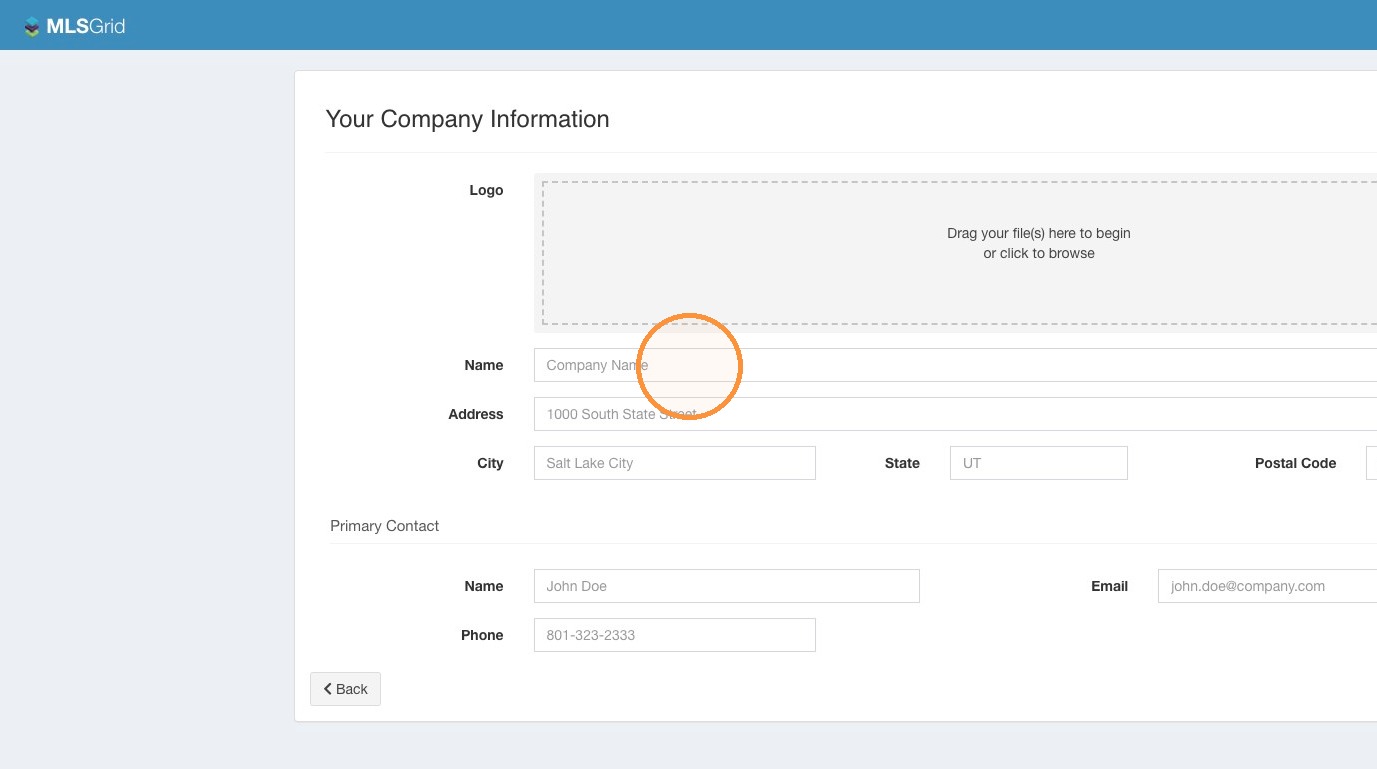 11\. Click "Finish Setup"
 12\. Initial Setup is Complete. Click "Finish Setup"
 #### Dashboard Access
13\. Welcome to the Home Page of your MLS Grid Account.
#### Dashboard Access
13\. Welcome to the Home Page of your MLS Grid Account.
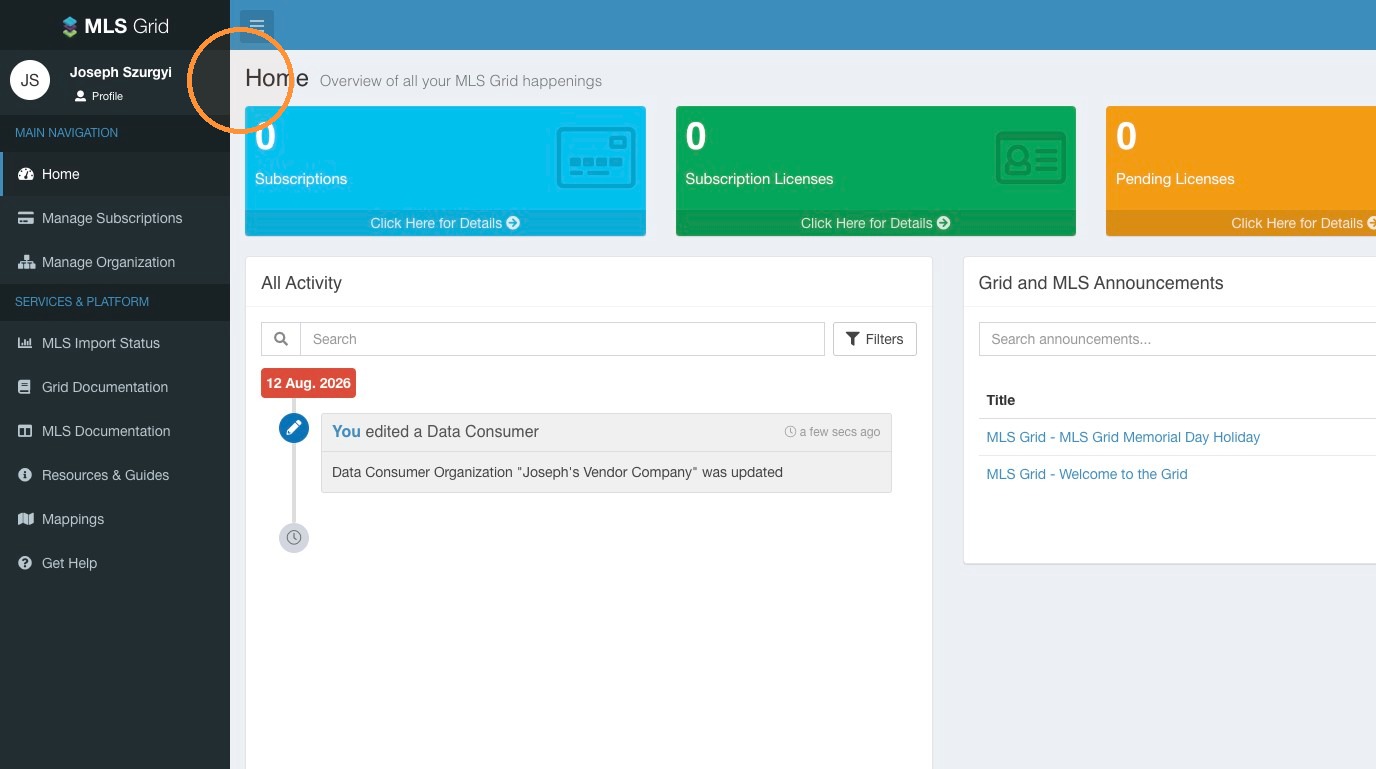
14. Next Steps: [How To Setup A Data Subscription In MLS Grid](https://docs.mlsgrid.com/data-consumer-guides/how-to-setup-a-data-subscription-in-mls-grid)
\
# How To Setup A Data Subscription In MLS Grid
Learn how to configure your data subscription and manage vendor details within the MLS Grid administrative portal. This guide walks you through the essential steps to complete your data license agreements and finalize the setup process efficiently.
1\. Make sure you are logged in to your MLS Grid account at [https://app.mlsgrid.com/](https://app.mlsgrid.com/admin)
 #### Subscription Setup
2\. Click "Manage Subscriptions" in the left sidebar menu.
#### Subscription Setup
2\. Click "Manage Subscriptions" in the left sidebar menu.
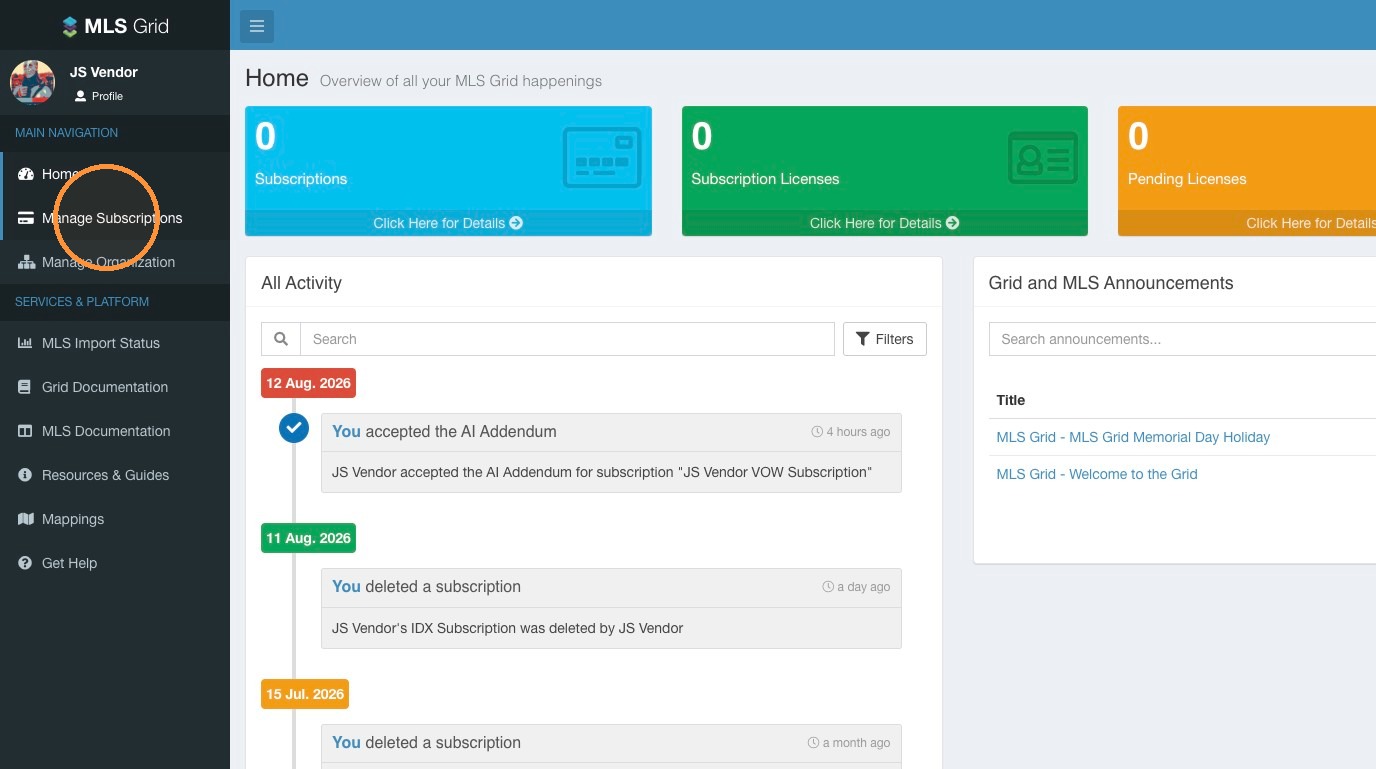 3\. Click on the Data Subscription type you want to create.
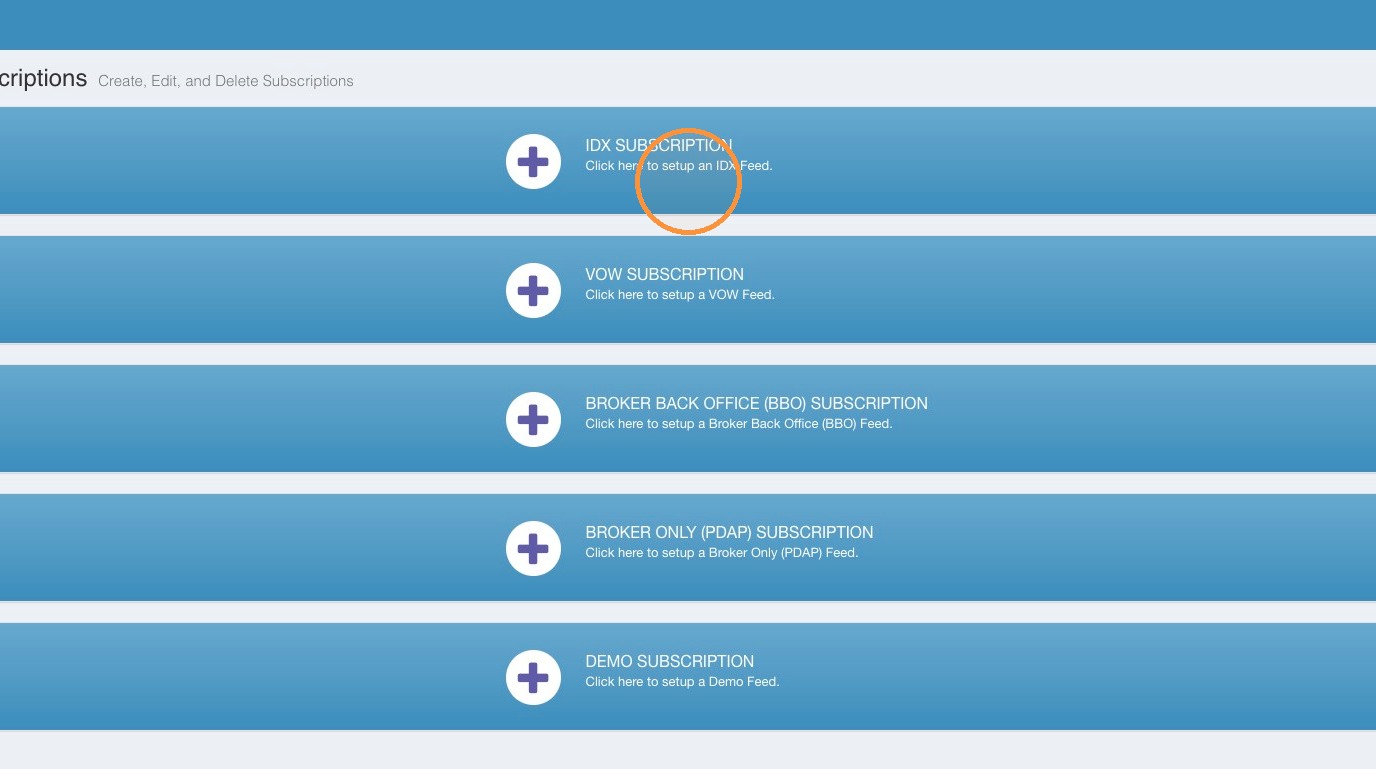 4\. Click the "Product Name" field. Enter the name of your Product.
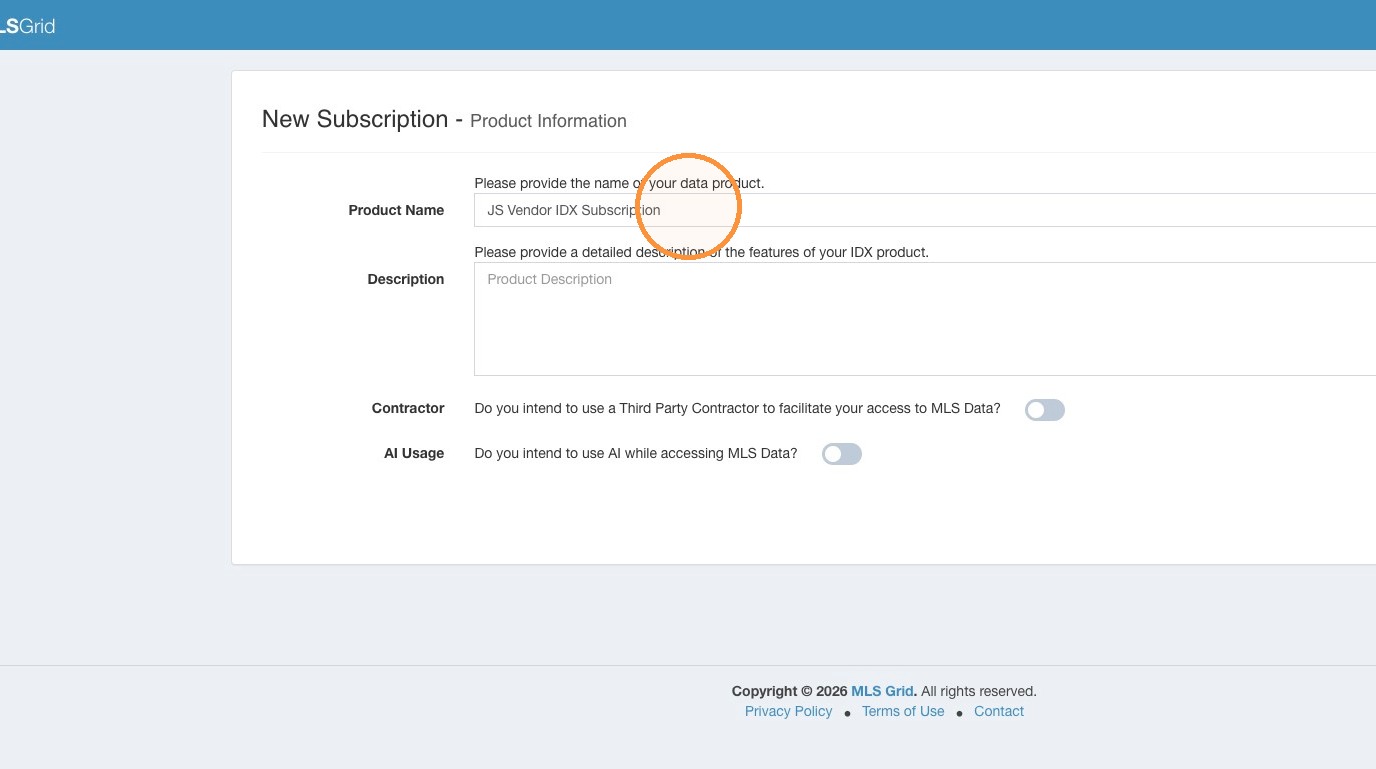 5\. Click the "Description" field. Provide a detailed description of your Product and how you intend to utilize any MLS data you receive. If your description is not comprehensive, it may impact the MLS's decision to approve your Data Subscription.
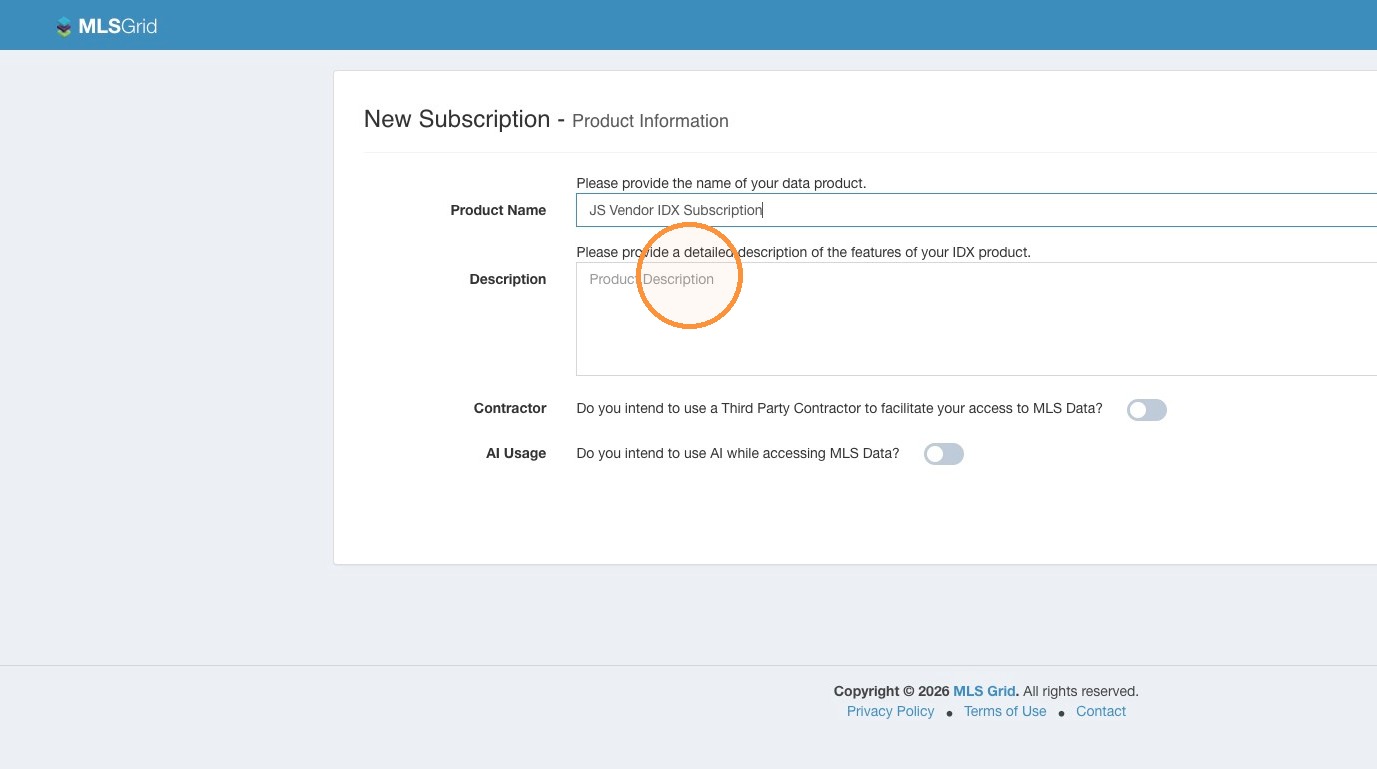 #### Contractor Details
Alert: If you intend to use a 3rd Party Contractor to facilitate your access to MLS Grid please follow the steps below.\
\
If you are are not using a 3rd Party Contractor you can skip to the **AI Usage Disclosure** of the setup process.
6\. If you intend to use a 3rd Party Contractor to facilitate your access to MLS Grid enable the Contractor toggle.
#### Contractor Details
Alert: If you intend to use a 3rd Party Contractor to facilitate your access to MLS Grid please follow the steps below.\
\
If you are are not using a 3rd Party Contractor you can skip to the **AI Usage Disclosure** of the setup process.
6\. If you intend to use a 3rd Party Contractor to facilitate your access to MLS Grid enable the Contractor toggle.
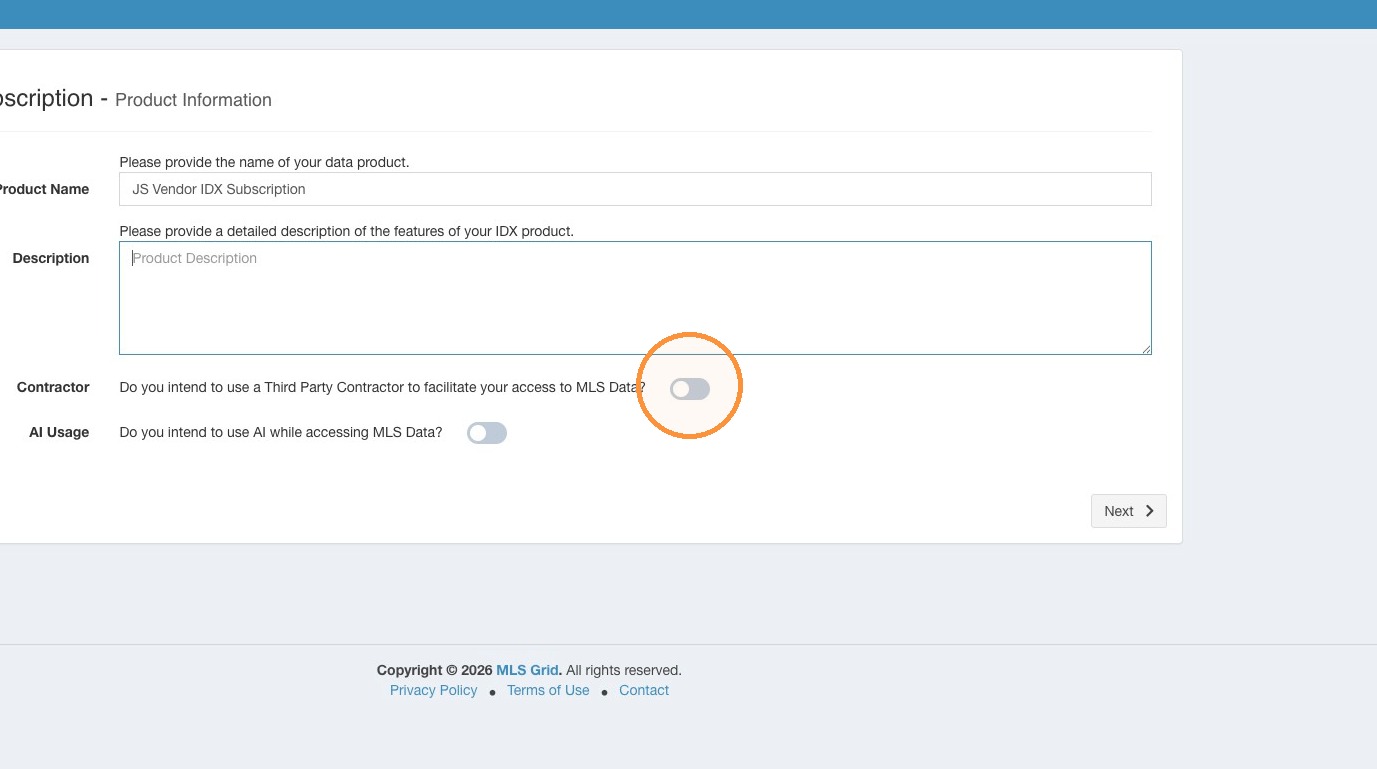 7\. You are required to provide the requested information in the contractor contact fields. Click "Next" to continue.
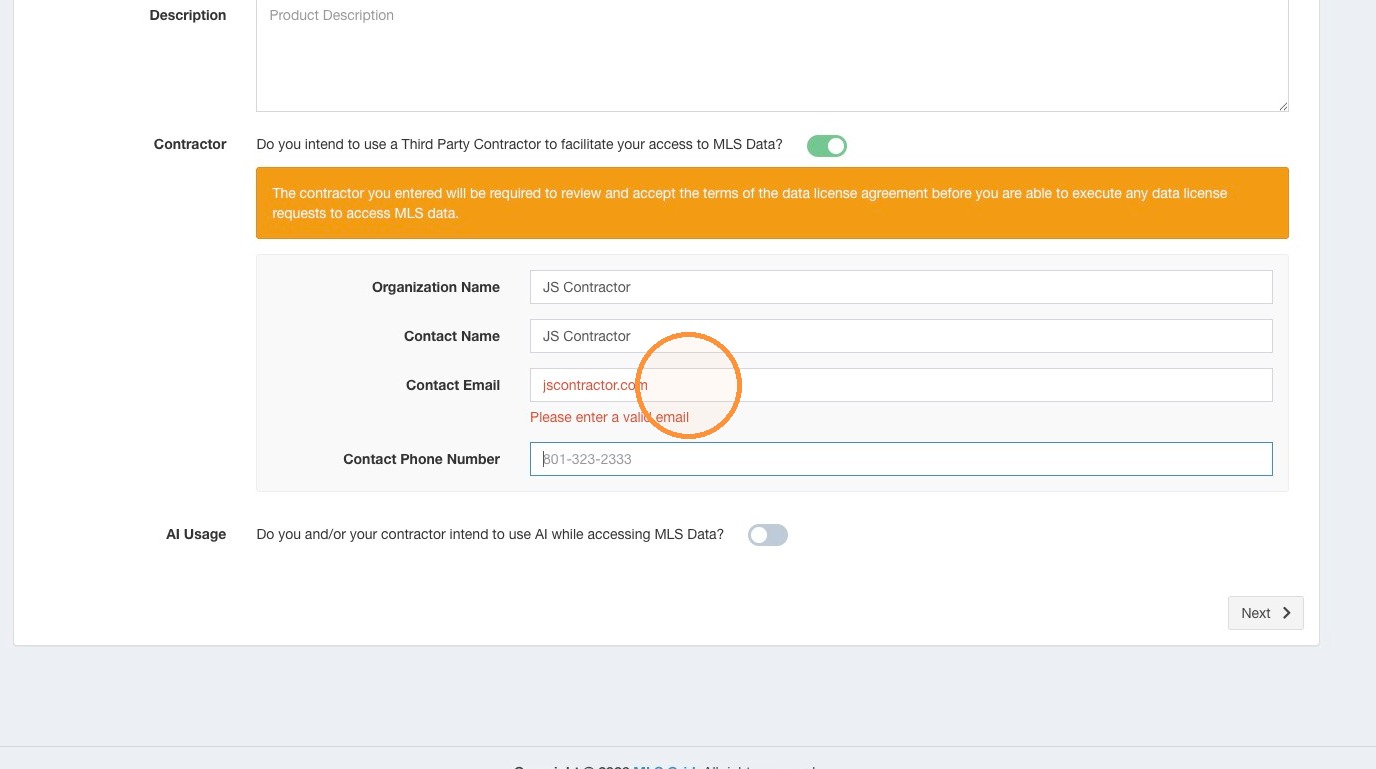 #### AI Usage Disclosure
Alert: If you intend to use any MLS Data with AI (Artificial Intelligence, Large Language Models, etc.) you are required to enable the AI Usage toggle.\
\
You will be prompted as part of the Data License Review and Acceptance steps to agree to the AI Use Addendum.
8\. Enable the AI Usage toggle.\
\
You will be required to accept the AI Addendum as part of signing the MLS Grid Data License Agreement. Click "Next" to continue.
#### AI Usage Disclosure
Alert: If you intend to use any MLS Data with AI (Artificial Intelligence, Large Language Models, etc.) you are required to enable the AI Usage toggle.\
\
You will be prompted as part of the Data License Review and Acceptance steps to agree to the AI Use Addendum.
8\. Enable the AI Usage toggle.\
\
You will be required to accept the AI Addendum as part of signing the MLS Grid Data License Agreement. Click "Next" to continue.
 #### MLS Selection
9\. Review the list of available MLS sources of data. Toggle "On" the MLS you may seek to obtain data from. To review the possible data license fees the MLS may charge for ongoing access to their data, click the under the "Pricing" column for that MLS to reveal their current data license fees.
#### MLS Selection
9\. Review the list of available MLS sources of data. Toggle "On" the MLS you may seek to obtain data from. To review the possible data license fees the MLS may charge for ongoing access to their data, click the under the "Pricing" column for that MLS to reveal their current data license fees.
 10\. Click "Next"
 #### License Acceptance
11\. Please read the MLS Grid Data License Agreement. When reviewed click "Click Here to Sign & Accept". Do not attempt to click into the MLS Grid Data License Agreement to edit any of the information.
#### License Acceptance
11\. Please read the MLS Grid Data License Agreement. When reviewed click "Click Here to Sign & Accept". Do not attempt to click into the MLS Grid Data License Agreement to edit any of the information.
 12\. Enter the required information to complete your acceptance of the MLS Grid Data License Agreement.
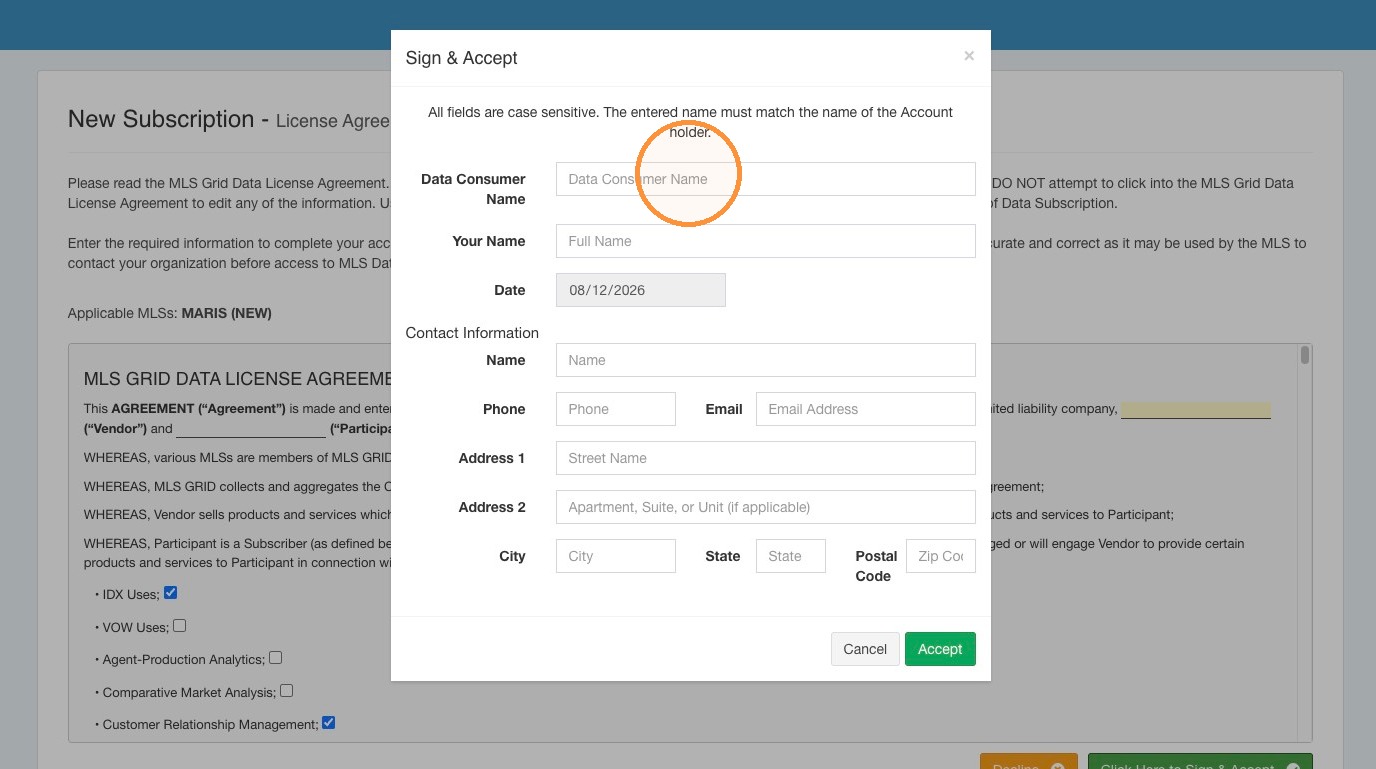 13\. Click Accept
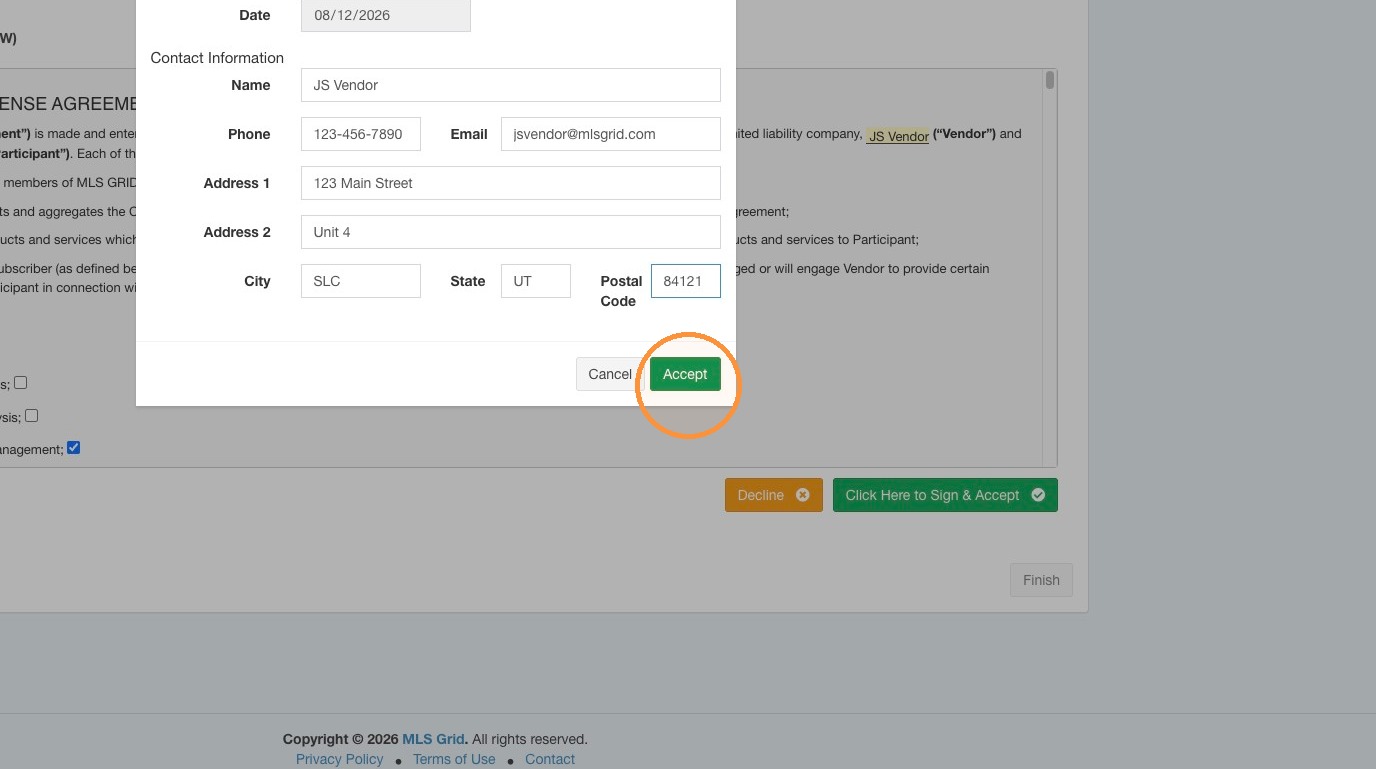 14\. If you disclosed your intention to use MLS Data with AI, you will be prompted as part of the Data License Review and Acceptance steps to agree to the AI Use Addendum.
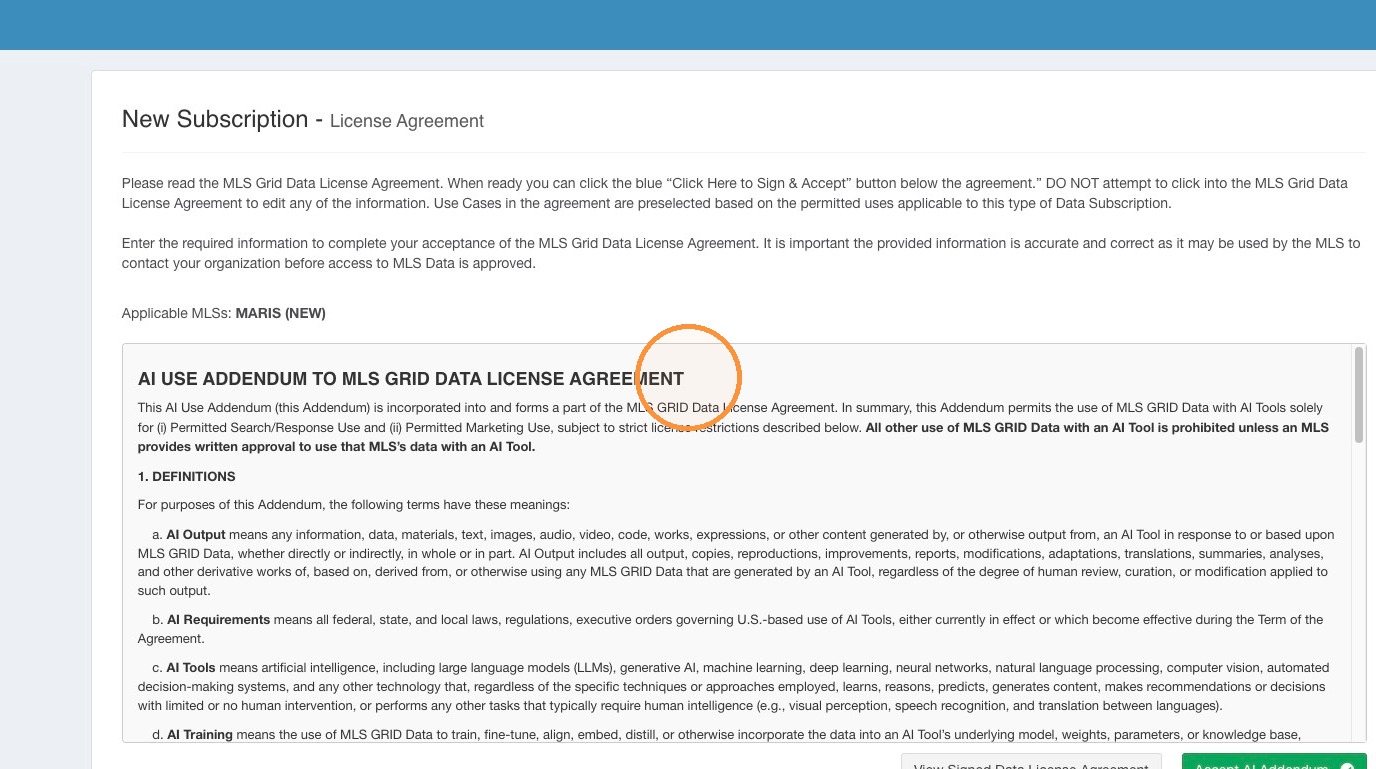 15\. Please read the AI Use Addendum carefully. Click "Accept AI Addendum".
 16\. Click Finish
 17\. If you disclosed you intend to use a 3rd Party Contractor to facilitate your access to MLS Grid you will be prohibited from proceeding until your 3rd Party Contractor has also accepted the MLS Grid Data License Agreement.\
\
Please contact your 3rd Party Contractor and ensure they have received and email from MLS Grid with a link to accept the MLS Grid Data License Agreement.
17\. If you disclosed you intend to use a 3rd Party Contractor to facilitate your access to MLS Grid you will be prohibited from proceeding until your 3rd Party Contractor has also accepted the MLS Grid Data License Agreement.\
\
Please contact your 3rd Party Contractor and ensure they have received and email from MLS Grid with a link to accept the MLS Grid Data License Agreement.
 #### Completed Data Subscription Setup
18\. Once you have completed all the License Acceptance steps you can begin to send Data License Requests seeking permission from your customers to petition the MLS for data access on their behalf.
#### Completed Data Subscription Setup
18\. Once you have completed all the License Acceptance steps you can begin to send Data License Requests seeking permission from your customers to petition the MLS for data access on their behalf.
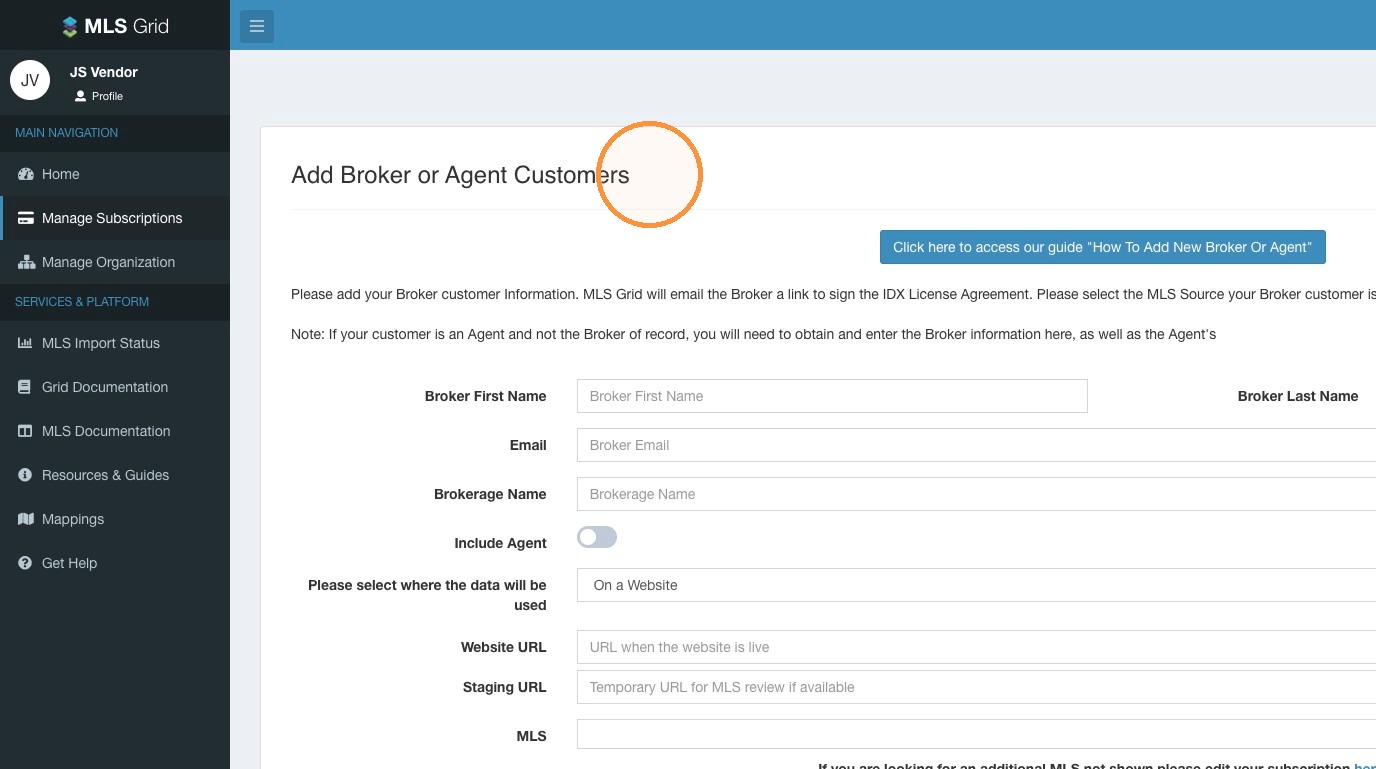 19. Next Steps: How to add Broker/Agent Data License Requests.
\