> For the complete documentation index, see [llms.txt](https://docs.mlsgrid.com/llms.txt). Markdown versions of documentation pages are available by appending `.md` to page URLs; this page is available as [Markdown](https://docs.mlsgrid.com/data-consumer-guides/how-to-register-and-activate-an-mls-grid-data-consumer-account.md).
# How to Register and Activate an MLS Grid Data Consumer Account
Follow this guide to successfully create and activate a new account on the MLS Grid platform. These steps cover everything from the initial registration form to completing your company profile setup.
1\. The guide is demonstrated in the Movie below. For convenience a step-by-step guide is provided below the Movie.
{% embed url="" %}
#### Account Registration
2\. Go to app.mlsgrid.com/register to create your data consumer account.
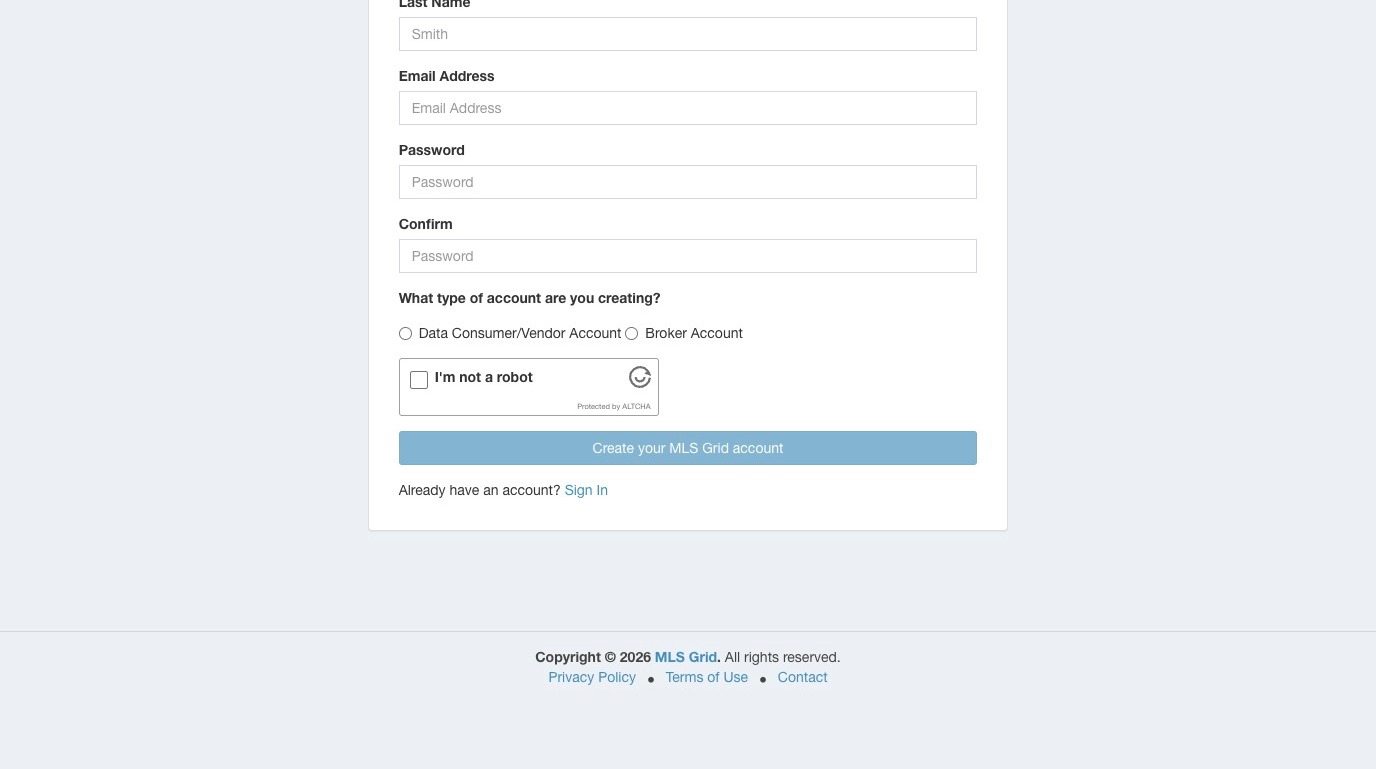 3\. Fill-in the required information, including contact information for the person that will be signing the data license agreement on behalf of your company, and will be the primary contact for your organization.
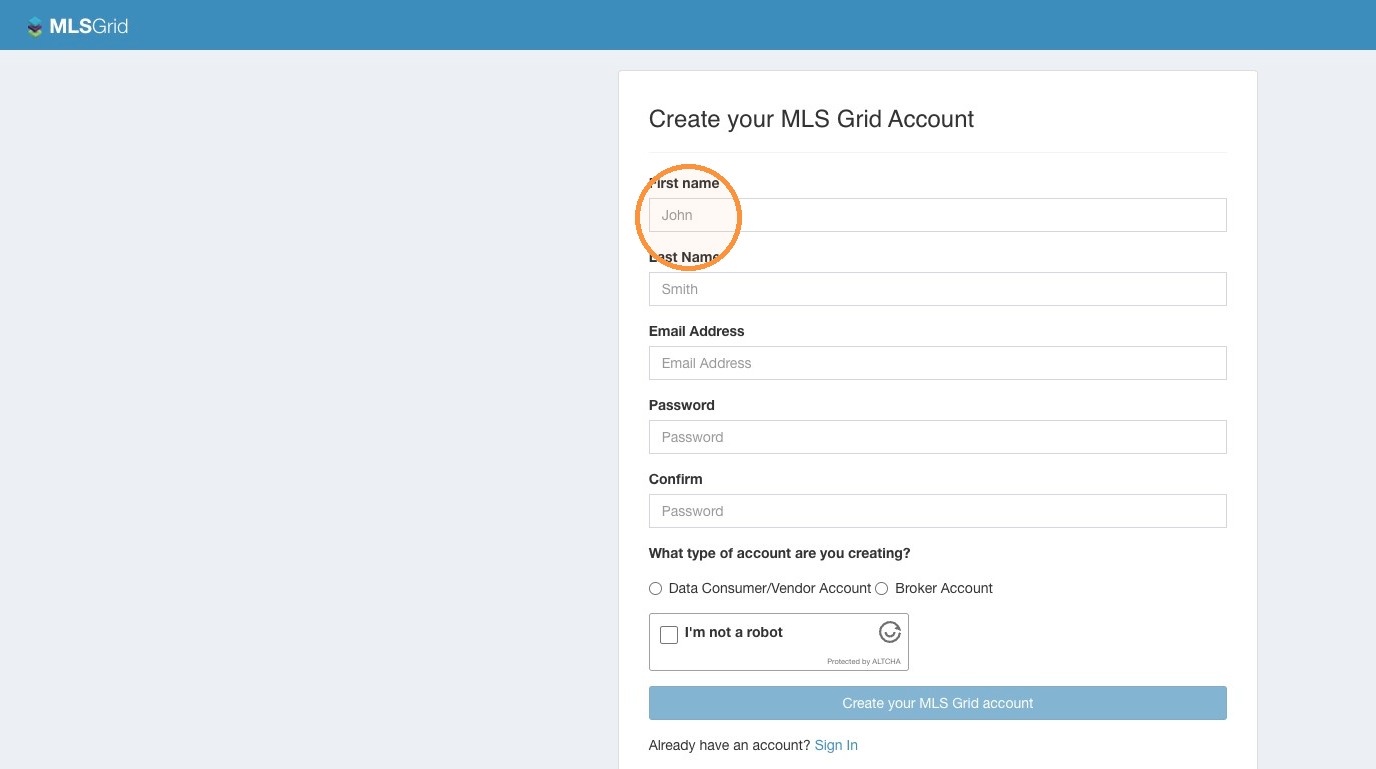 4\. Select the Data Consumer/Vendor Account option.\
\
**PLEASE NOTE:** If you are a Broker or Agent interested in MLS Grid services, please stop and have the technology organization you are working with contact the MLS Grid in order to have that organization setup and register an account for access to data from any of our participating MLS.
If your brokerage is providing in-house technical service, your brokerage will need to follow the instructions in this guide to create an account. If your brokerage is providing in-house technical service, the brokerage will function as your “Vendor” for the purposes of the Data License Agreement.
4\. Select the Data Consumer/Vendor Account option.\
\
**PLEASE NOTE:** If you are a Broker or Agent interested in MLS Grid services, please stop and have the technology organization you are working with contact the MLS Grid in order to have that organization setup and register an account for access to data from any of our participating MLS.
If your brokerage is providing in-house technical service, your brokerage will need to follow the instructions in this guide to create an account. If your brokerage is providing in-house technical service, the brokerage will function as your “Vendor” for the purposes of the Data License Agreement.
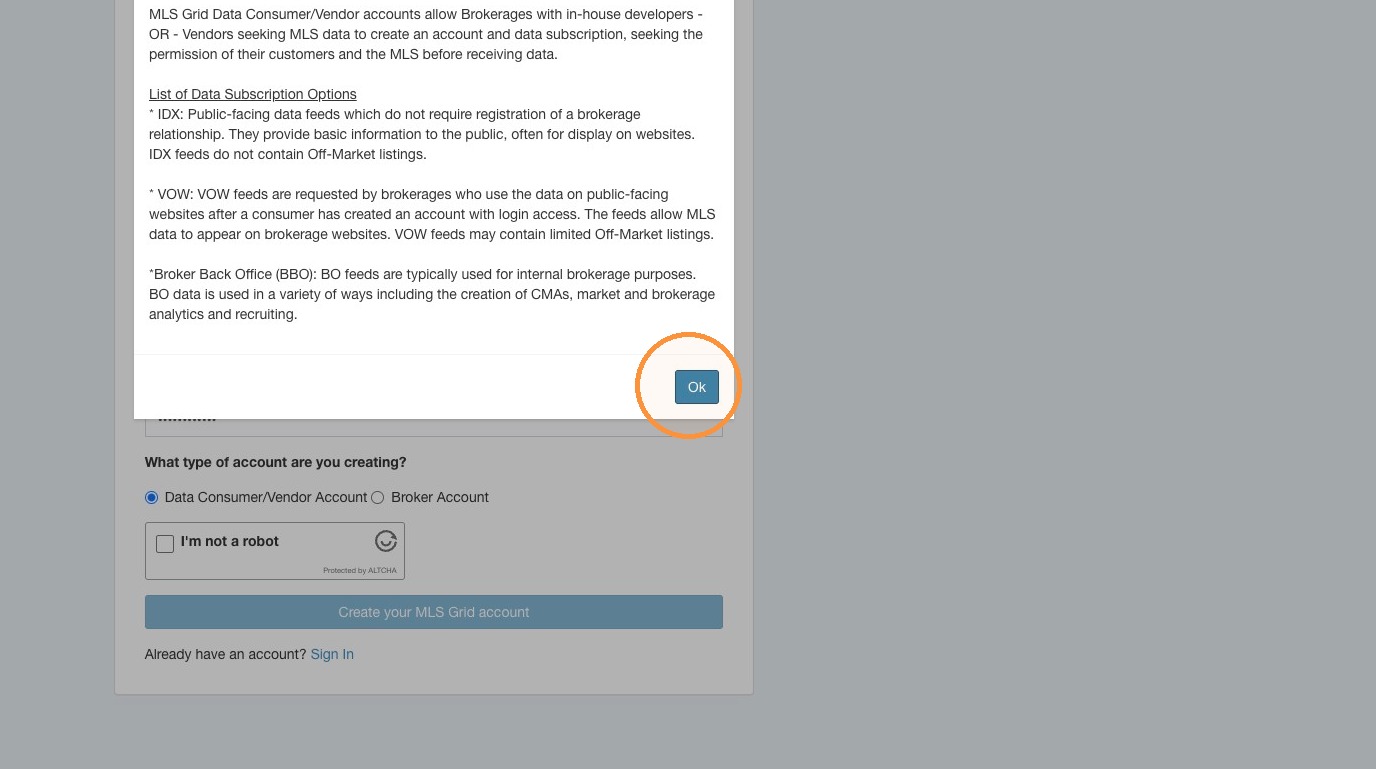
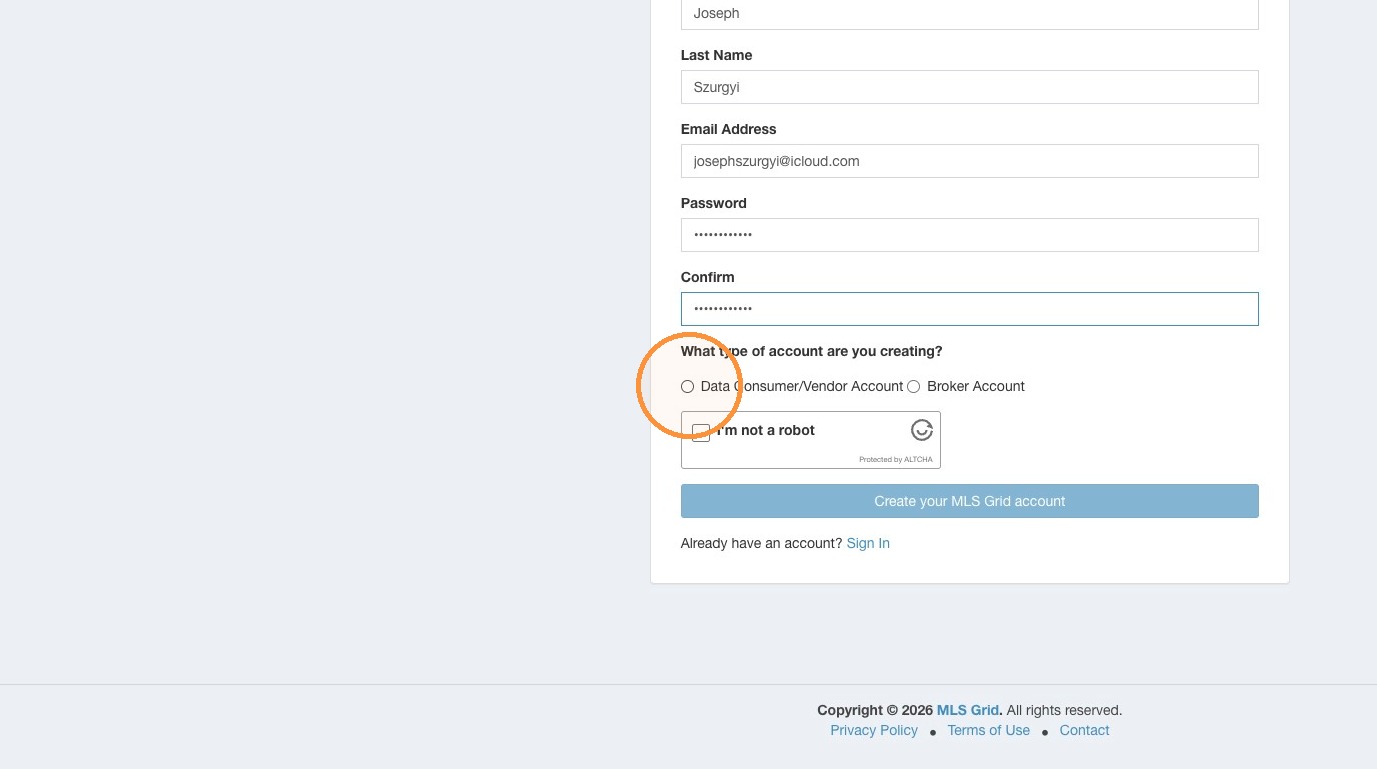 5\. Review the available Data Subscription options. Click "Ok".
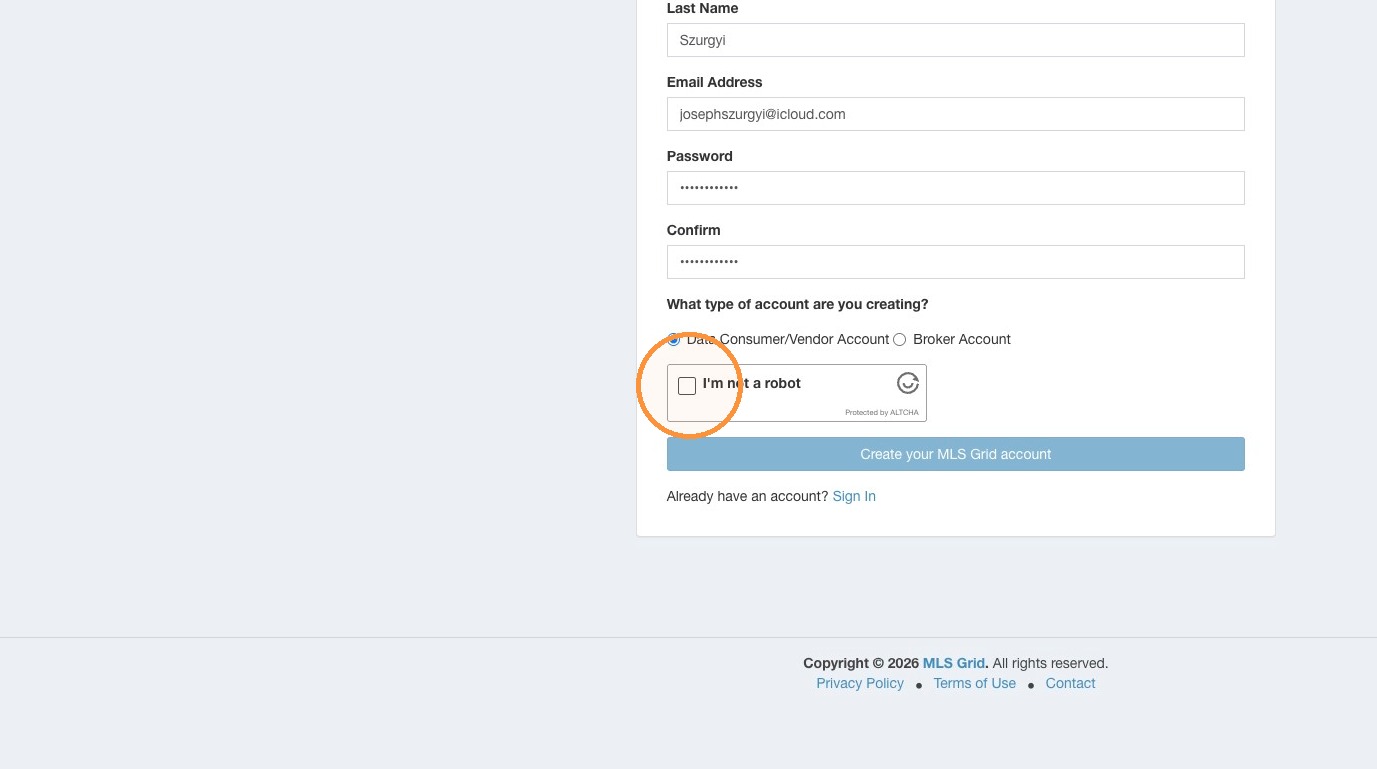
 6\. Click the Captcha to verify you are not a robot.
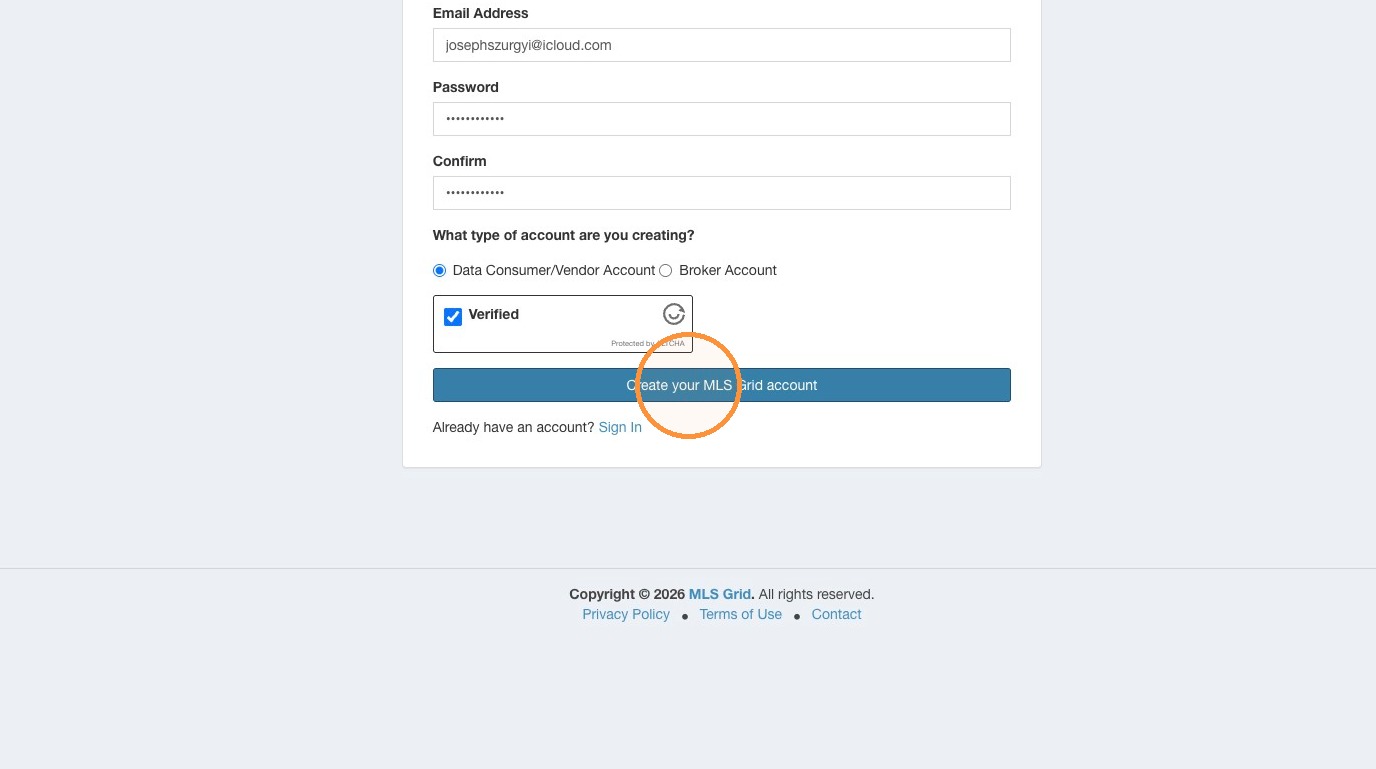
 7\. Click "Create your MLS Grid account"
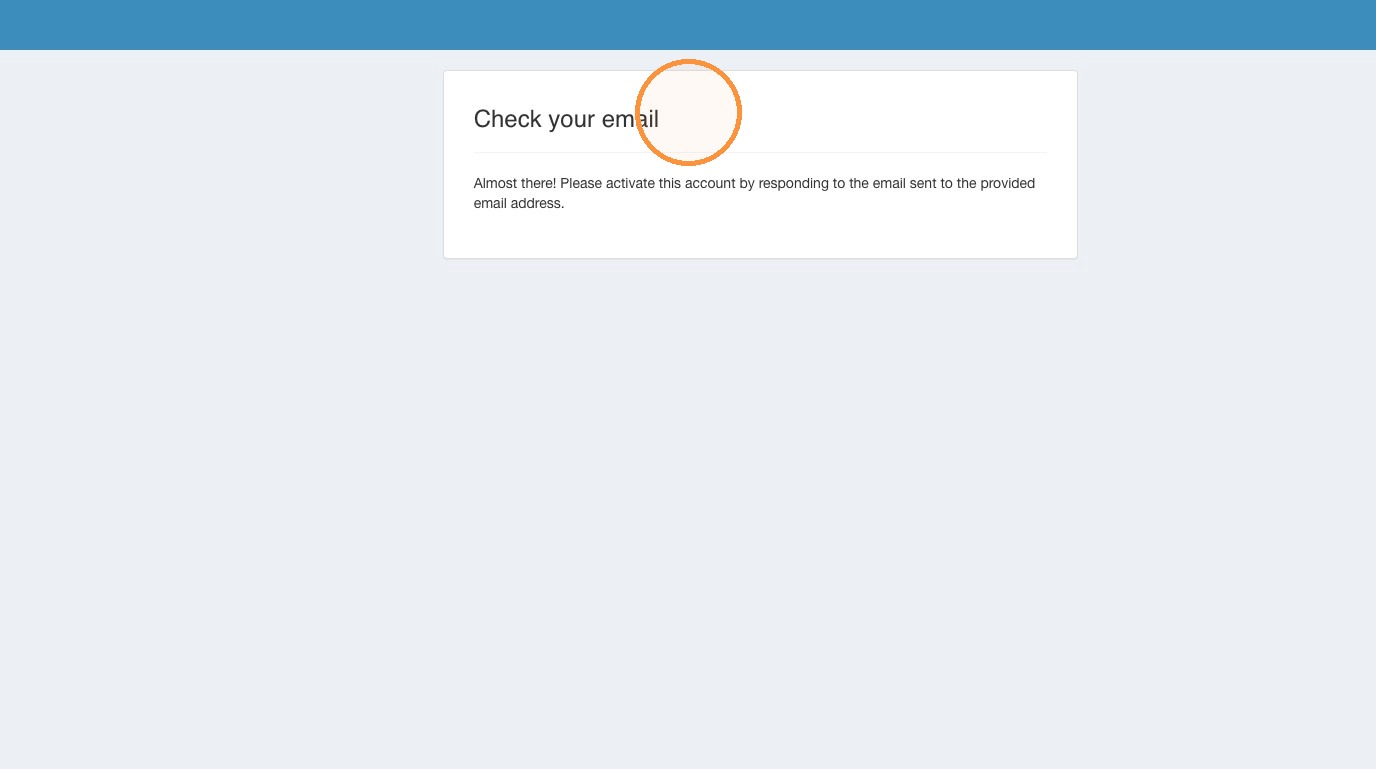
 8\. Click "Check your email"
 #### Email Verification
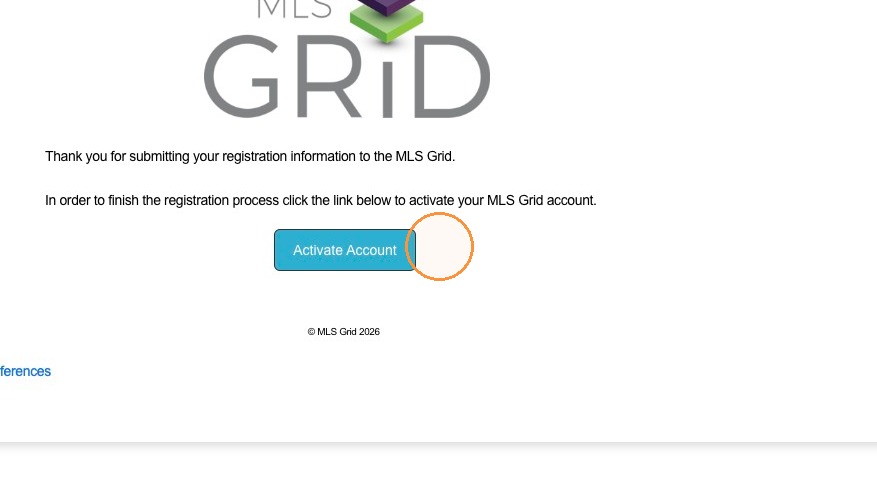
9\. Locate the email sent to the address used during registration. The email will arrive from "". Click on the "Activate Account" button to complete the registration steps.
#### Email Verification
9\. Locate the email sent to the address used during registration. The email will arrive from "". Click on the "Activate Account" button to complete the registration steps.
 #### Account Setup
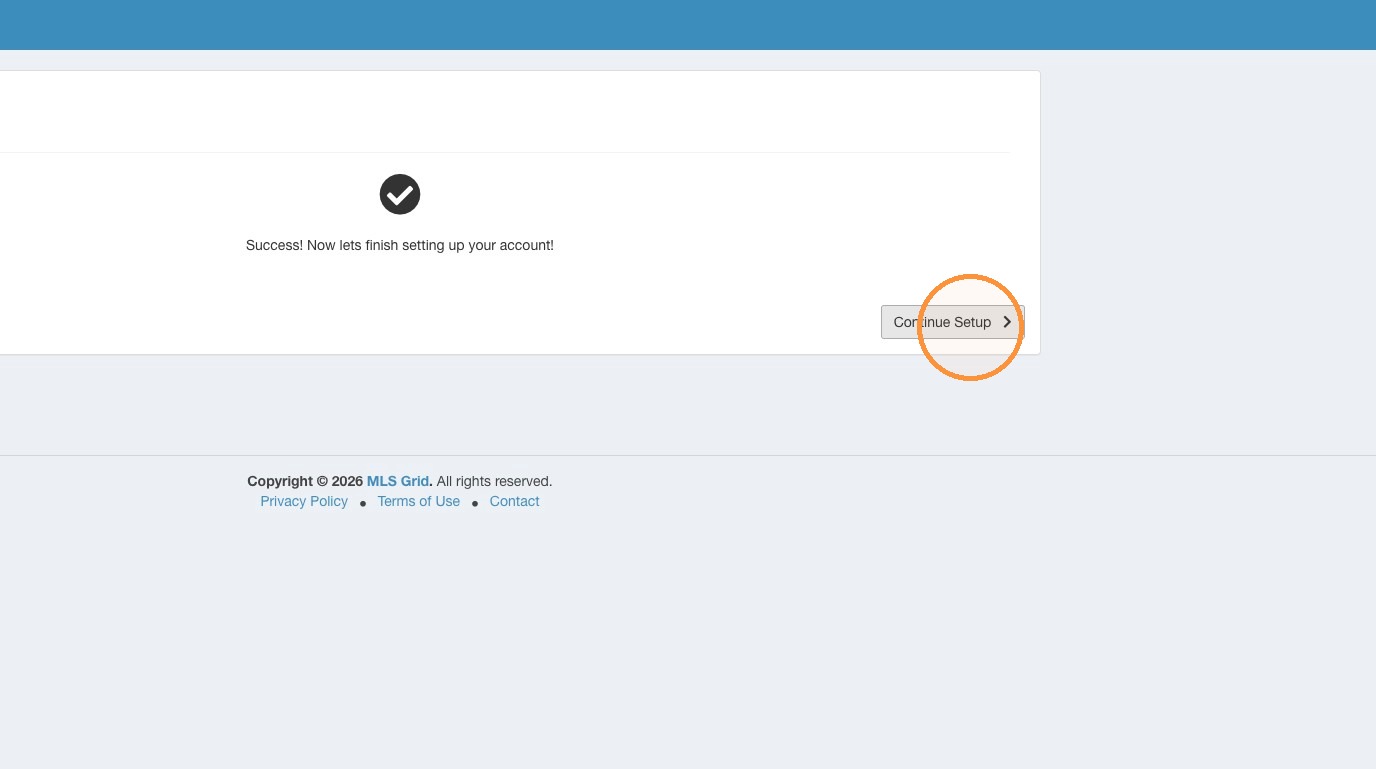
10\. To finish setting up your account click "Continue Setup"
#### Account Setup
10\. To finish setting up your account click "Continue Setup"
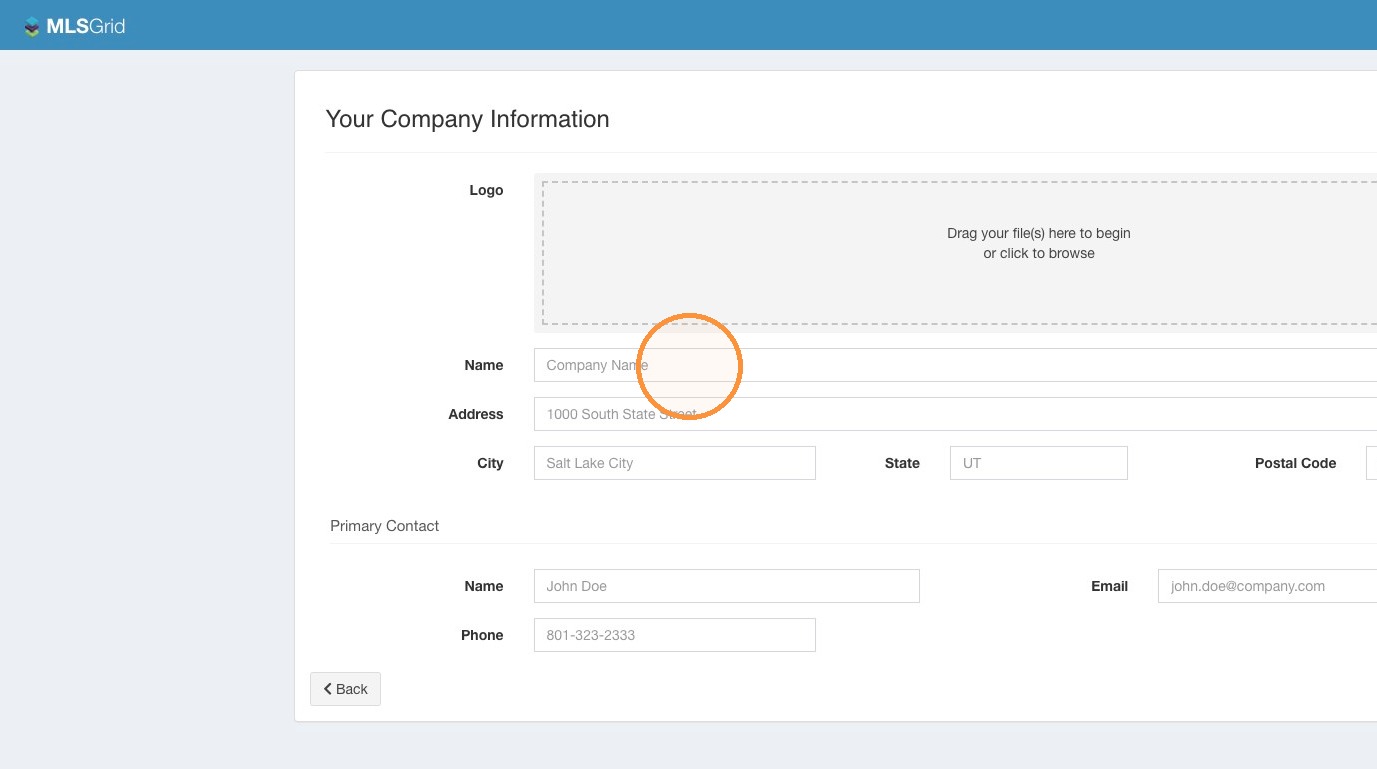
 11\. Enter the required information about your organization. Please ensure to provide address, primary contact name, email, and phone number.
 12\. Click "Finish Setup"
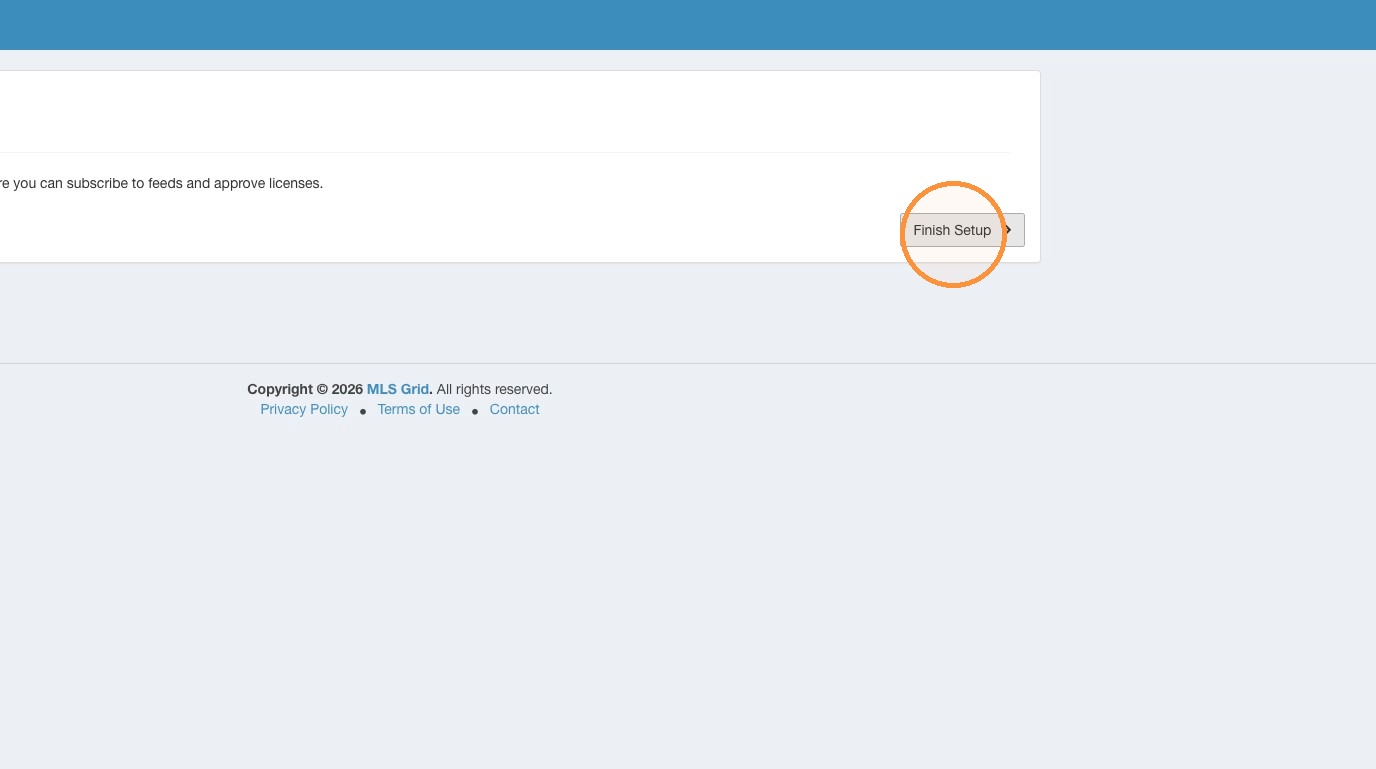
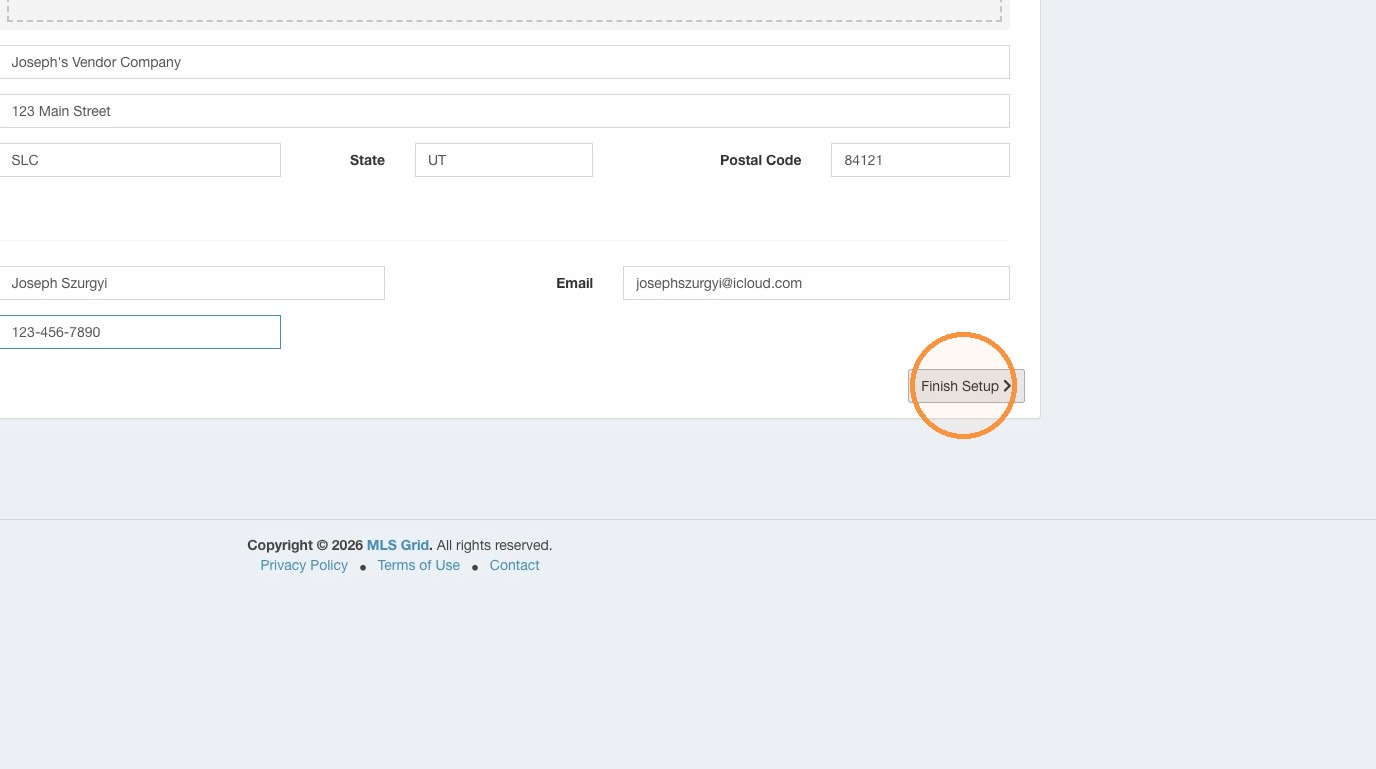 13\. Initial Setup is Complete. Click "Finish Setup"
 #### Dashboard Access
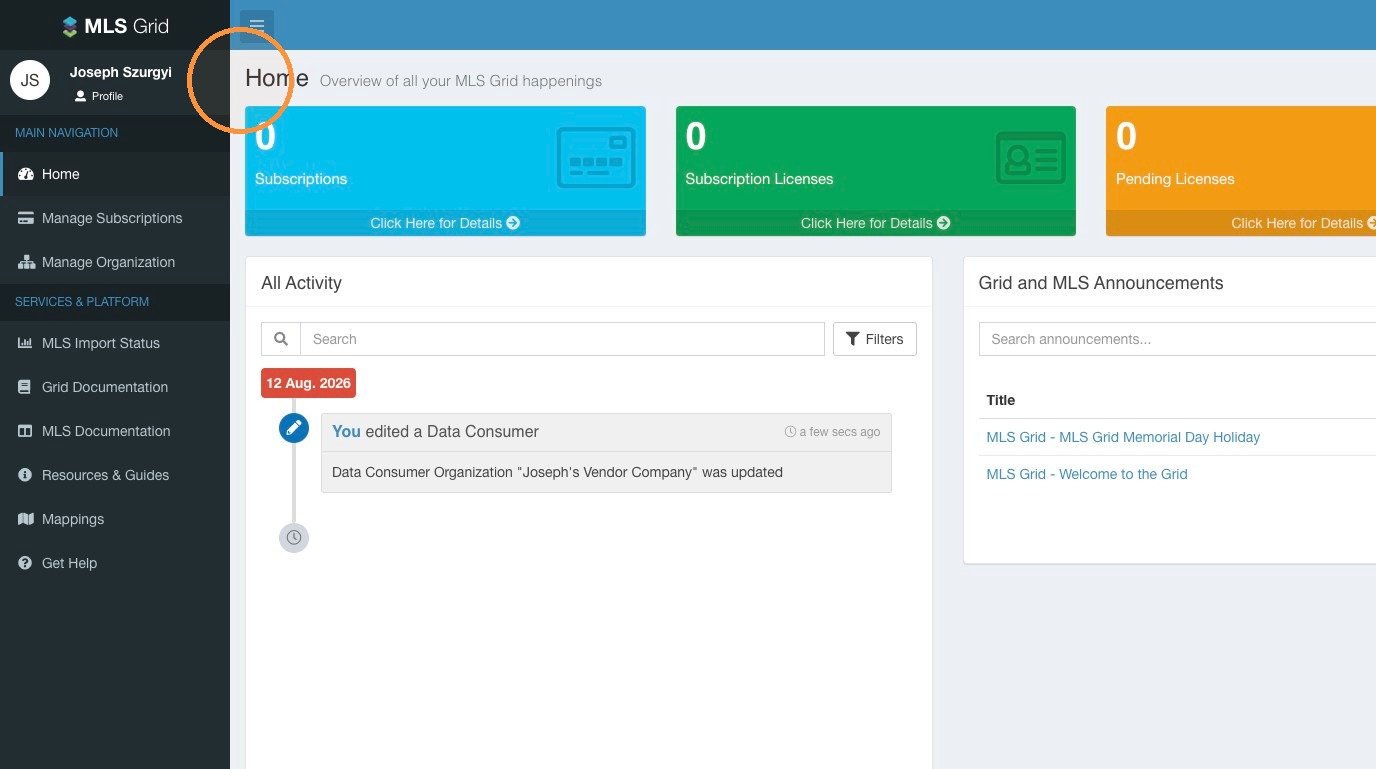
14\. Welcome to the Home Page of your MLS Grid Account.
#### Dashboard Access
14\. Welcome to the Home Page of your MLS Grid Account.