> For the complete documentation index, see [llms.txt](https://docs.mlsgrid.com/llms.txt). Markdown versions of documentation pages are available by appending `.md` to page URLs; this page is available as [Markdown](https://docs.mlsgrid.com/data-consumer-guides/how-to-edit-a-data-license-request.md).
# How To Edit a Data License Request
Learn the step-by-step process for registering new brokers and agents within the MLS Grid platform. This guide covers inputting necessary contact details and navigating the subscription management interface to ensure your Data License Request is properly sent.
1\. The guide is demonstrated in the Movie below. For convenience a step-by-step guide is provided below the Movie.
{% embed url="" %}
#### Sign In
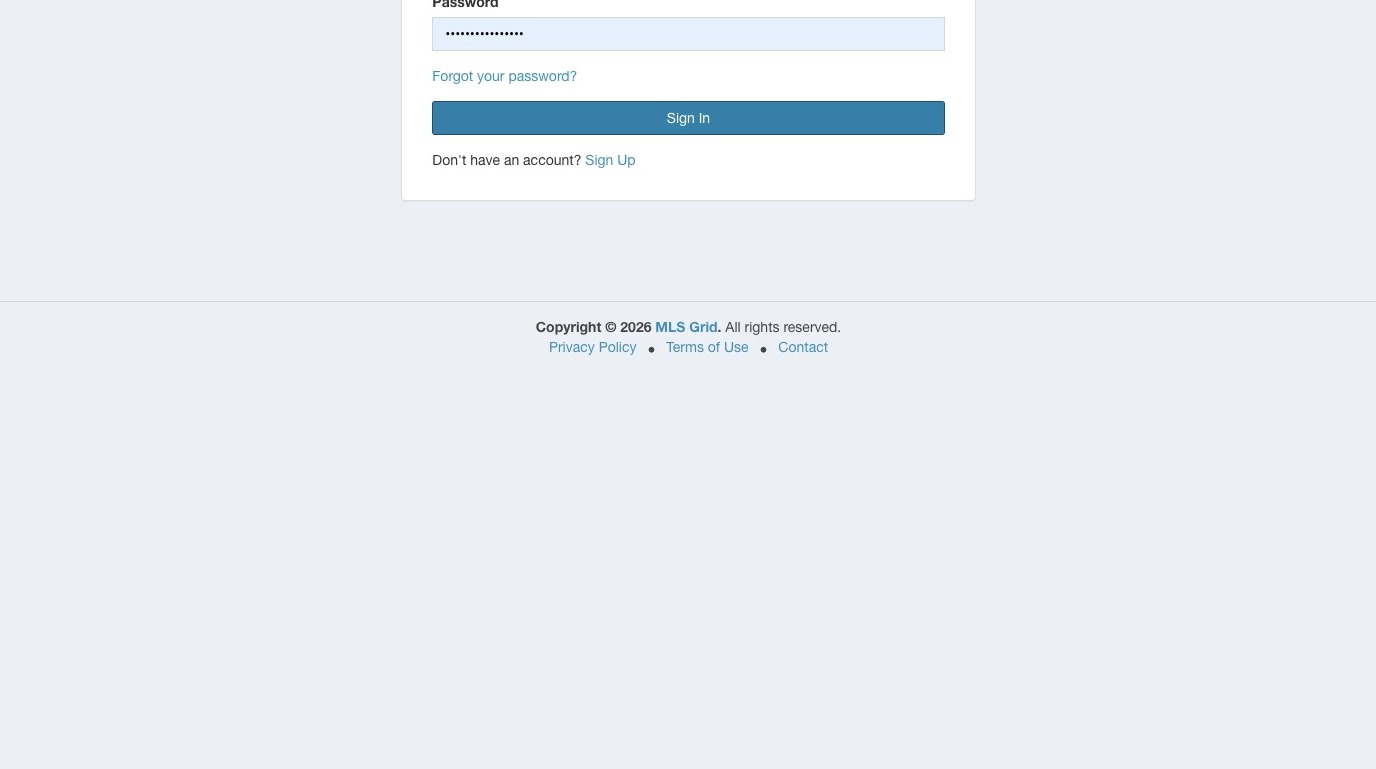
2\. Make sure you are logged in to your MLS Grid account at [https://app.mlsgrid.com](https://app.mlsgrid.com/)
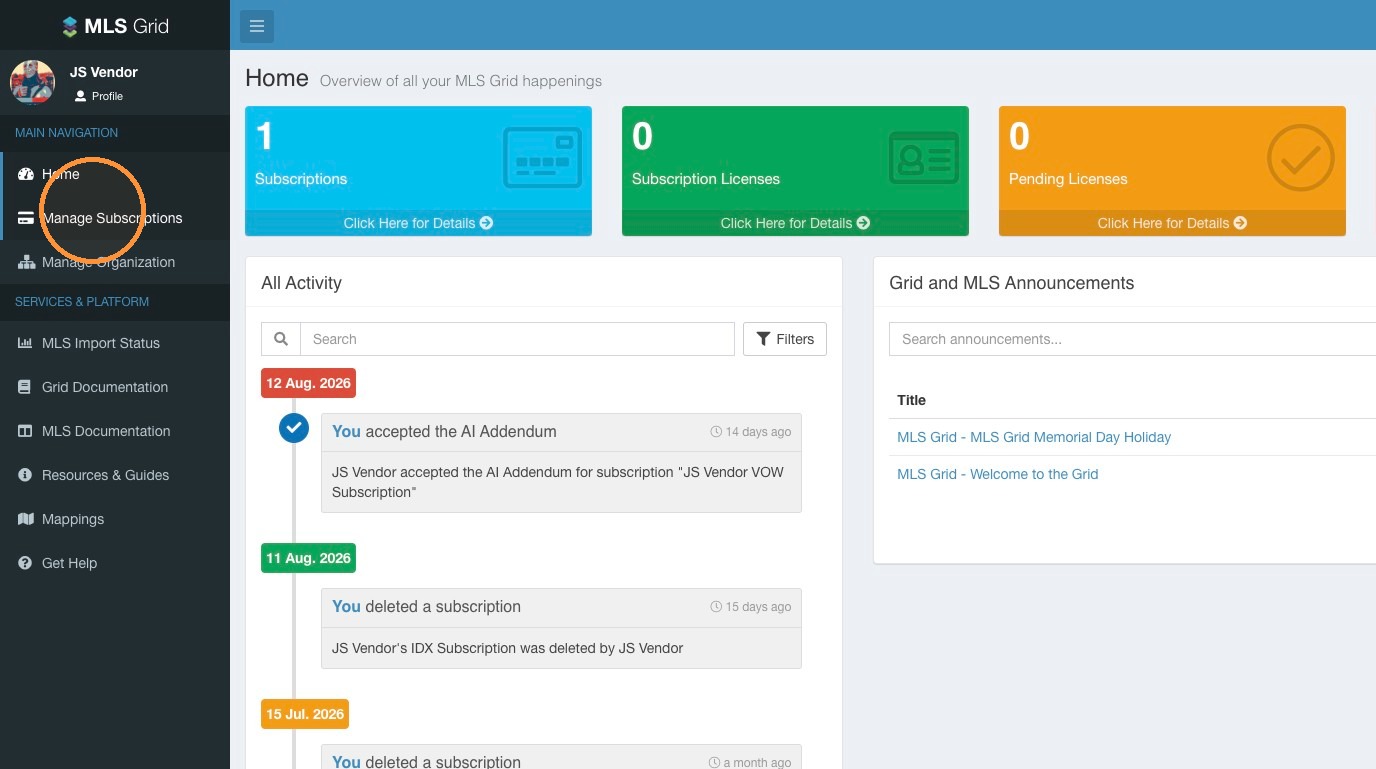
 3\. Click "Manage Subscriptions" in the left sidebar menu.
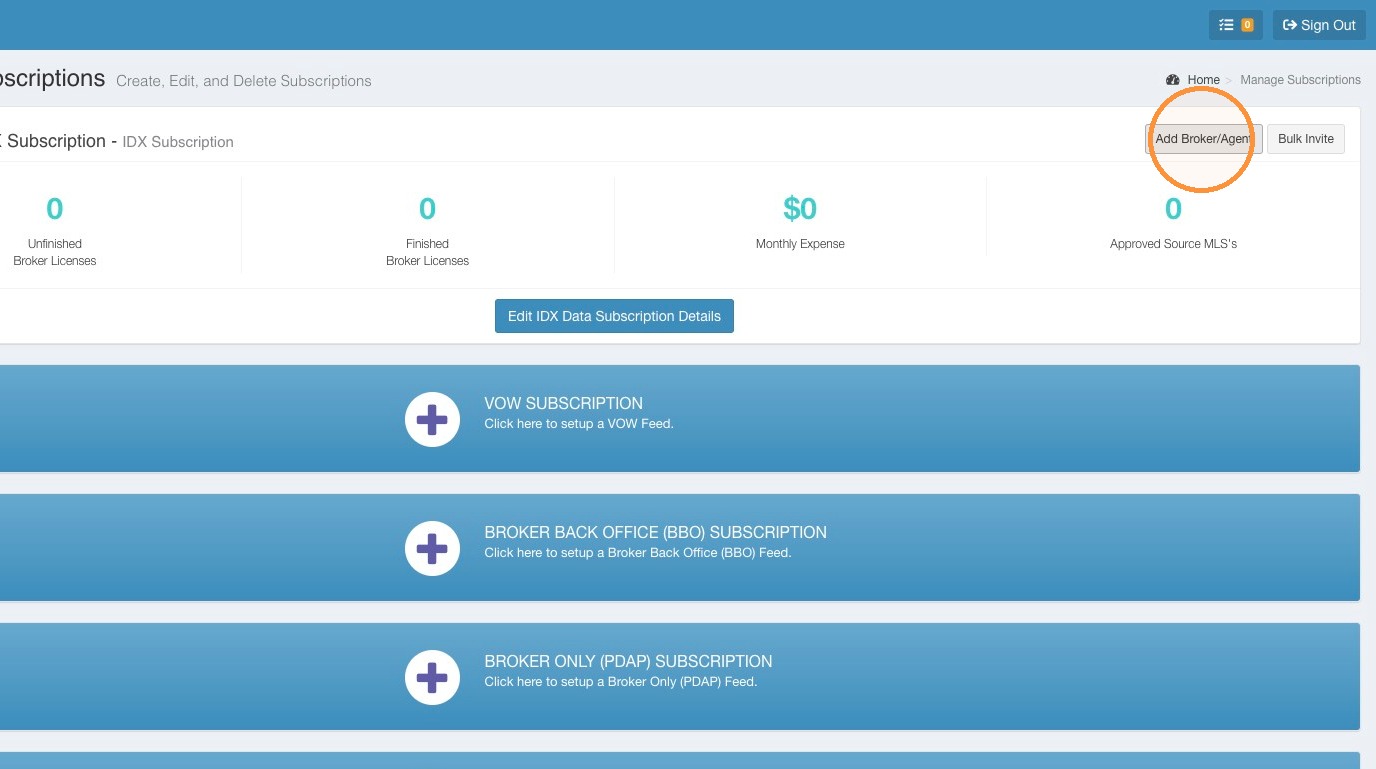
 4\. Locate the Data Subscription you want to add your Broker/Agent customer to. Click Add Broker/Agent.
 #### Add Customer Details
5\. Provide the requested information for your Broker/Agent customer.
#### Add Customer Details
5\. Provide the requested information for your Broker/Agent customer.
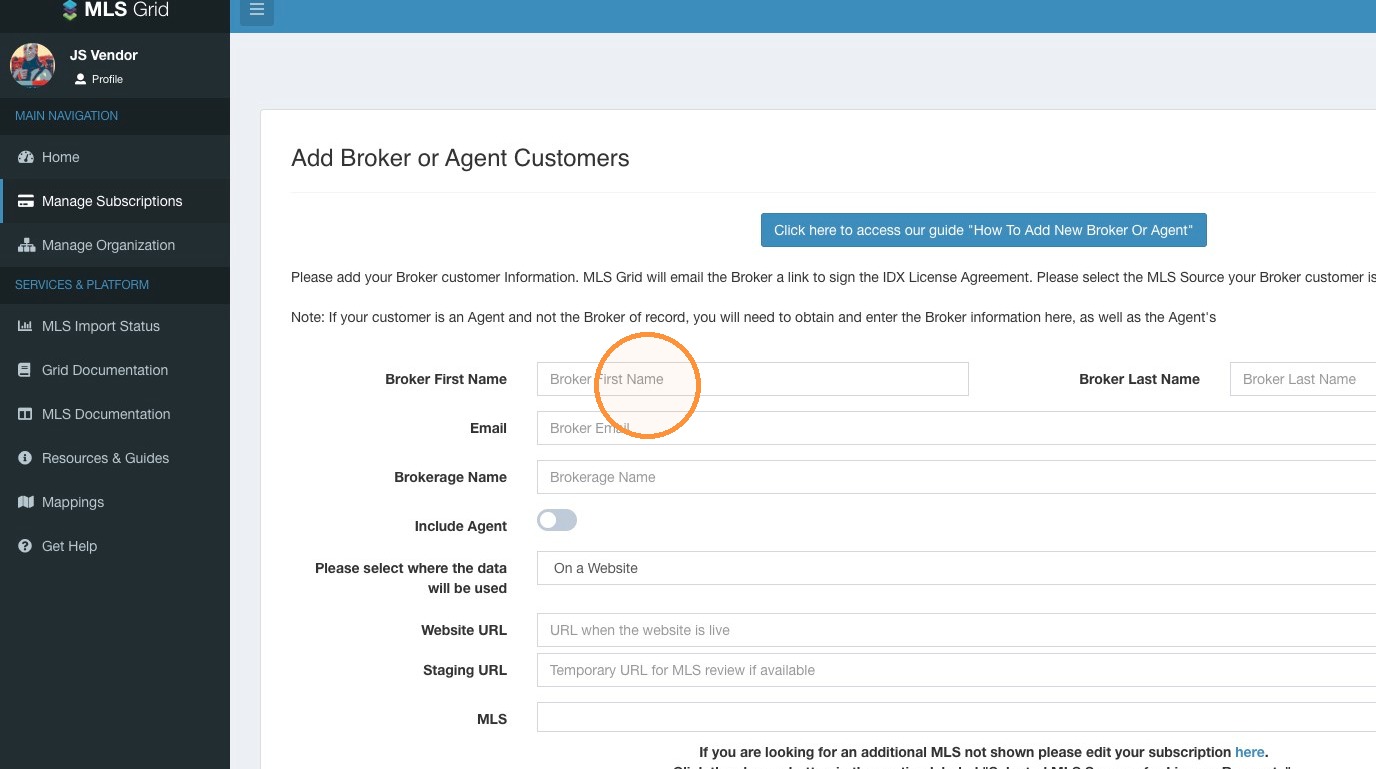 6\. Select data-use dropdown to disclose if the MLS data will be used on a website or in an application.
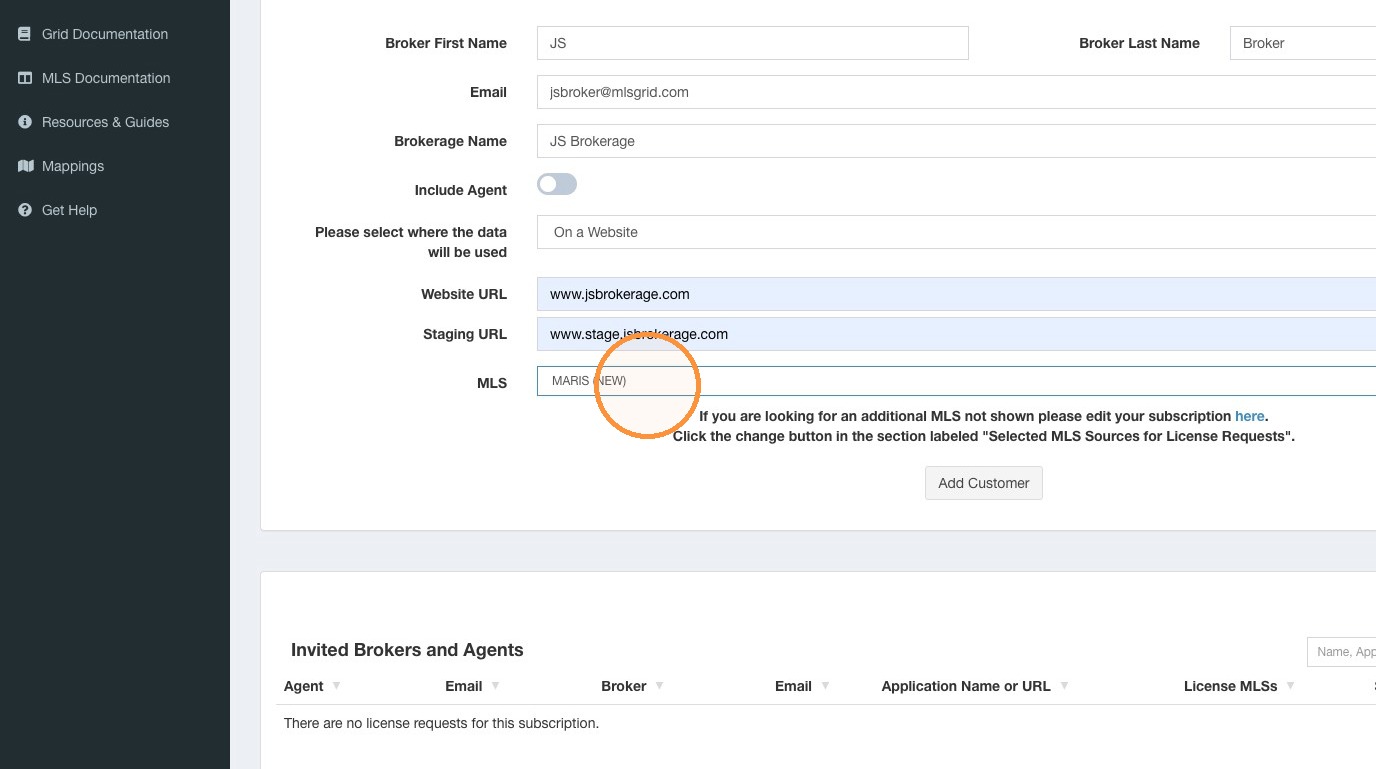
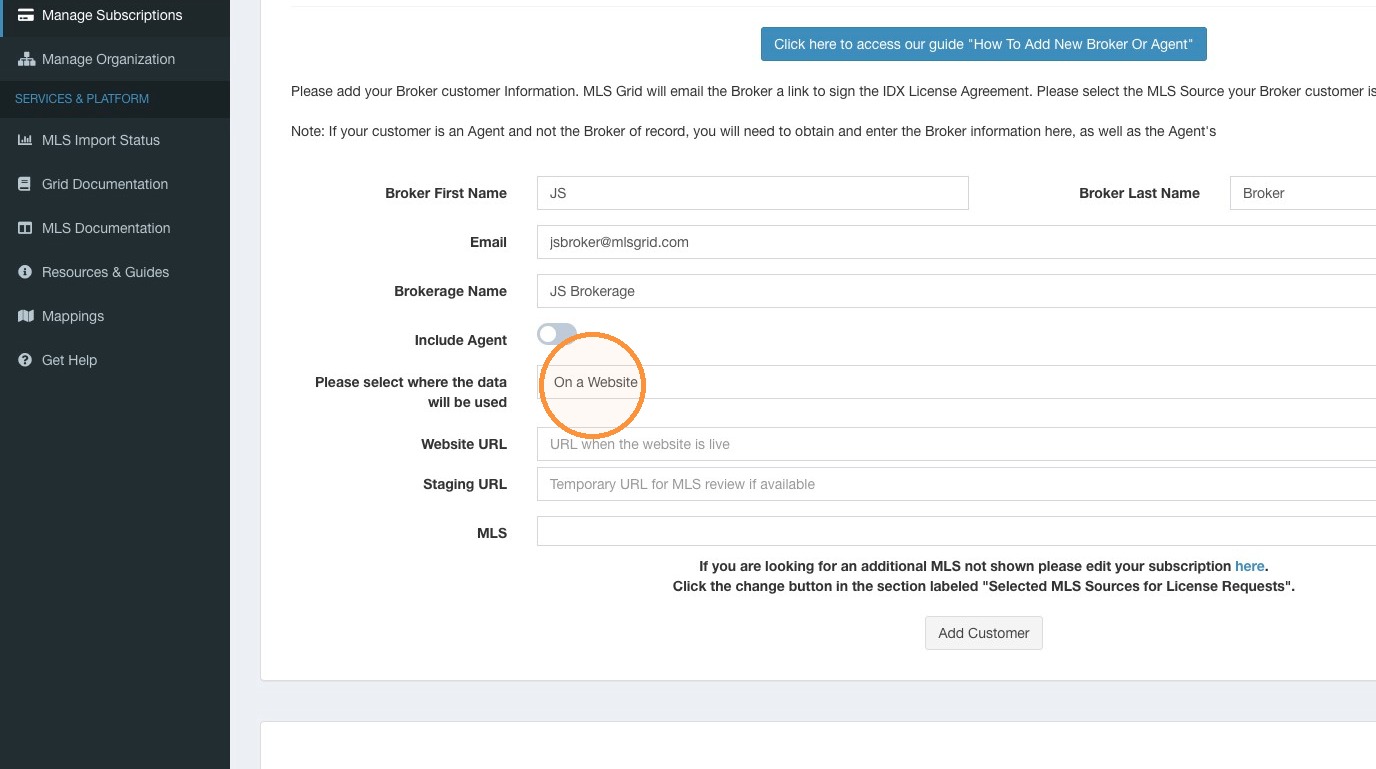 7\. Select the applicable MLS for your customer from the MLS dropdown menu.
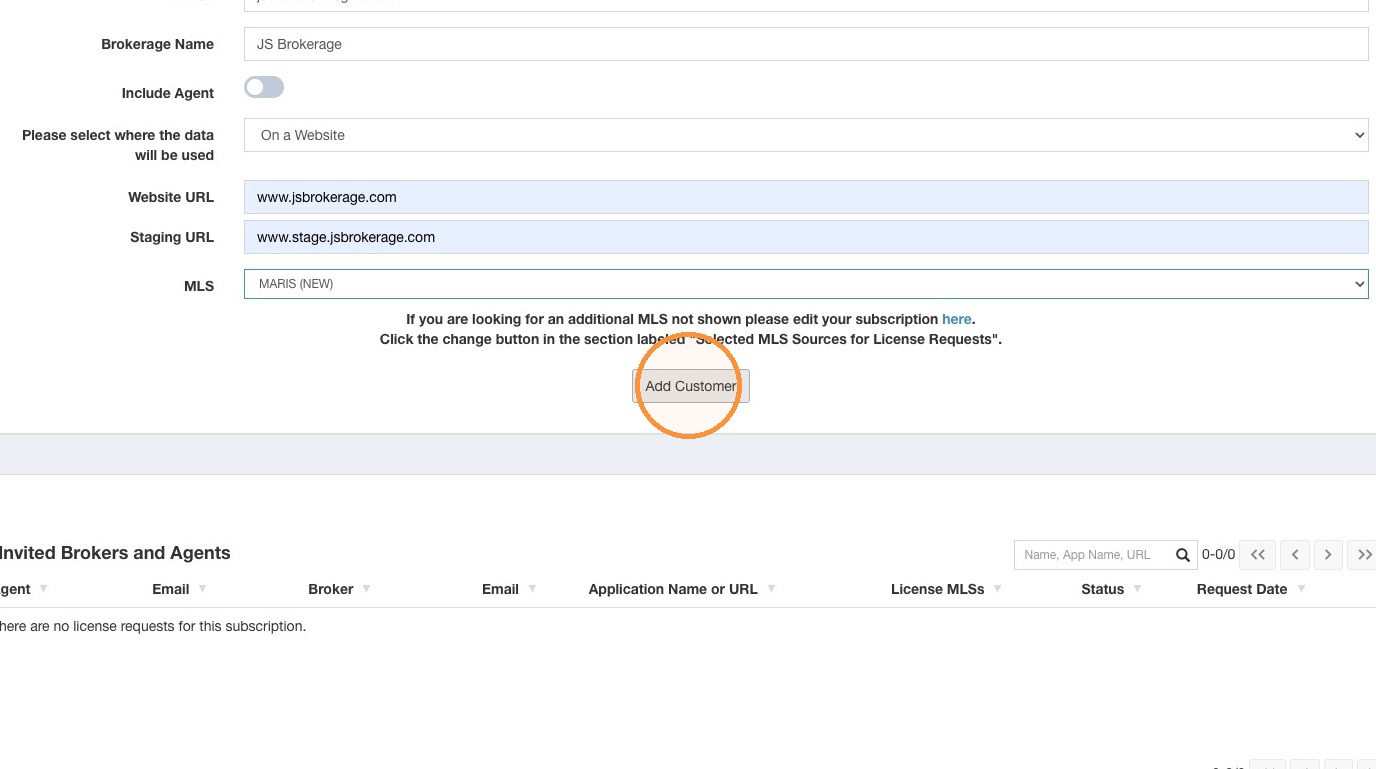
 8\. Click "Add Customer"
 #### Submit License Request
9\. Review the information before sending your Data License Request.\
\
The MLS Grid system will send an email to your Broker/Agent customer with a link to review and approve the MLS Grid Data License Agreement. This necessary step provides authorization to petition the applicable MLS for access to data on behalf of your Broker/Agent customer.
#### Submit License Request
9\. Review the information before sending your Data License Request.\
\
The MLS Grid system will send an email to your Broker/Agent customer with a link to review and approve the MLS Grid Data License Agreement. This necessary step provides authorization to petition the applicable MLS for access to data on behalf of your Broker/Agent customer.
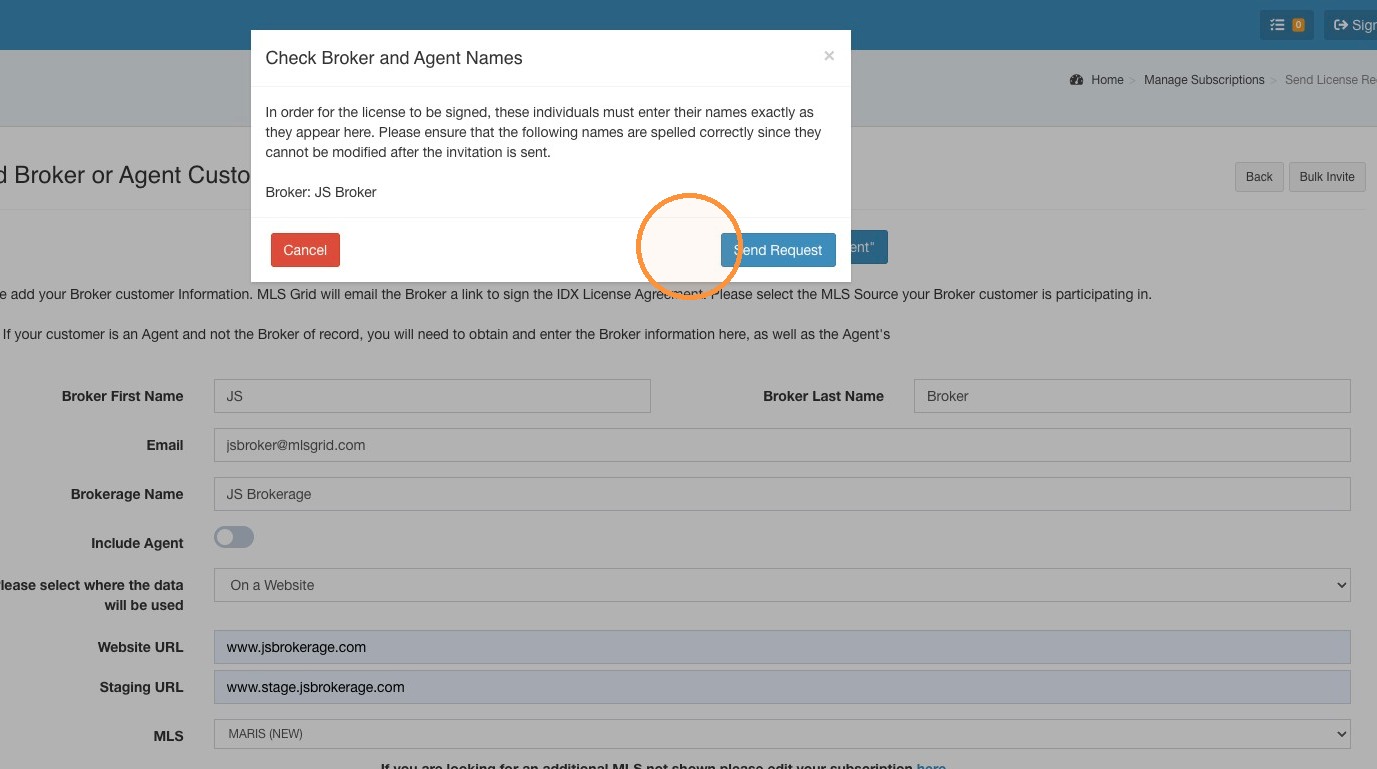 10\. You can review the status of your Data License Request at any time by navigating to the Licenses tab of your Data Subscription, and locating the outstanding Data License Request by searching for your Broker/Agent customer. A more detailed view of the steps in the process can be reviewed by clicking on the name of your customer in the returned search results.