1\. Navigate to
 #### Account Registration
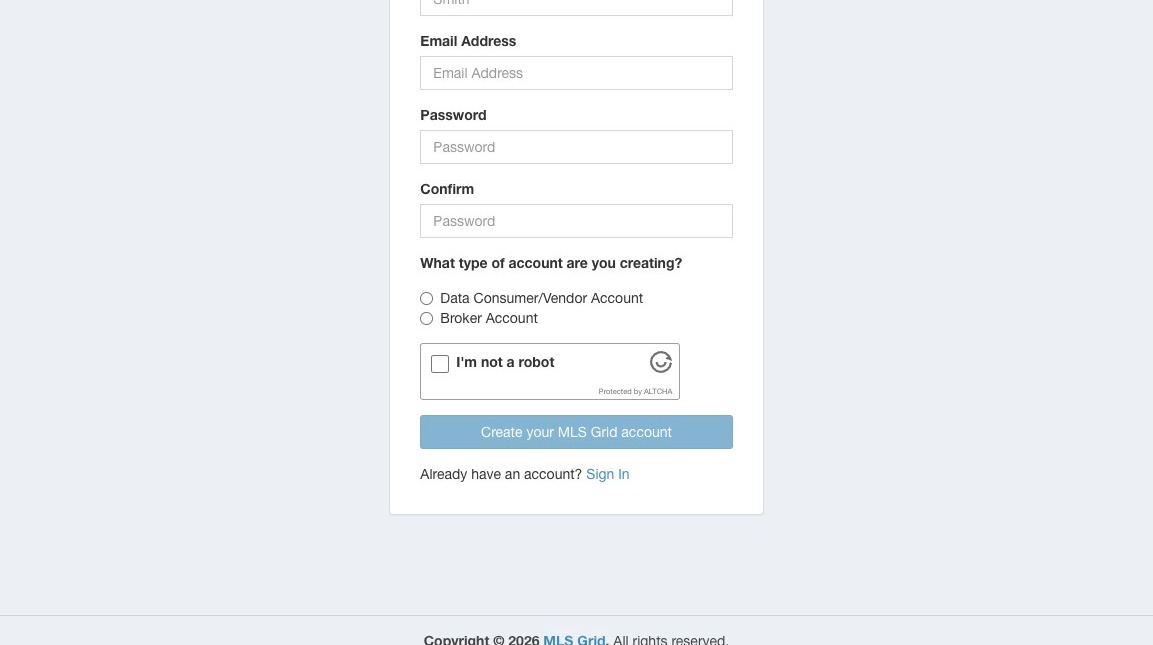
2\. Enter all the requested information, email address, and create your password.
#### Account Registration
2\. Enter all the requested information, email address, and create your password.
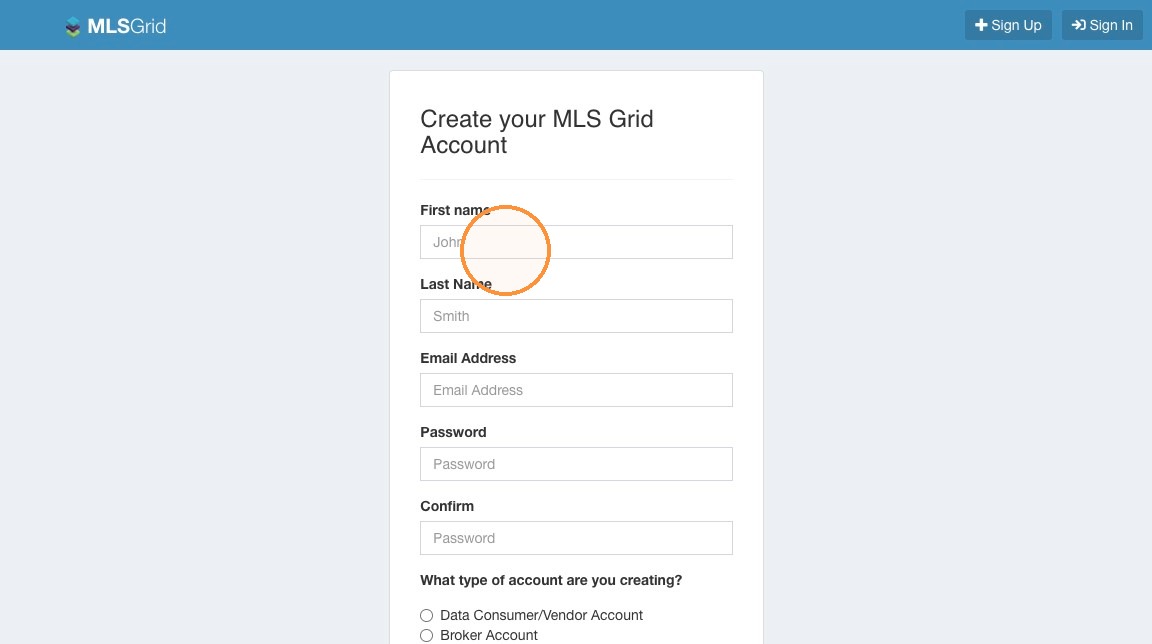 3\. Select the Broker Account option.
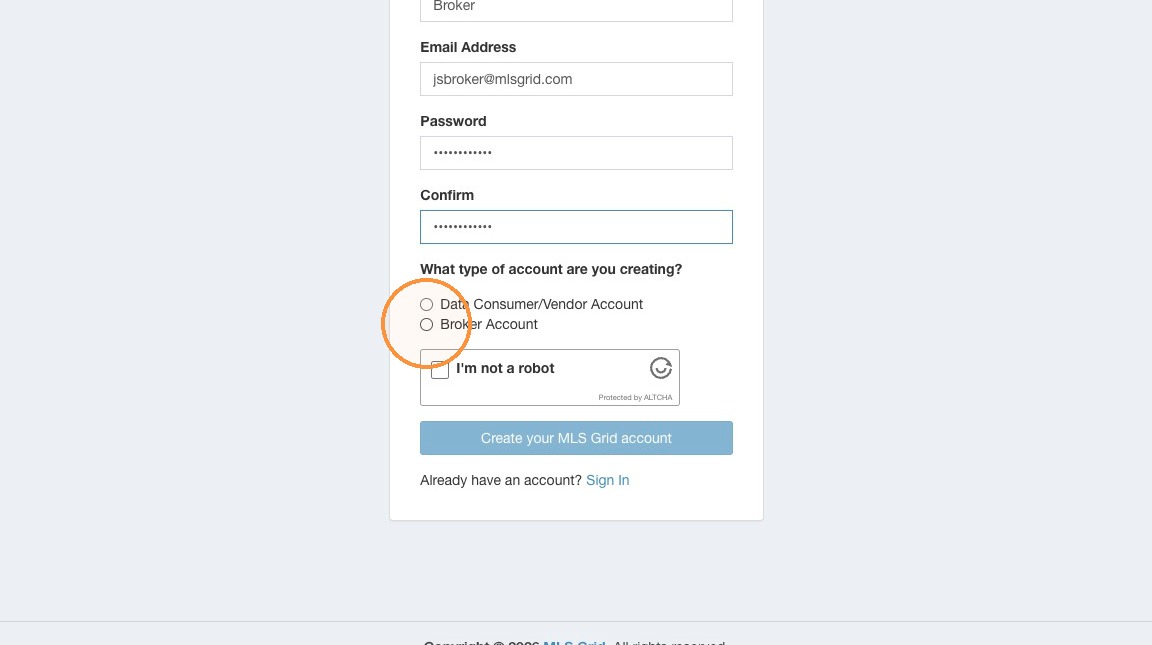 4\. Review the available Data Subscription options. Click "Ok".
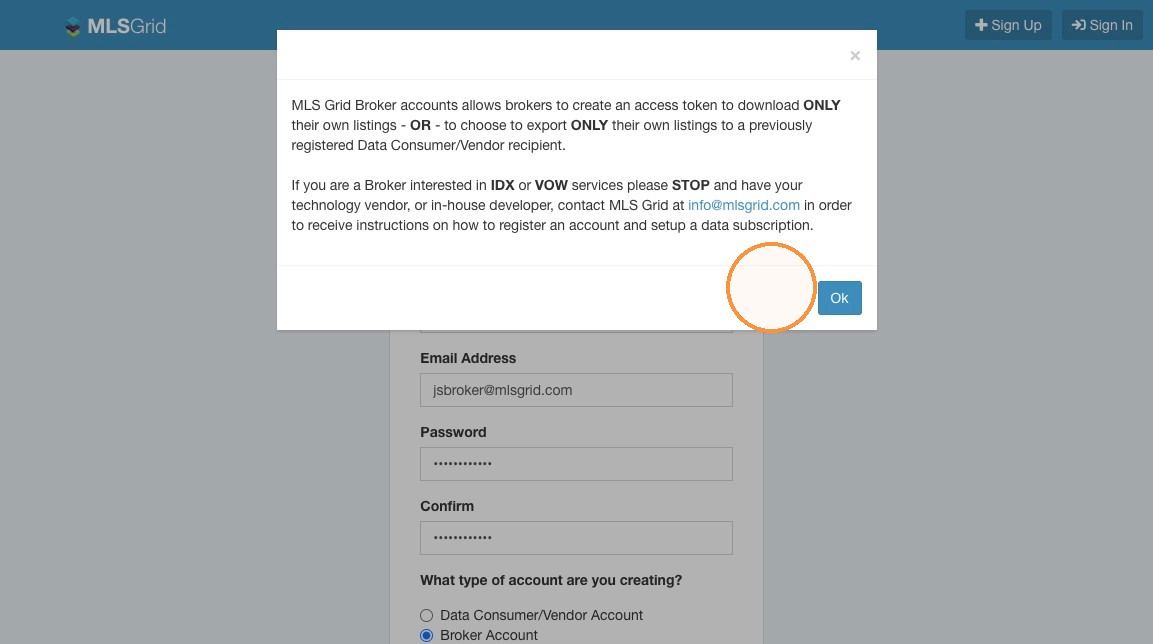 5\. Click the Captcha to verify you are not a robot.
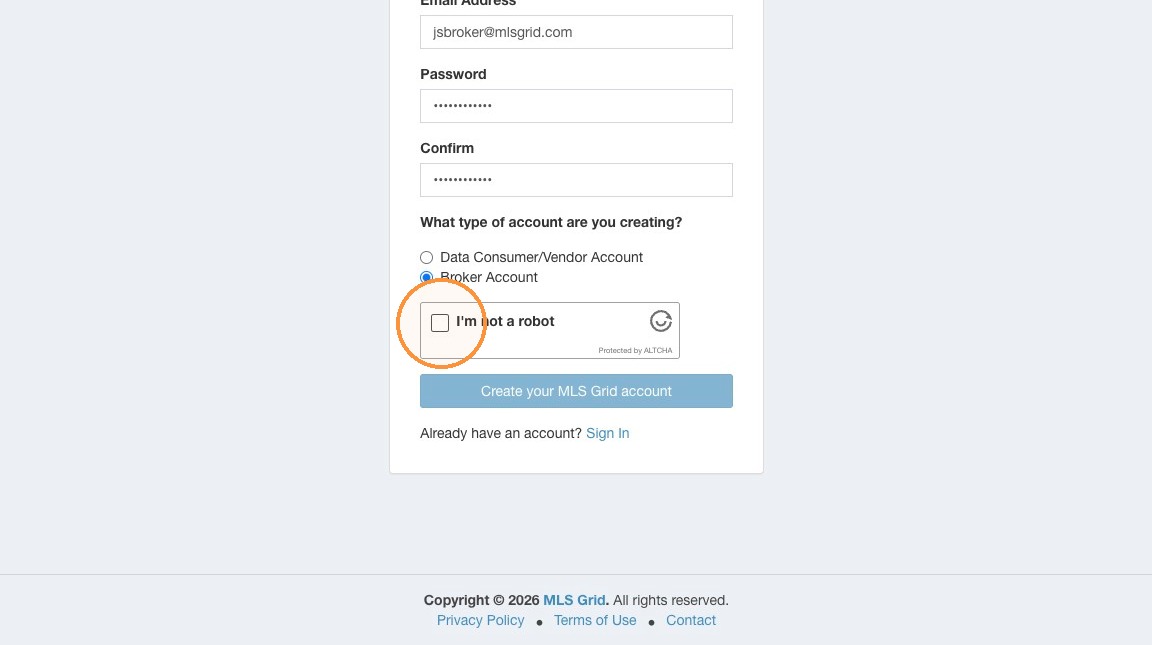 6\. Click "Create your MLS Grid account"
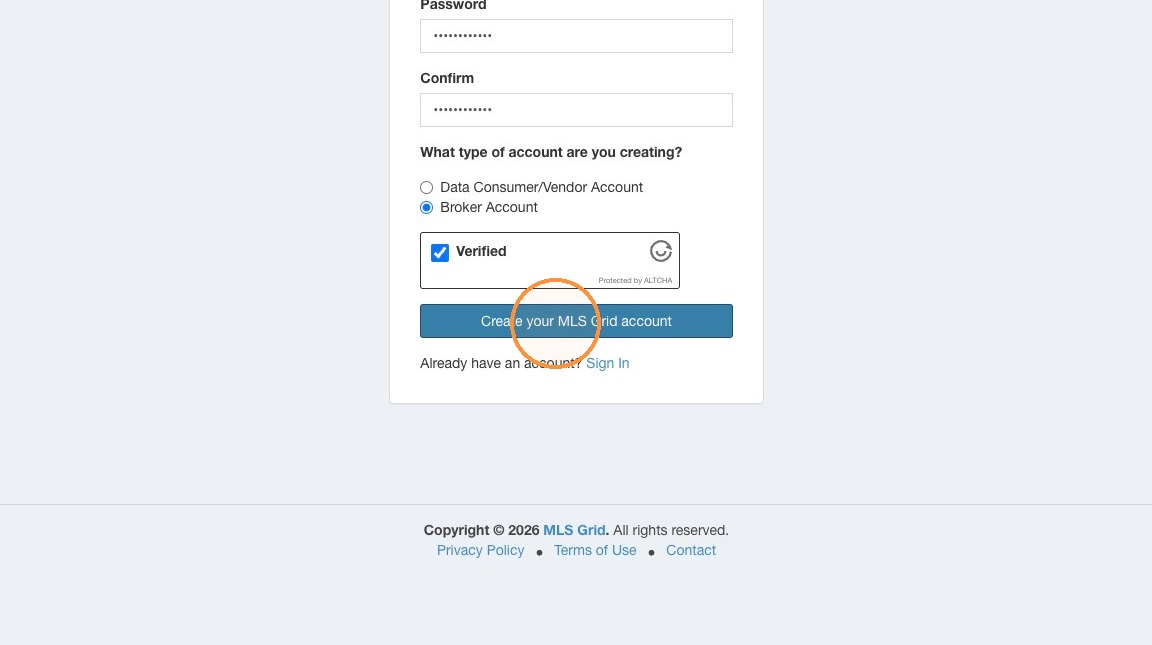 #### Email Activation
7\. Locate the email sent to the address used during registration. The email will arrive from "
#### Email Activation
7\. Locate the email sent to the address used during registration. The email will arrive from "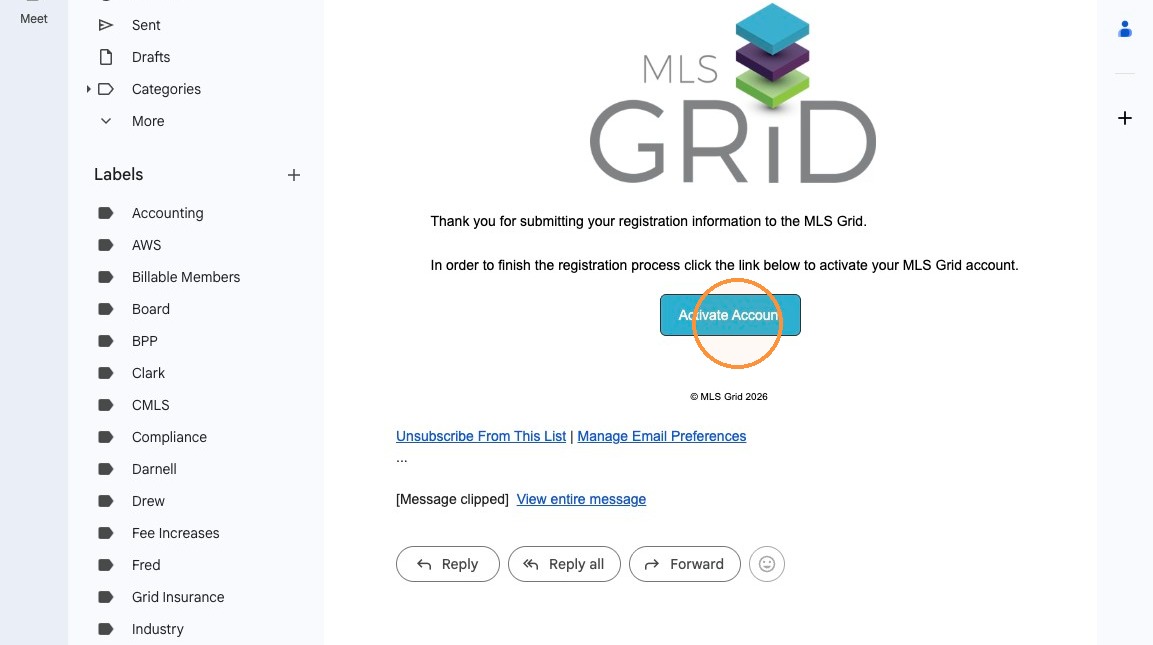 8\. To finish setting up your account click "Continue Setup"
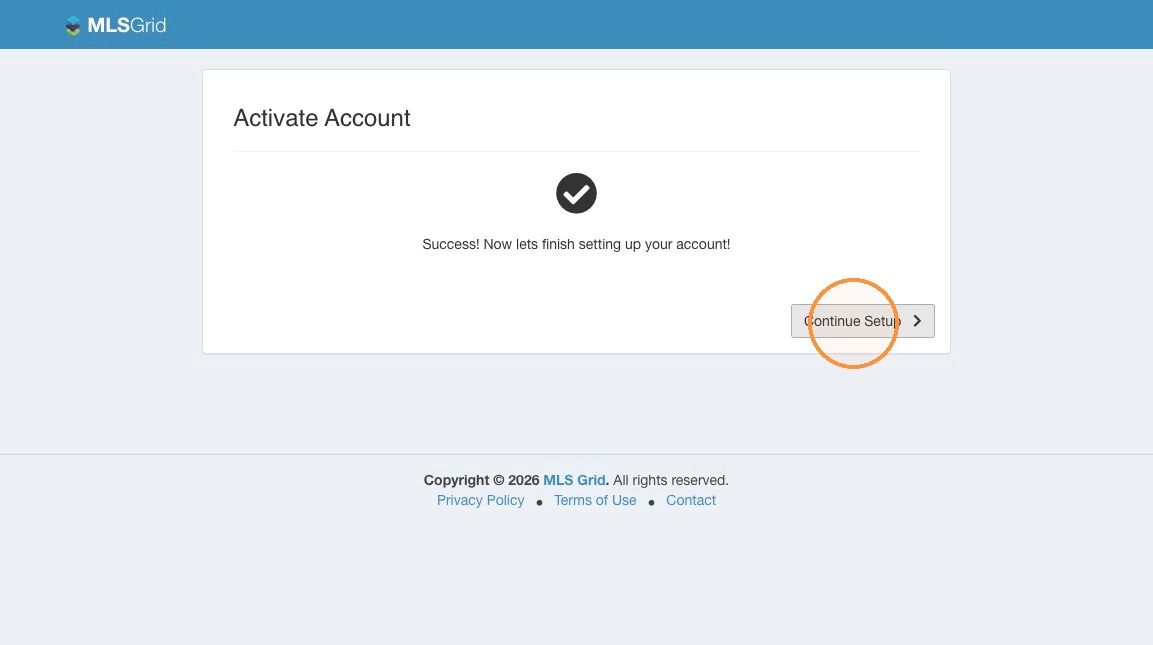 9\. Enter the required information about your organization. Please ensure to provide address, primary contact name, email, and phone number.
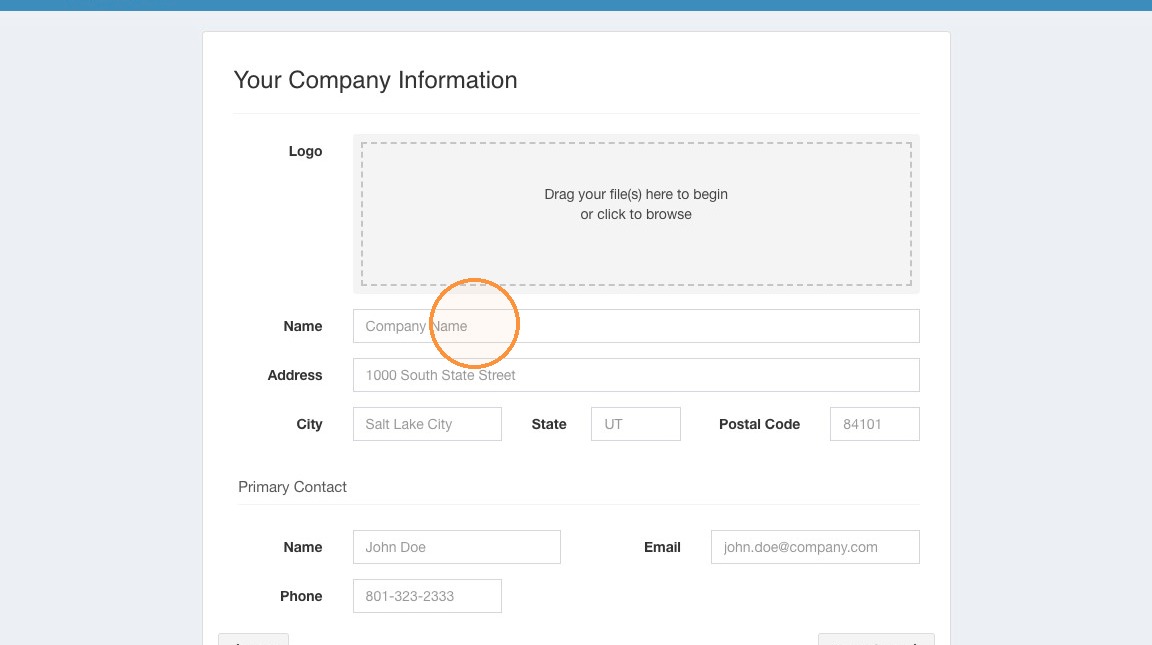 10\. Click "Finish Setup"
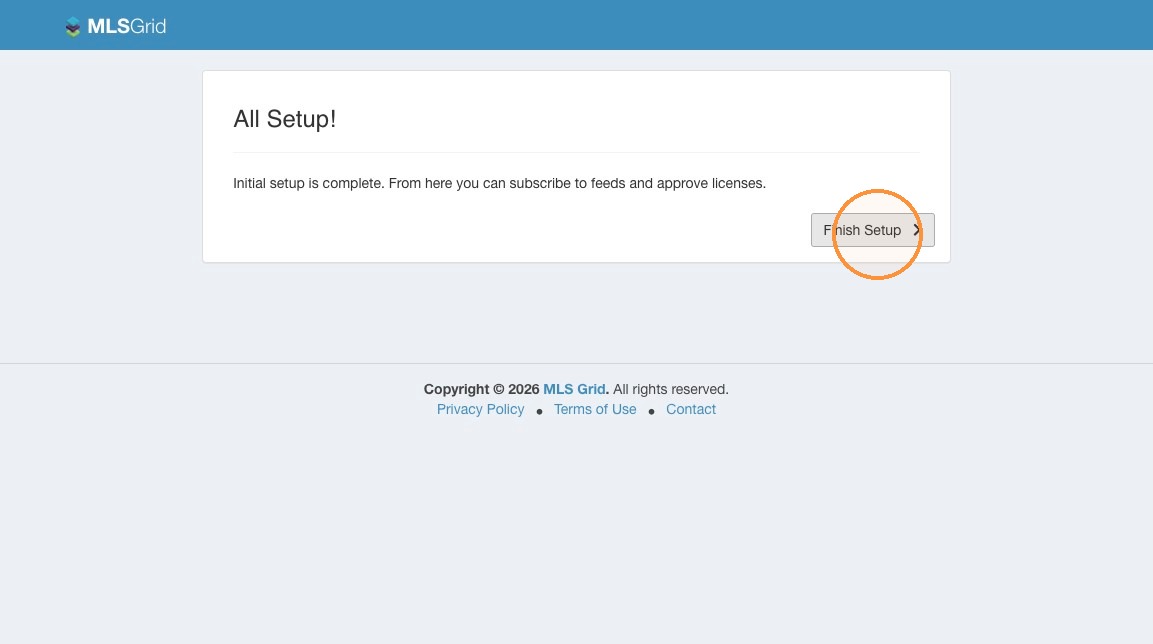
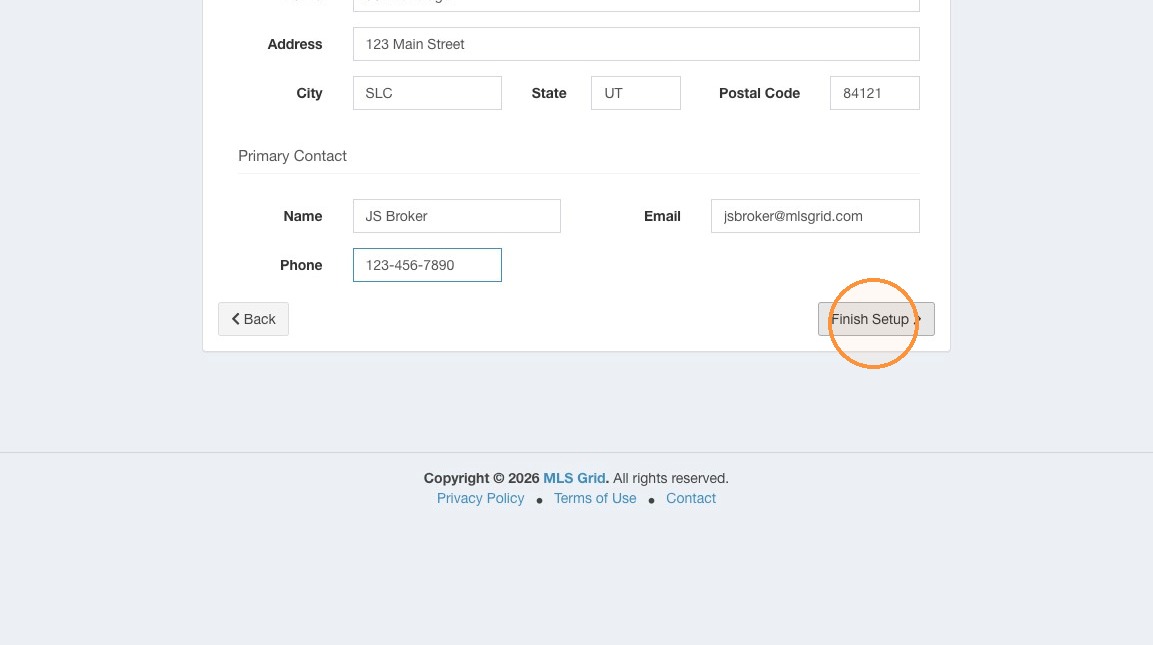 11\. Initial Setup is Complete. Click "Finish Setup"
 #### Brokerage Verification Steps
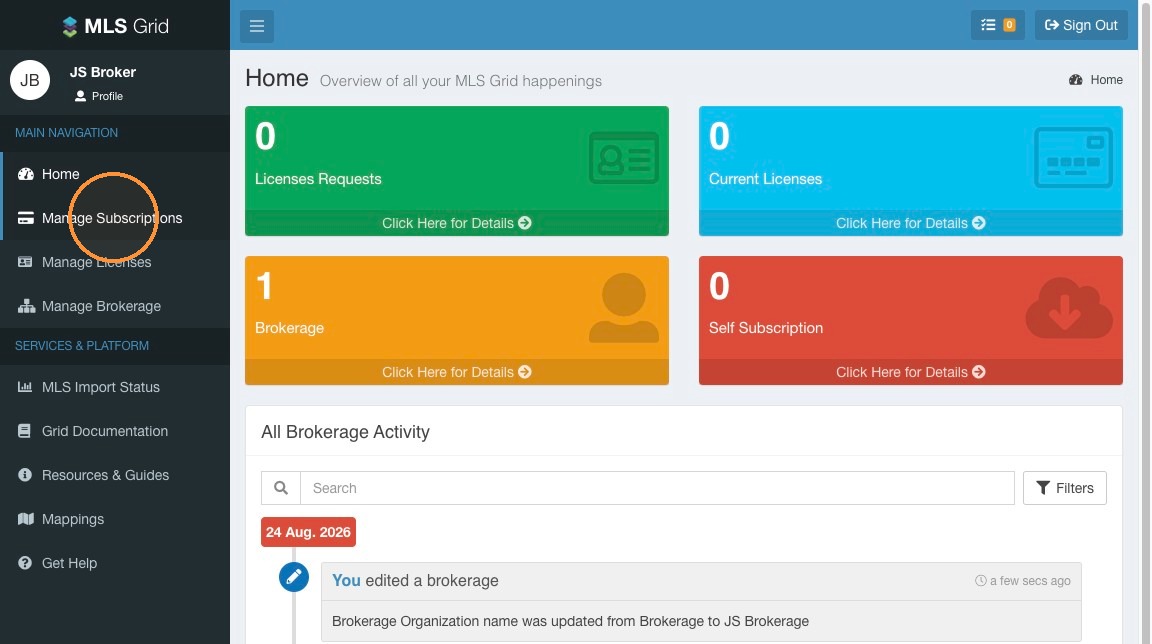
12\. Make sure you are logged in to your MLS Grid account at [https://app.mlsgrid.com](https://app.mlsgrid.com/)\
\
Click "Manage Subscriptions" in the left sidebar menu.
#### Brokerage Verification Steps
12\. Make sure you are logged in to your MLS Grid account at [https://app.mlsgrid.com](https://app.mlsgrid.com/)\
\
Click "Manage Subscriptions" in the left sidebar menu.
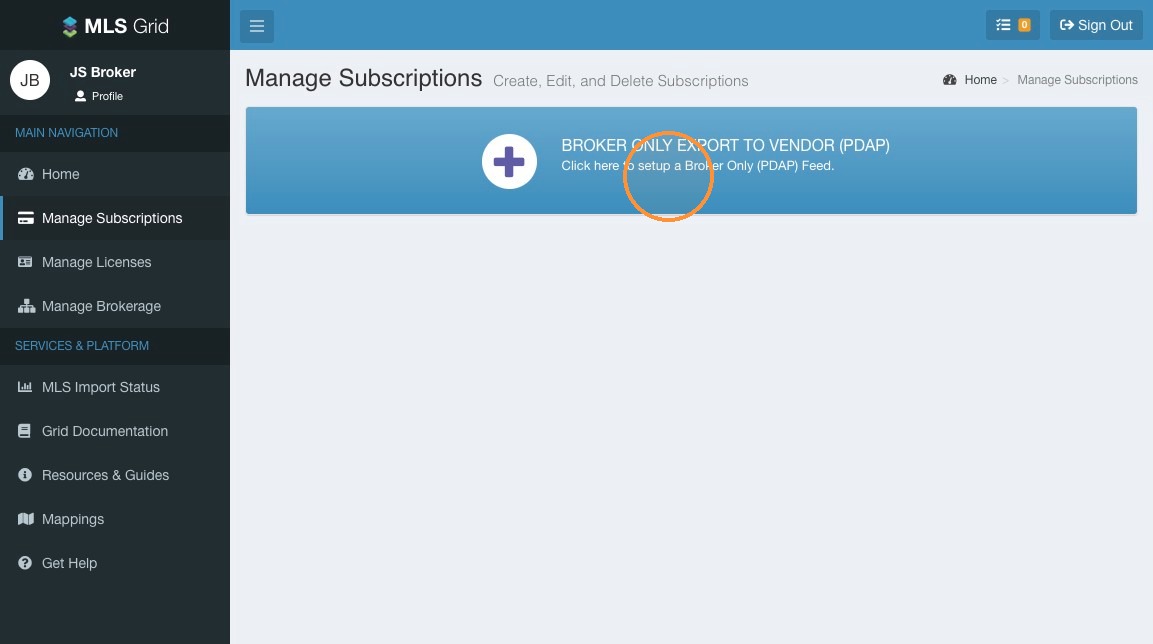
 13\. Open "Broker Only Export to Vendor (PDAP)."
 #### Broker Verification
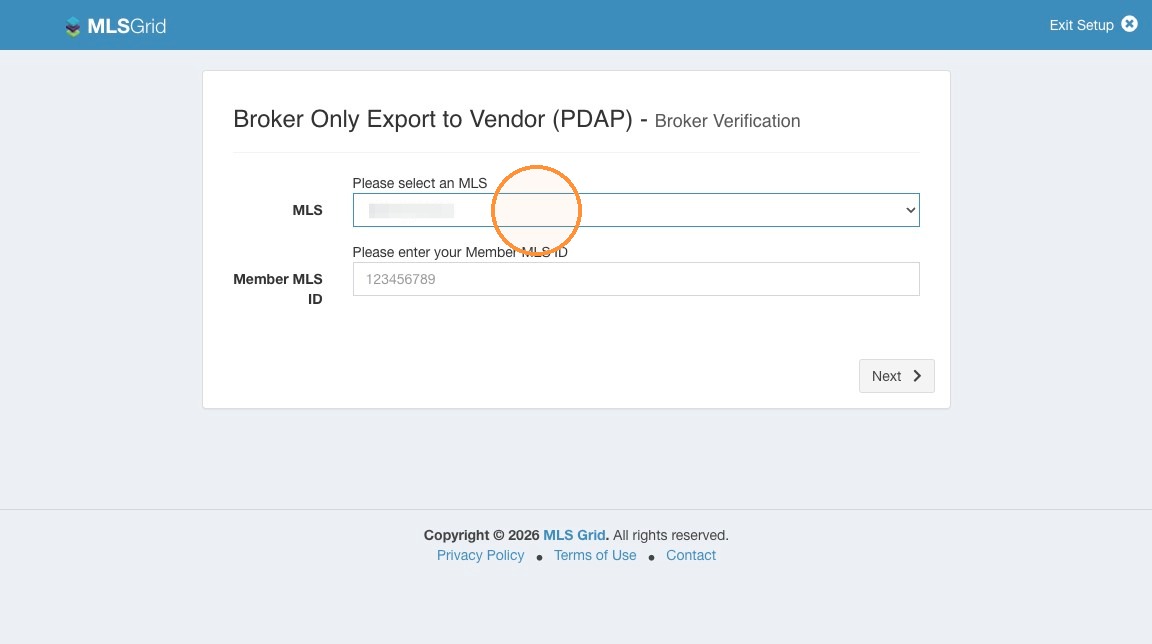
14\. Select your MLS from the dropdown menu.
#### Broker Verification
14\. Select your MLS from the dropdown menu.
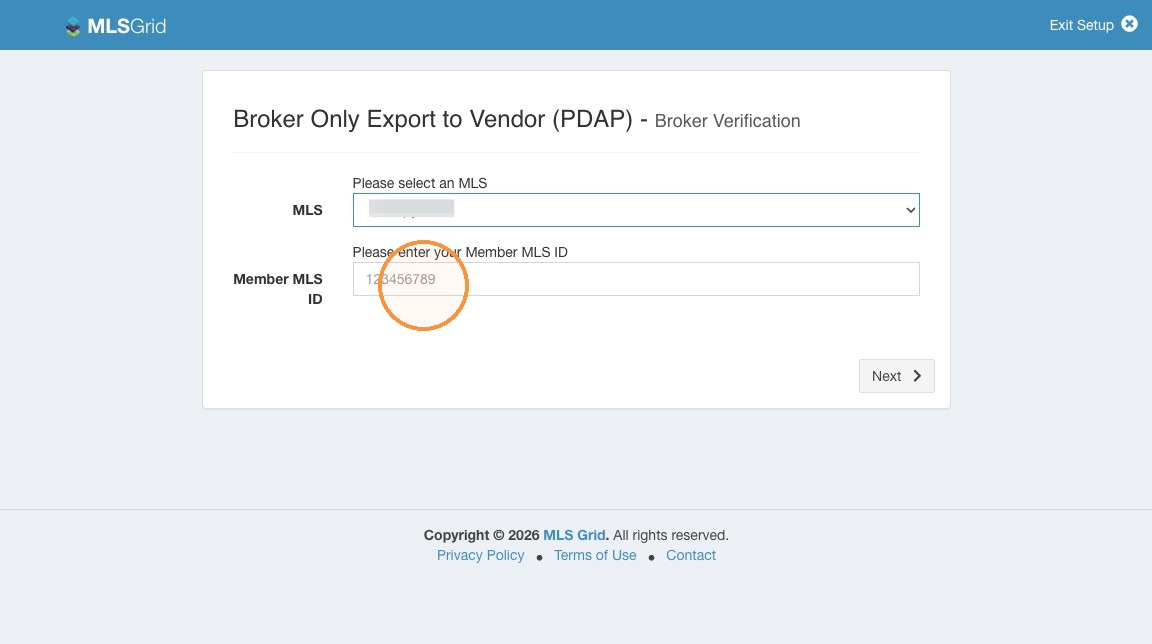
 15\. Enter your Member MLS ID. This is your commonly used identifier for your account with your MLS. If you do not know your Member MLS ID please contact your MLS to retrieve this information.
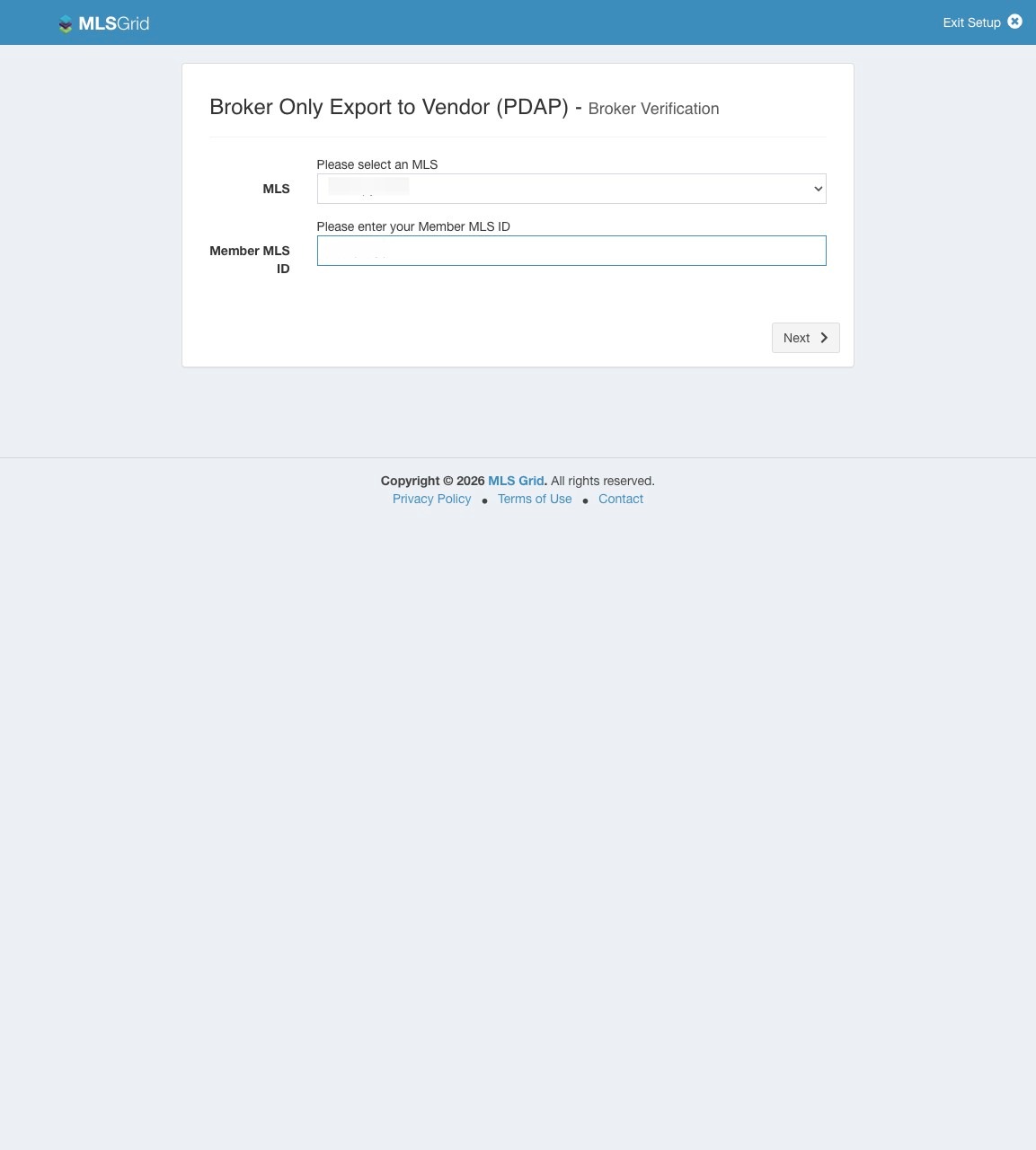 16\. Click "Next"
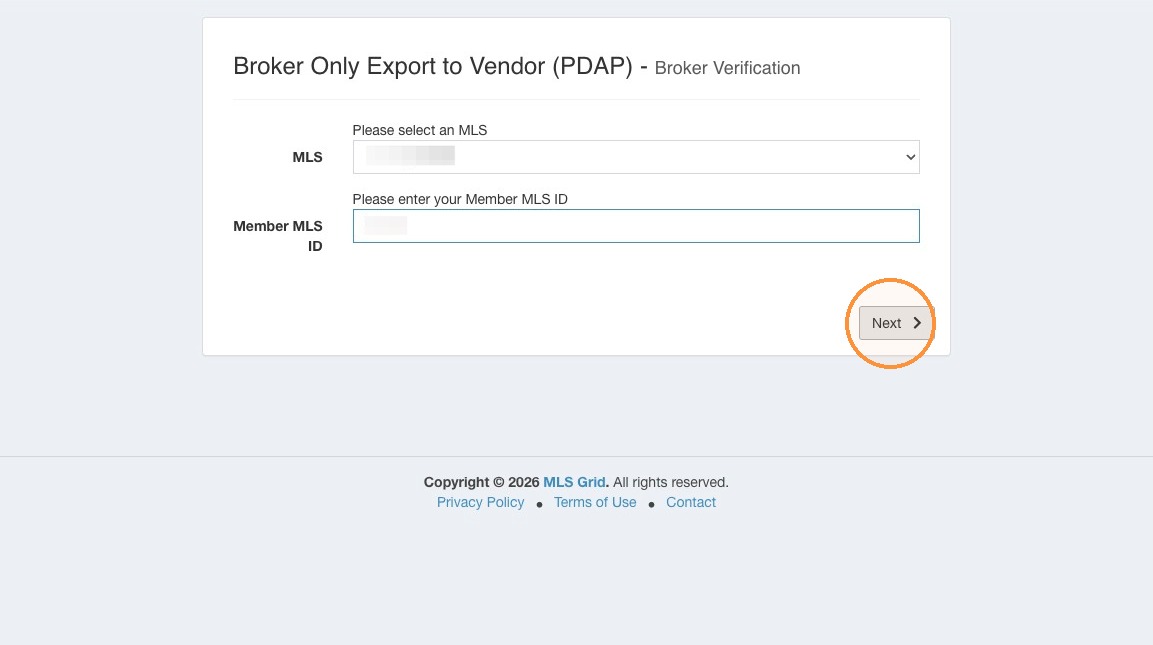 17\. If you have successfully entered your Member MLS ID, and your Member Type is one that your MLS permits to approve a data export to a third party, review and verify your member and office information before you click "Send Email."\
\
The system will send an email for verification to the email address associated with your MLS member record.
17\. If you have successfully entered your Member MLS ID, and your Member Type is one that your MLS permits to approve a data export to a third party, review and verify your member and office information before you click "Send Email."\
\
The system will send an email for verification to the email address associated with your MLS member record.
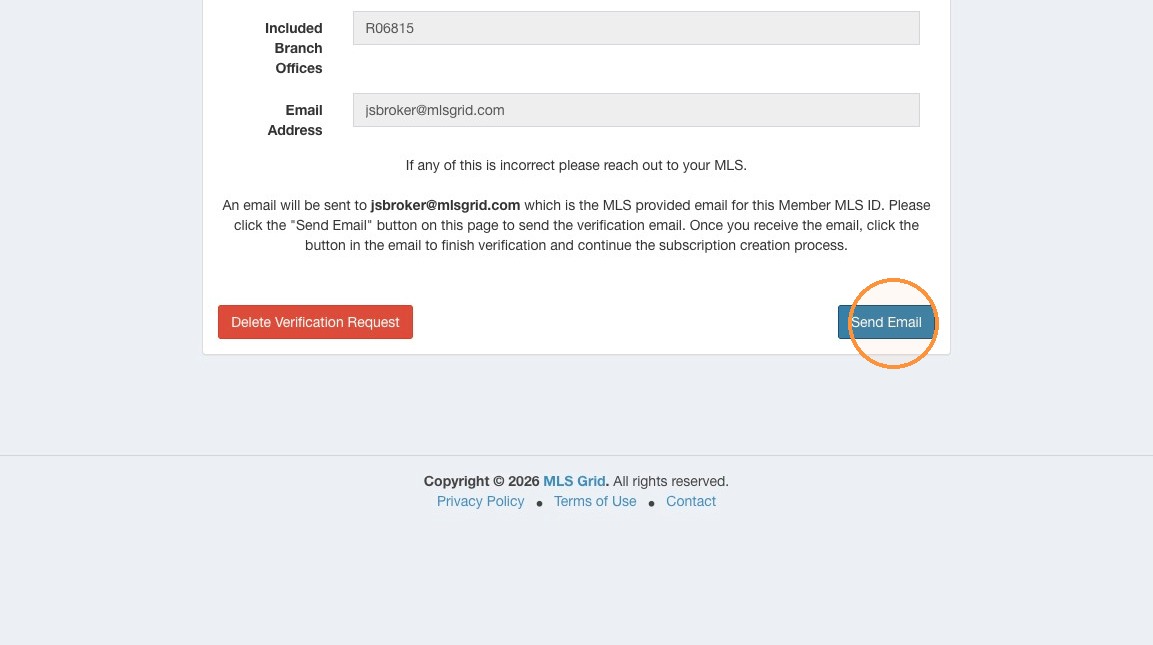 18\. Locate the email sent to the address from your MLS membership information. The email will arrive from "
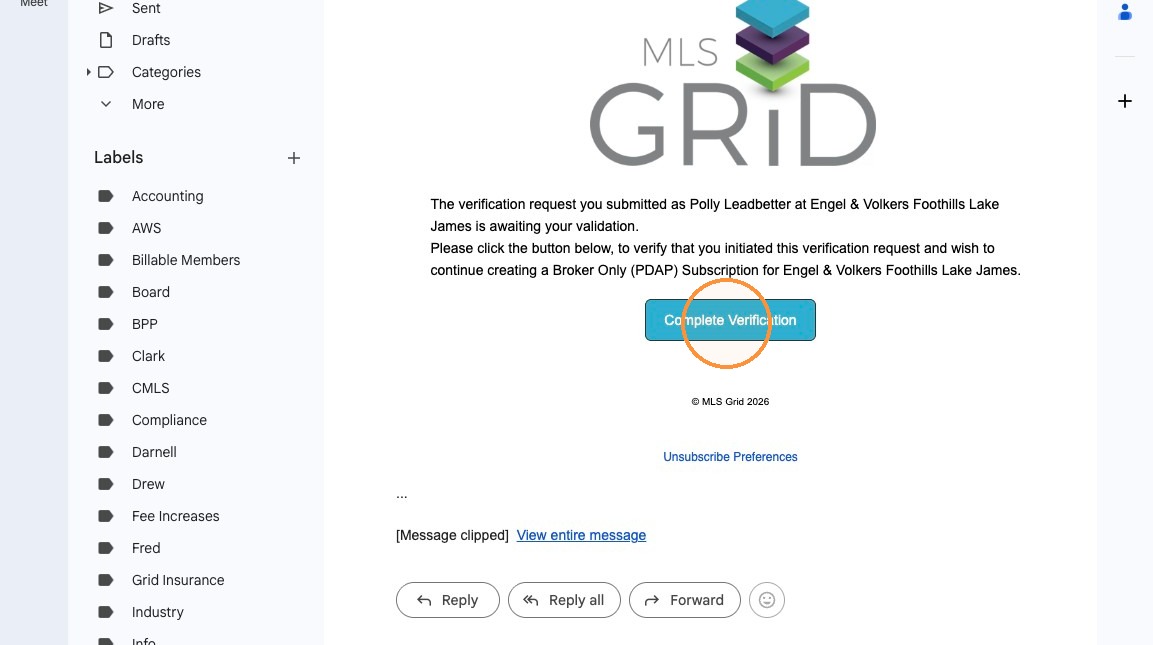 19\. Return to your MLS Grid account. You may need to log in again, or refresh the screen to continue.
20\. Under the Manage Subscriptions section of your MLS Grid account click "Manage Office Data Recipients"
19\. Return to your MLS Grid account. You may need to log in again, or refresh the screen to continue.
20\. Under the Manage Subscriptions section of your MLS Grid account click "Manage Office Data Recipients"
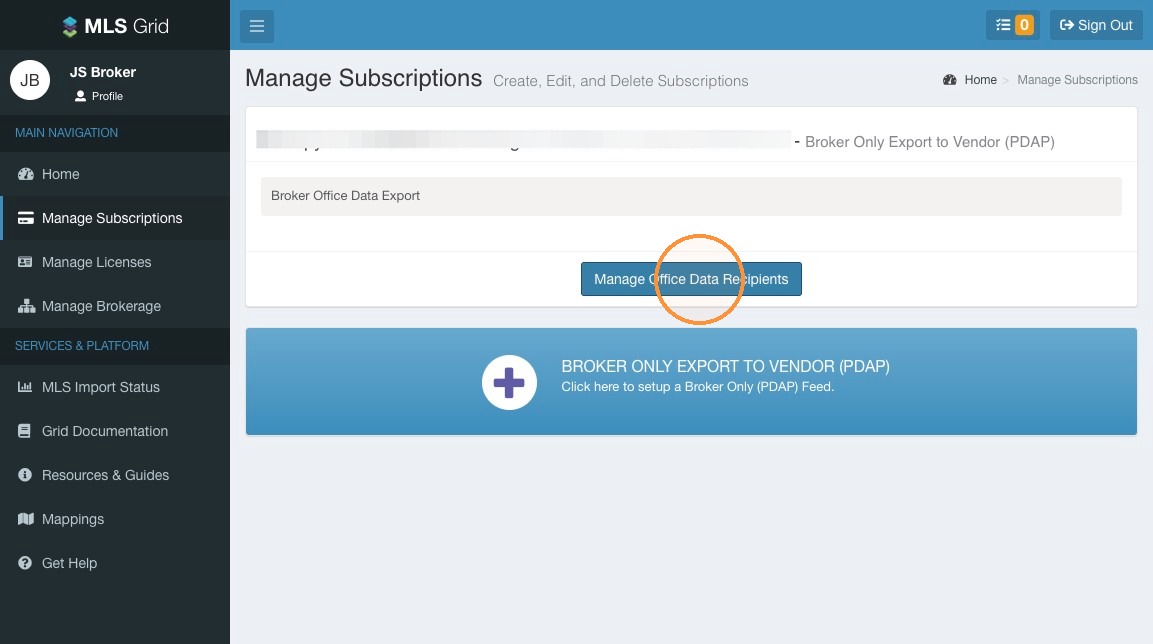 21\. Click "Add Recipient"
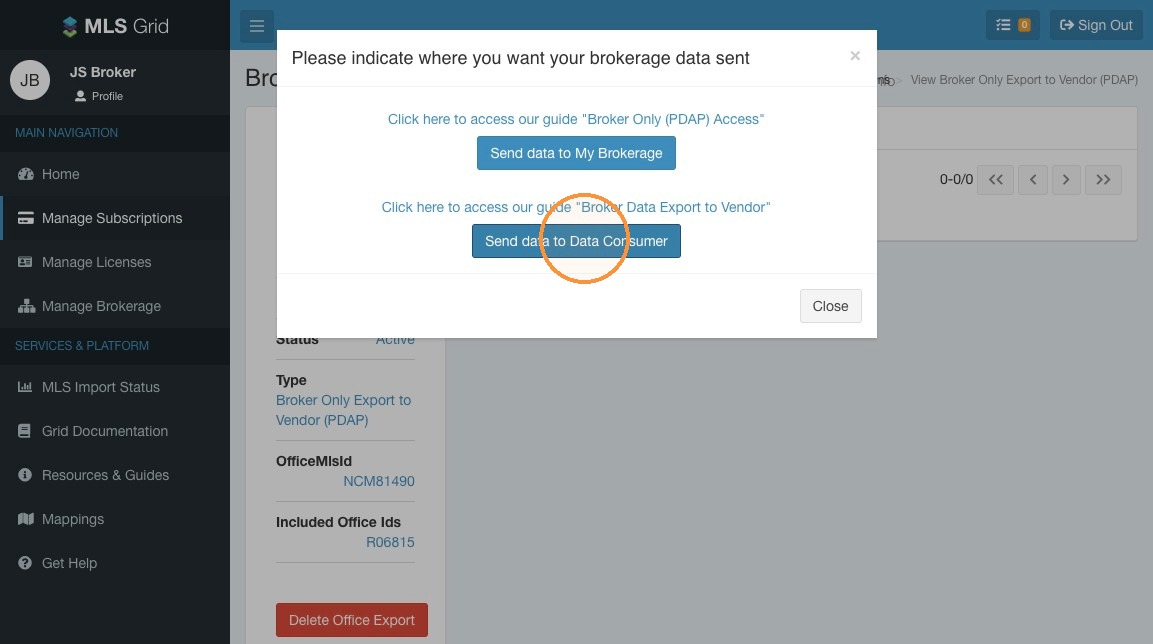
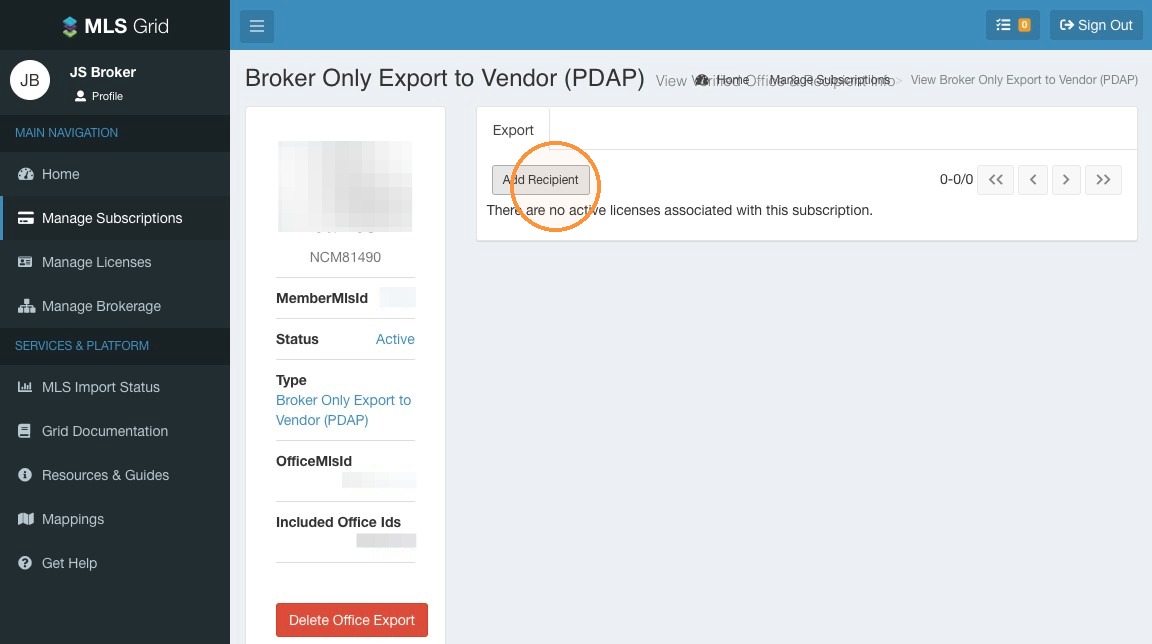 22\. Click "Send data to Data Consumer"
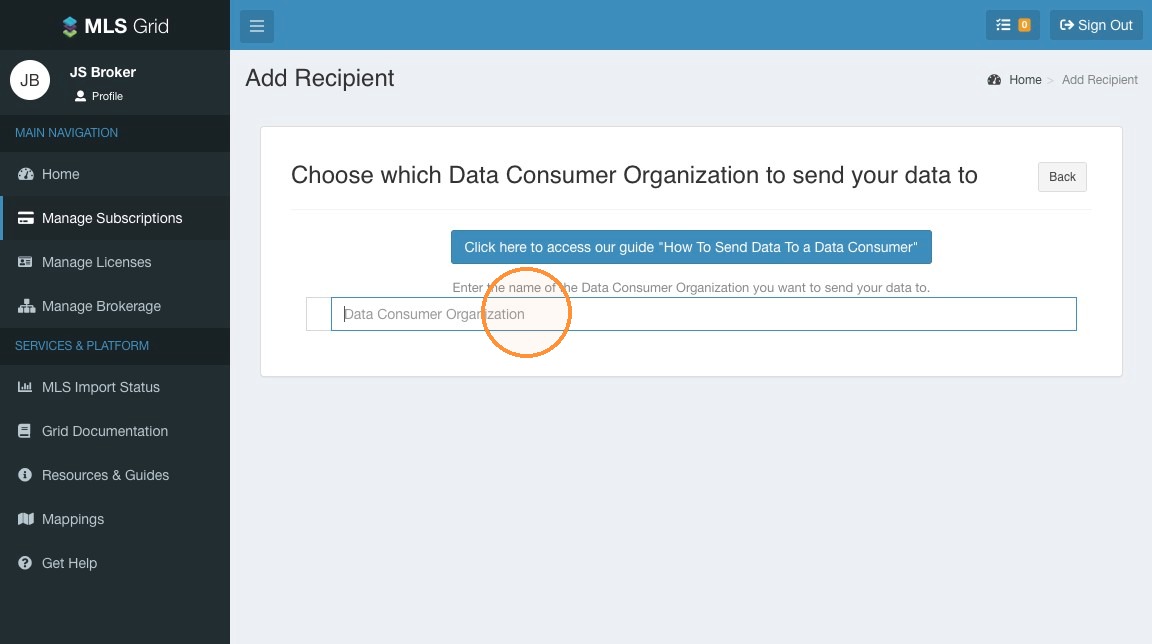
 23\. Click the "Data Consumer Organization" field. Enter the name of the third party organization or Data Consumer Organization you wish to export your brokerage's listing data.\
\
Please Note: If the intended Data Consumer does not have an account and data subscription on MLS Grid you may not be able to locate them using this search. Please contact your intended Data Consumer or MLS Grid Support for assistance in locating your intended recipient.
23\. Click the "Data Consumer Organization" field. Enter the name of the third party organization or Data Consumer Organization you wish to export your brokerage's listing data.\
\
Please Note: If the intended Data Consumer does not have an account and data subscription on MLS Grid you may not be able to locate them using this search. Please contact your intended Data Consumer or MLS Grid Support for assistance in locating your intended recipient.
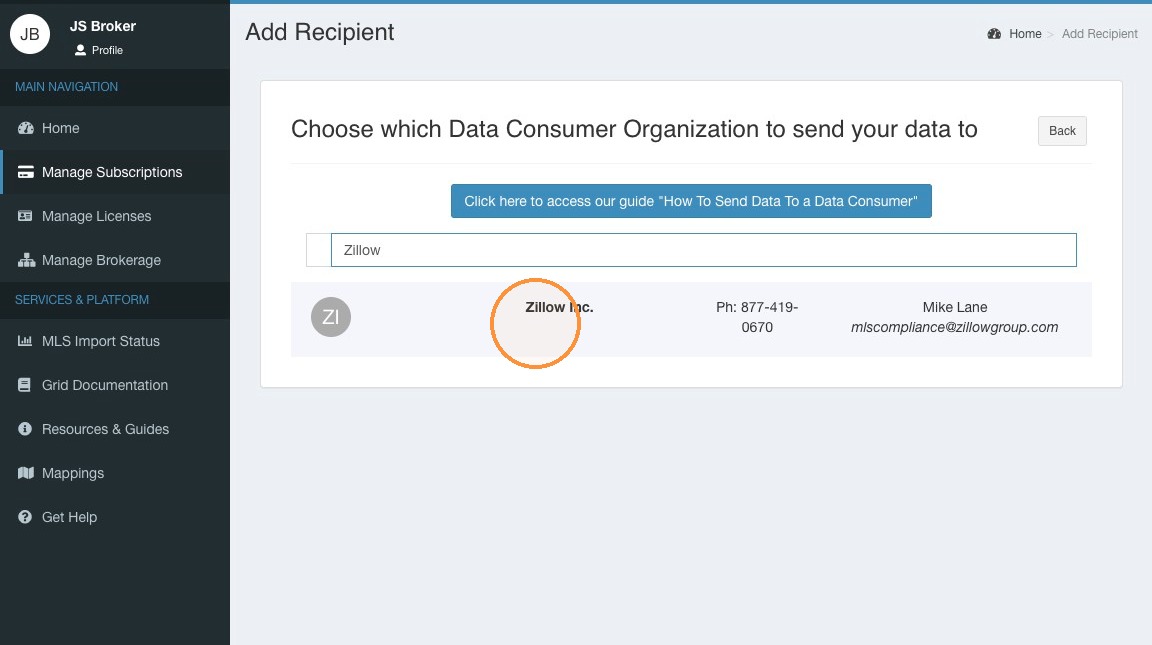
 24\. When you have successfully located your intended Data Consumer, click on their name.
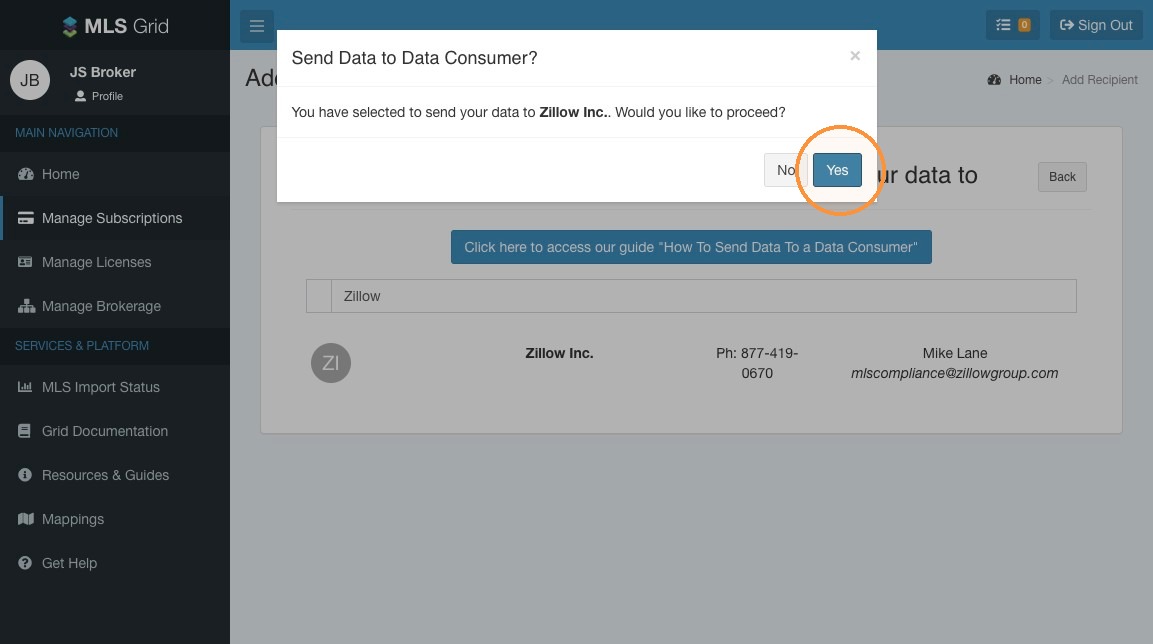
 25\. To agree to export your brokerage's listing data to the intended Data Consumer click "Yes"
 #### Agreement Acceptance
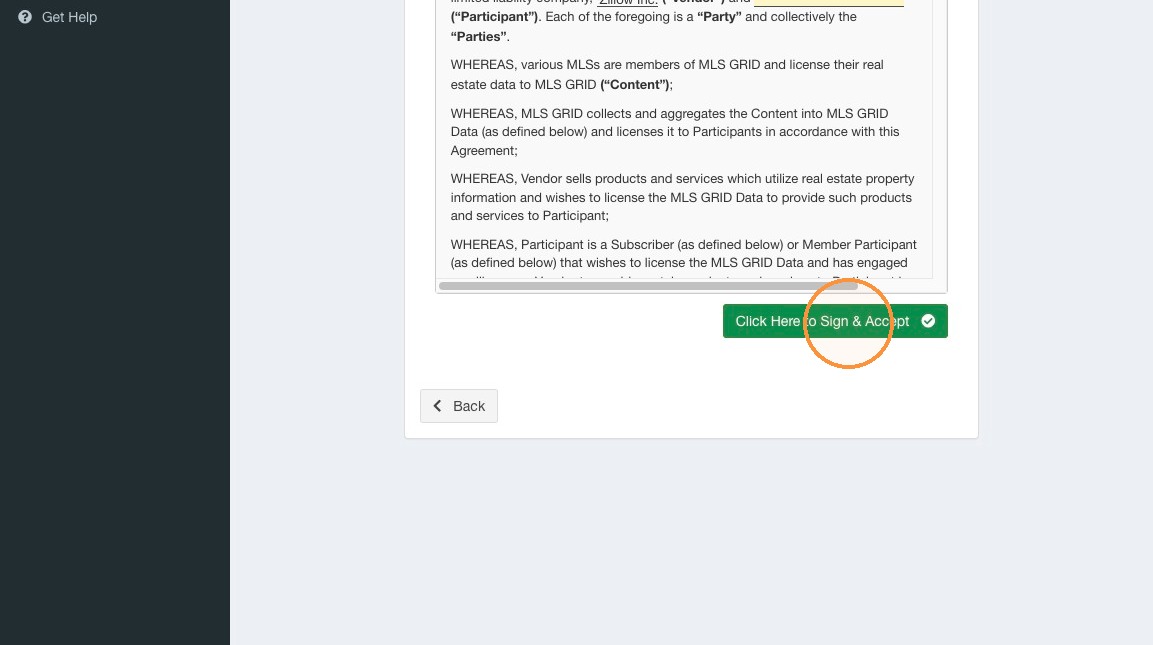
26\. Please read the MLS Grid Data License Agreement. When reviewed click "Click Here to Sign & Accept". Do not attempt to click into the MLS Grid Data License Agreement to edit any of the information.
#### Agreement Acceptance
26\. Please read the MLS Grid Data License Agreement. When reviewed click "Click Here to Sign & Accept". Do not attempt to click into the MLS Grid Data License Agreement to edit any of the information.
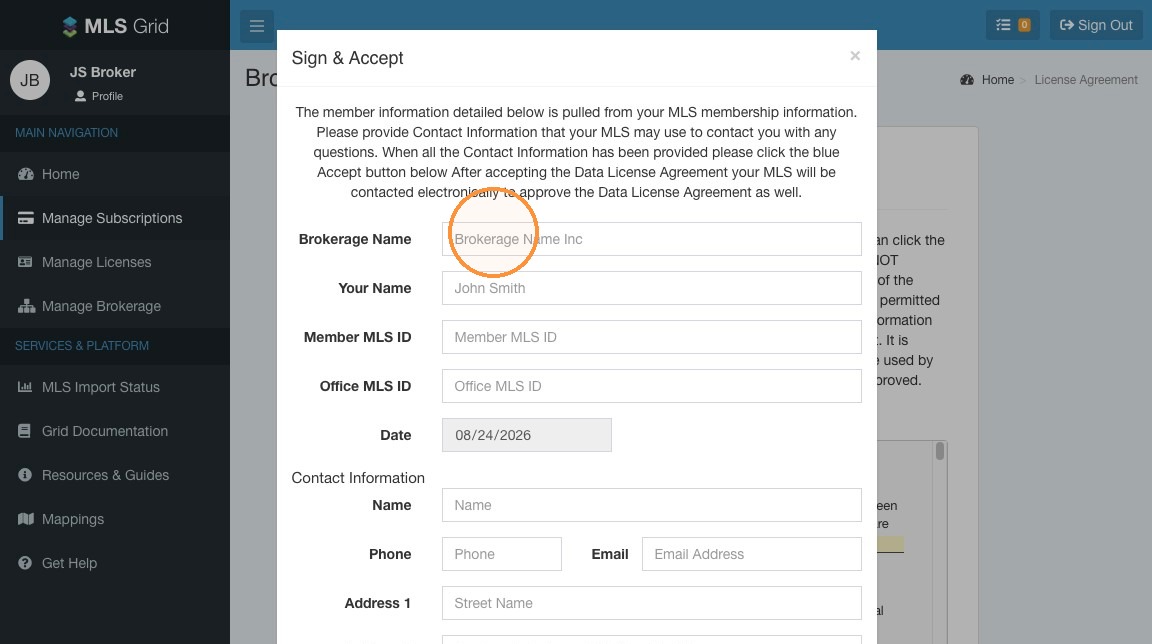
 27\. Enter the required information to complete your acceptance of the MLS Grid Data License Agreement.
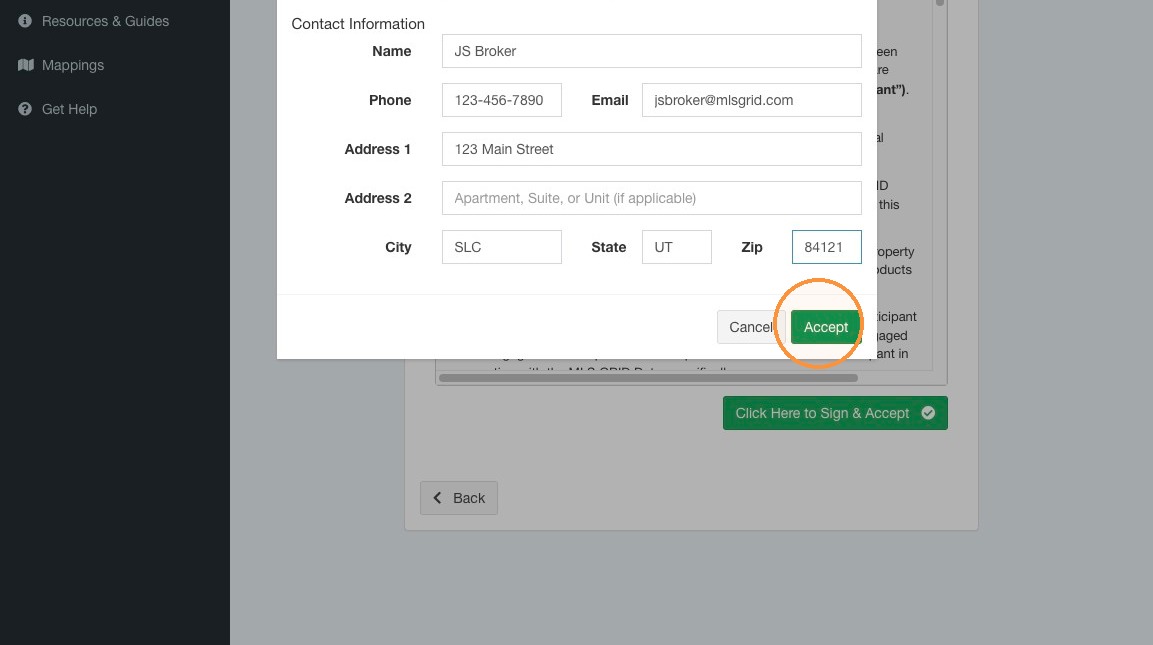
 28\. Click "Accept"
 29\. Your request to export data to the intended Data Consumer will need to reviewed and approved by your MLS. They will automatically be notified of your request.\
\
Please Note: Only the MLS can approve export requests. MLS Grid staff is prohibited from approving a request to export.
29\. Your request to export data to the intended Data Consumer will need to reviewed and approved by your MLS. They will automatically be notified of your request.\
\
Please Note: Only the MLS can approve export requests. MLS Grid staff is prohibited from approving a request to export.
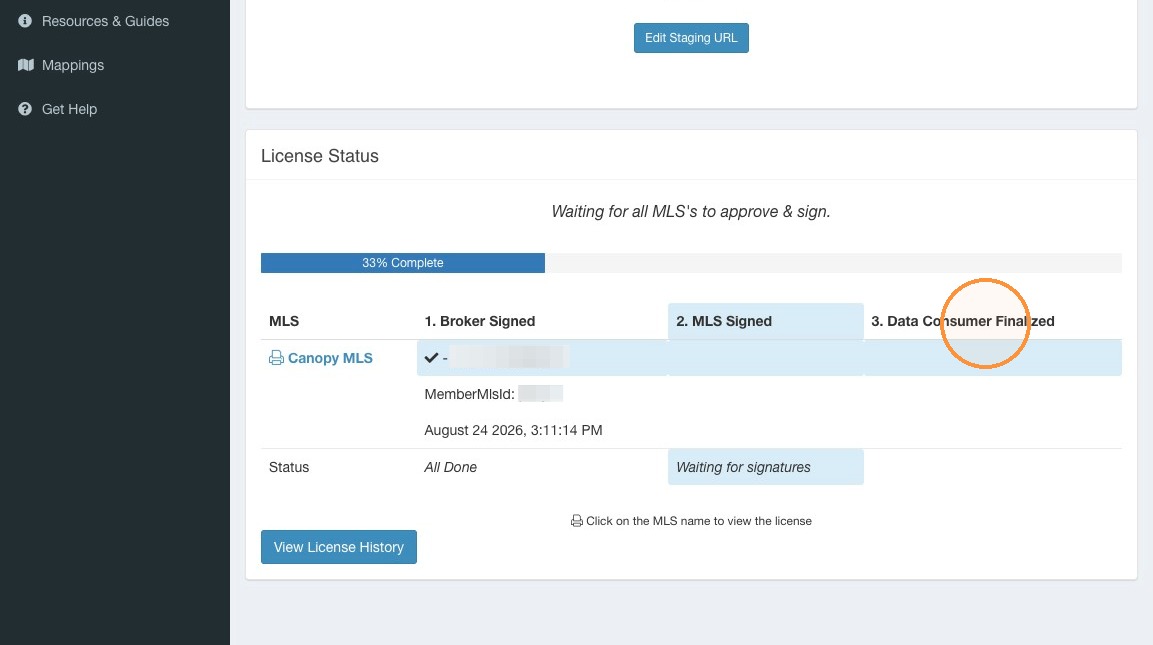
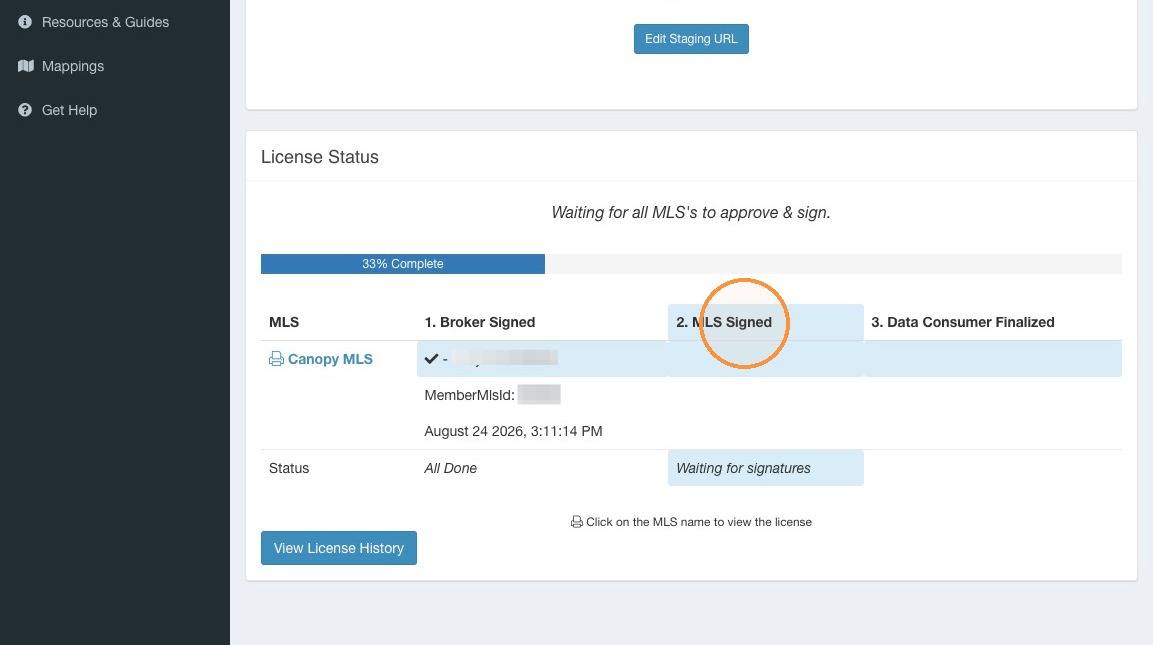 30\. Once your MLS has approved your request to export data your intended Data Consumer will be notified and can finalize the acceptance of your exported data.
\